Student finance & fees
Student finance decides what a student owes, what they have paid, and whether that lets them register, sit an examination or graduate. Most of it is driven by fee rules; some of it is deliberately still manual, and the dashboard says which.
Billing students correctly and controlling what a balance blocks.
Finance ManagerBursarFinance OfficerCashier (collection only)
- Fee categories and items
- A fee structure for the programme, year and intake
- A financial year that is open
Invoices on student accounts, and clearance decisions that other modules read.
The finance dashboard
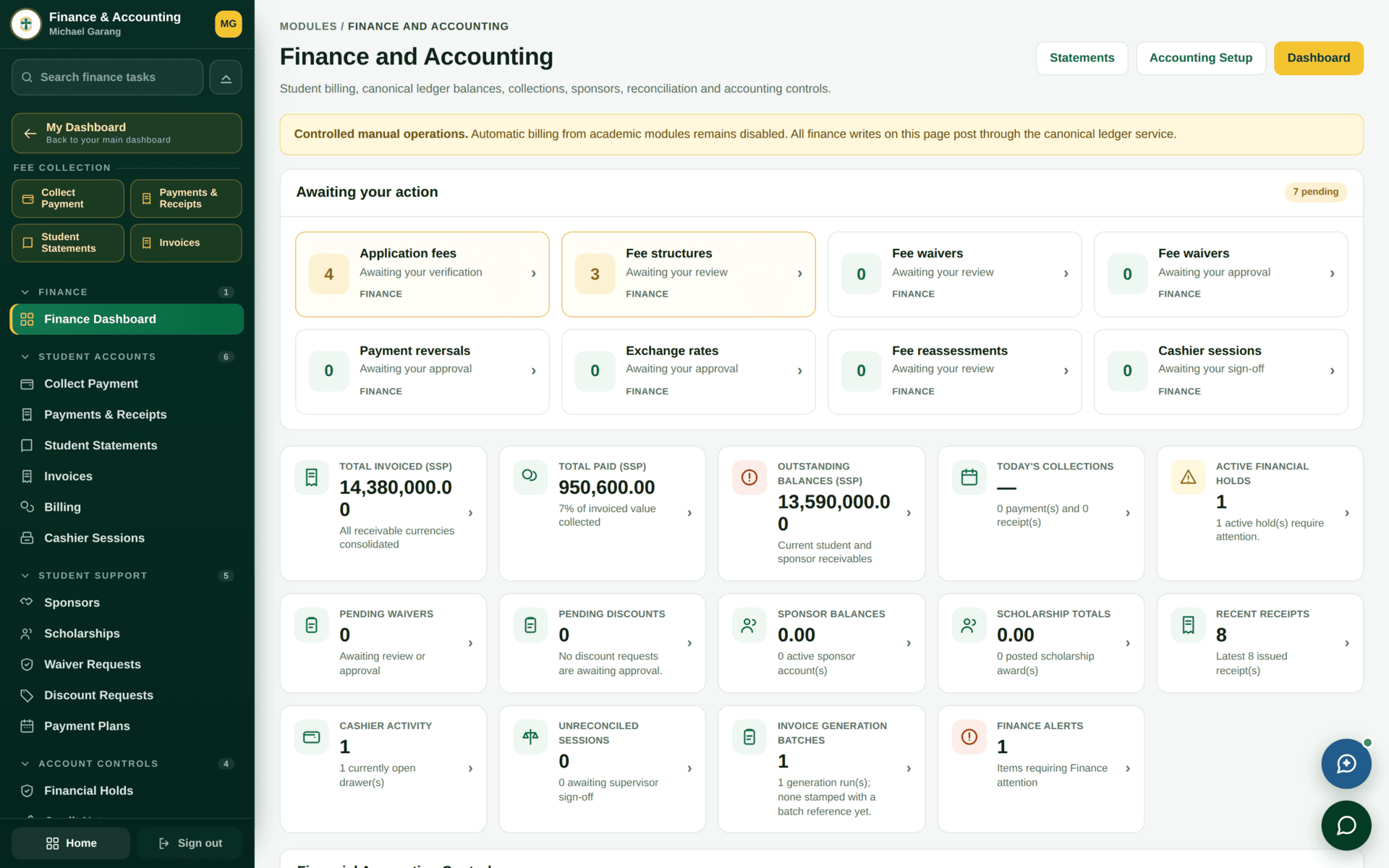
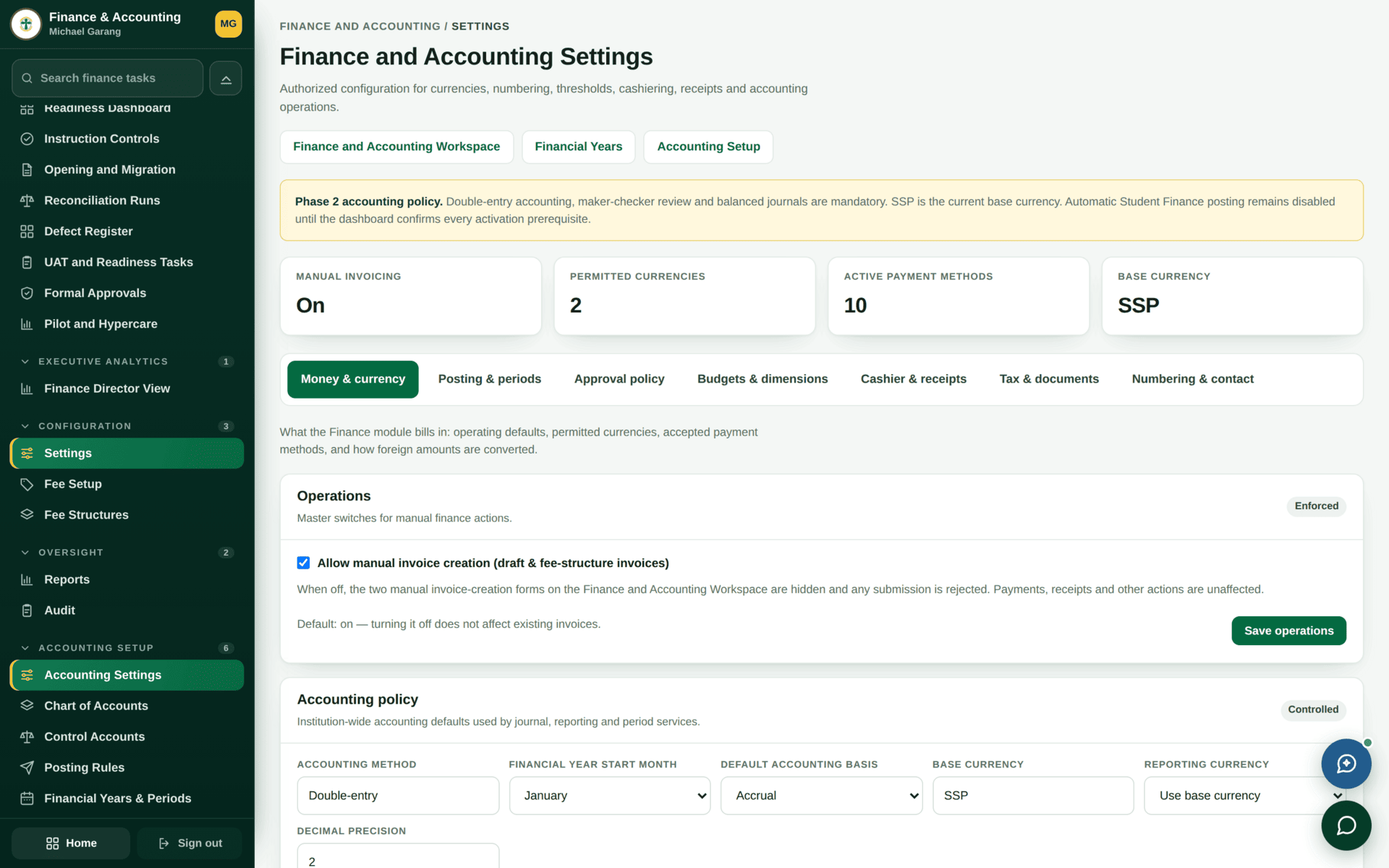
“Controlled manual operations. Automatic billing from academic modules remains disabled. All finance writes on this page post through the canonical ledger service.”
This is the single most important sentence in the module. It means most academic events do not raise a charge by themselves. If you assume they do, students go unbilled and nobody notices until clearance.
What bills automatically and what does not
| Event | Bills automatically? | What that means for you |
|---|---|---|
| Application fee | Yes | Raised with the application; verified by a Cashier against the applicant's receipt |
| Retake of a failed course | Yes | Follows the retake authorisation. Authorise first, then let the student register |
| Readmission / reactivation | Yes | Charged on readmission under the readmission rules |
| Course registration by credit load | No | Rules exist and are configured, but do not post. Bill through the fee structure |
| Fee reassessment | No | Reviewed on its own screen; the resulting charge is raised deliberately |
| Deferment / withdrawal | No | Rules configured; charge raised by hand |
| Supplementary / special examination | No | Same |
| Examination clearance | No | Clearance still reads balances — it just does not create charges |
| Result release | No | Same |
| Document requests | No | Document-fee rules exist; raise the charge with the request |
| Graduation | No | Graduation-fee rules exist; raise the charge with the batch |
The sidebar lists Course-Fee Rules, Retake-Fee Rules, Exam-Fee Rules, Document-Fee Rules, Graduation-Fee Rules, Deferment / Withdrawal Rules and Readmission Rules. A configured rule is not the same as a rule that posts. Configure them by all means — but bill from the fee structure until the banner changes.
Fee structures — where a charge comes from
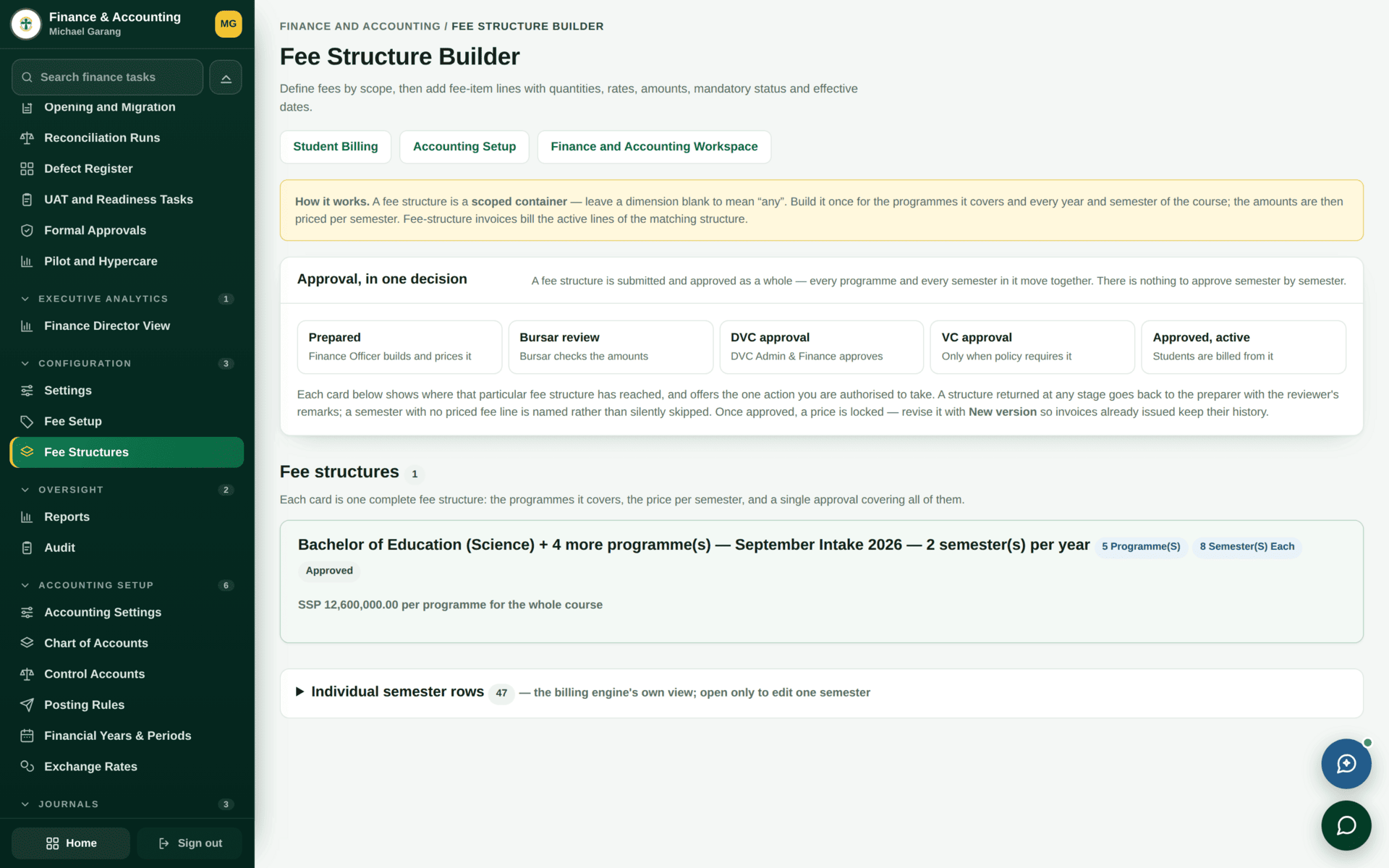
A structure is matched to a student on programme, intake, year of study and semester — and the match is case sensitive and requires every dimension to be present. A student with a missing intake or an unset year of study will silently match nothing and be invoiced nothing. When one student in a cohort is unbilled, compare their record's dimensions against a billed classmate's before looking at the structure.
Pricing Semester 1 for the 2026 BIT intake
| 1. Categories | Fee Categories — Tuition, Registration, Examination, Library, Student Services. Create once, reuse everywhere |
| 2. Items | Fee Items — the specific chargeable lines under each category |
| 3. Structure | Fee Structures → new: Programme Bsc of IT, Intake September Intake 2026, Year 1, Semester 1, Campus Juba |
| 4. Lines | Tuition 150,000, Registration 20,000, Examination 25,000, Library 10,000, Student Services 15,000 — total 220,000 |
| 5. Currency | SSP. If you bill in more than one currency, check the exchange rate is current first |
| 6. Check the match | Open one student in that intake. Their account should show the structure applying. If not, the fault is in their record's dimensions, not the structure |
| 7. Generate | Invoice generation runs in batches; the dashboard's Invoice generation batches tile counts them and warns when a run is not stamped with a batch reference |
| 8. Verify | Open the student portal Fees page for one student and read what they see |
Waivers, discounts, scholarships and sponsors
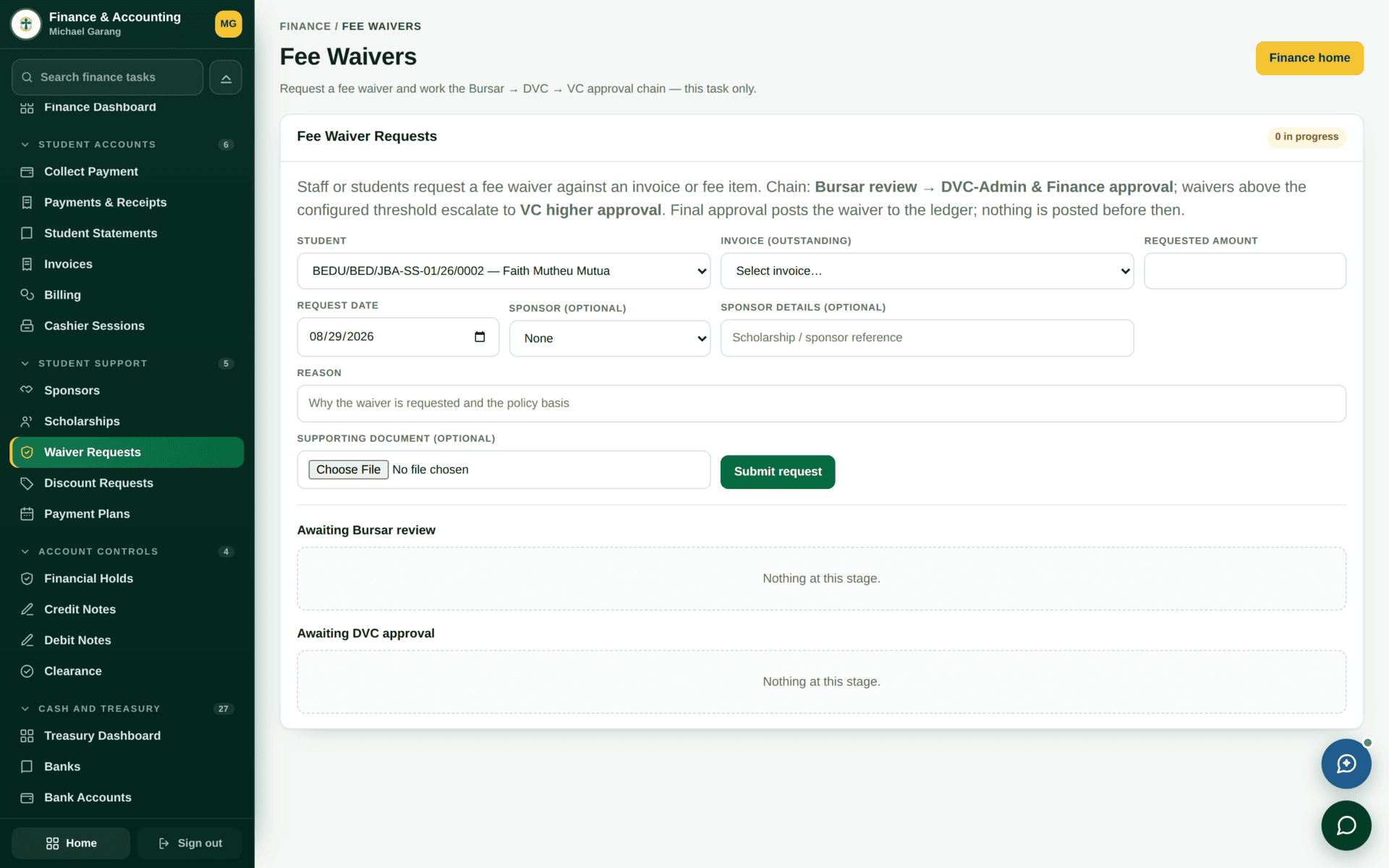
| Instrument | What it is | Who starts it |
|---|---|---|
| Waiver | Part or all of a charge forgiven, case by case | The student, in their portal |
| Discount | A reduction applied under a rule | Finance |
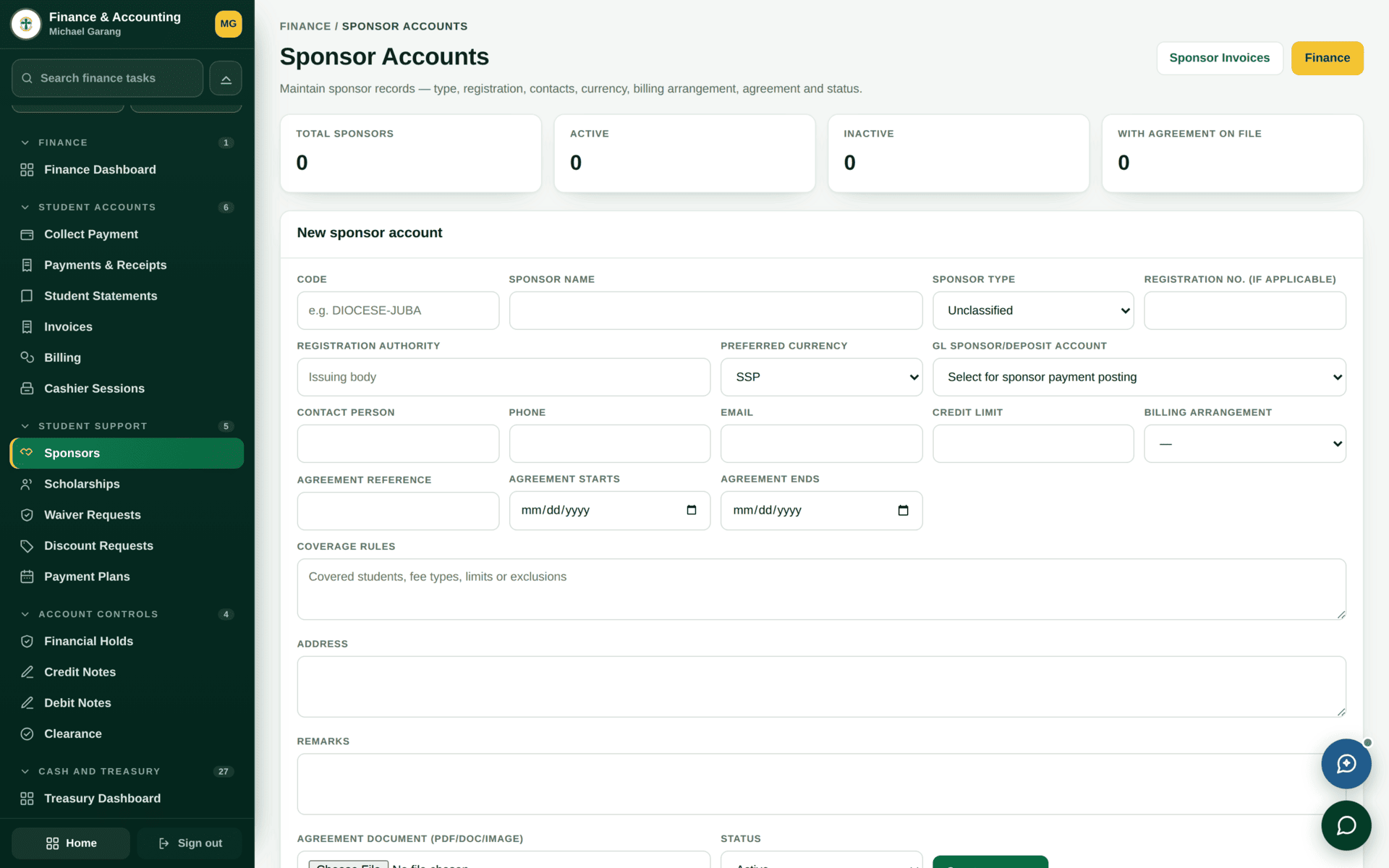
| Scholarship | An award posted against the account | Finance, from an award decision |
| Sponsor | A third party who is invoiced instead of the student | Finance, on the sponsor account |
The dashboard shows Fee waivers — awaiting your review and Fee waivers — awaiting your approval as different tiles. A waiver stuck at zero progress is usually sitting in the second queue while everyone watches the first.
Clearance rules — what a balance actually blocks
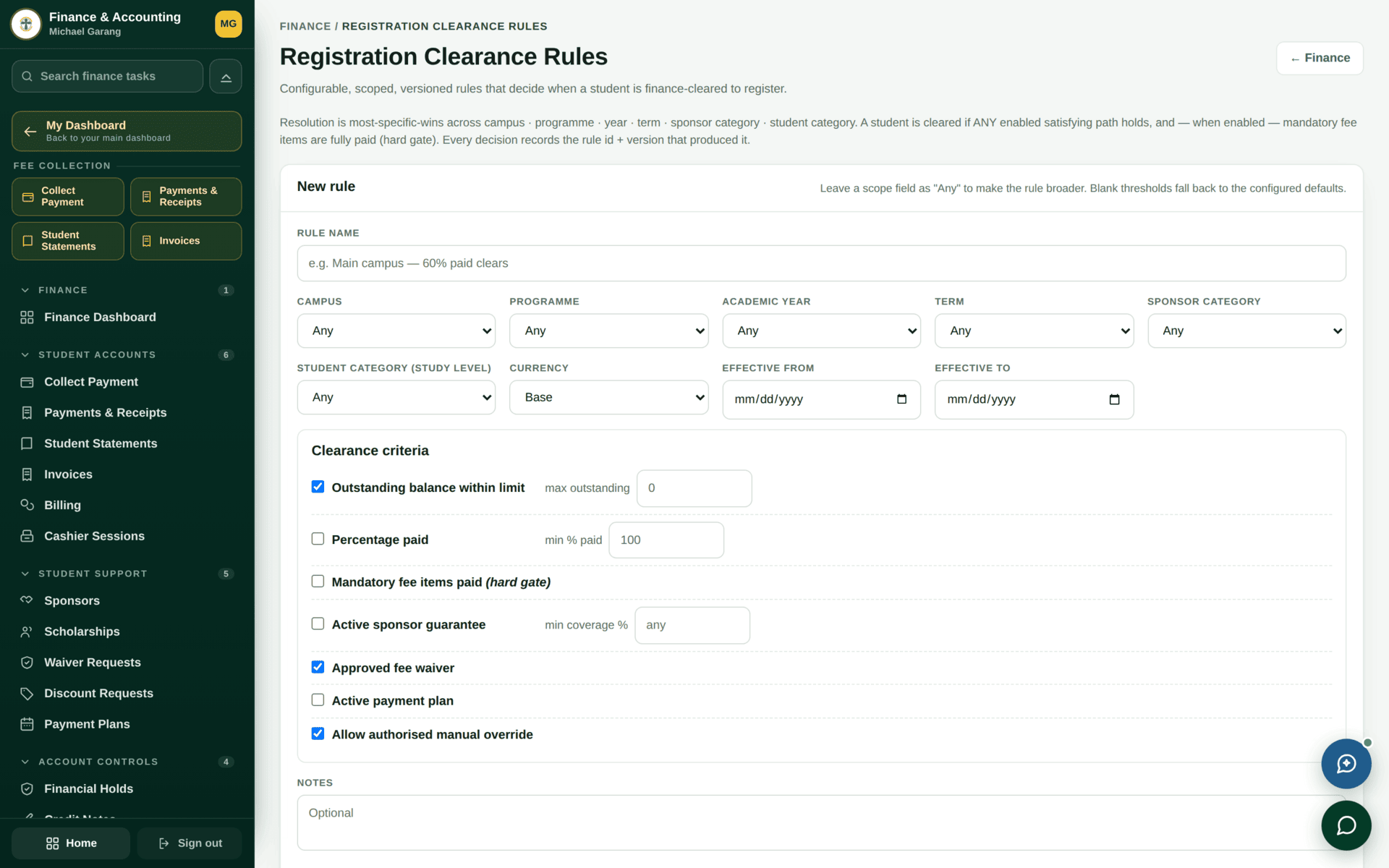
Whether finance blocks a student is governed in two places — the clearance rule itself, and the module-side setting that decides whether that rule is consulted. Turning one on without the other produces the classic complaint: “we set the threshold and nothing was blocked”, or its opposite, “we turned it off and students are still blocked”. Check both before concluding a rule is broken.
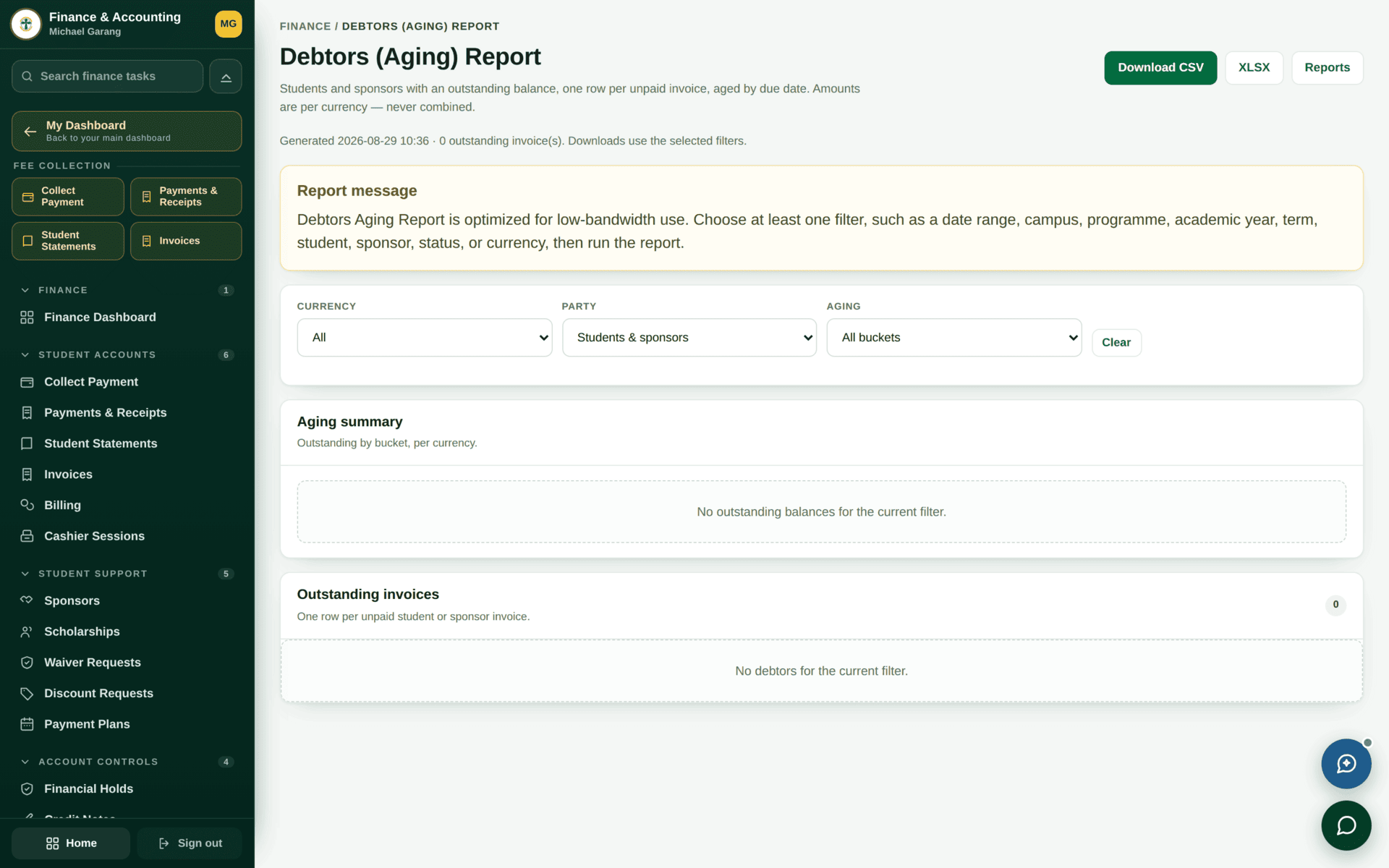
If the money looks wrong
| Symptom | Cause | Where to look |
|---|---|---|
| One student in a cohort has no invoice | Their record is missing a dimension the fee structure matches on | Their student record — intake, year of study, semester, campus |
| An academic event did not raise a charge | Automatic billing from academic modules is disabled | The dashboard banner, and the table above |
| A waiver never gets decided | It is in the approval queue, not the review queue | The two waiver tiles |
| A clearance rule has no effect | The second switch is off | Clearance Rules and the consuming module's setting |
| Receivables, Payables, Budgeting or Asset Management refuse to open | Those sections are listed but not yet in service | See Accounting & the ledger |
| Balances differ between two screens | One is this semester, the other is the whole account | Both are correct — see the student's Fees page |