Academic documents
An academic document is a statement the university will stand behind years later. So each one is produced from the record rather than typed, carries named signatories, and can be verified from a public page by whoever is holding it.
Producing and releasing official documents, and verifying ones presented to you.
RegistrarAcademic Registry StaffFinance (for document fees)
- A complete academic record
- Configured signatories
- A document request, or a graduation batch
A released document the student can download, and a public verification page.
Request to release
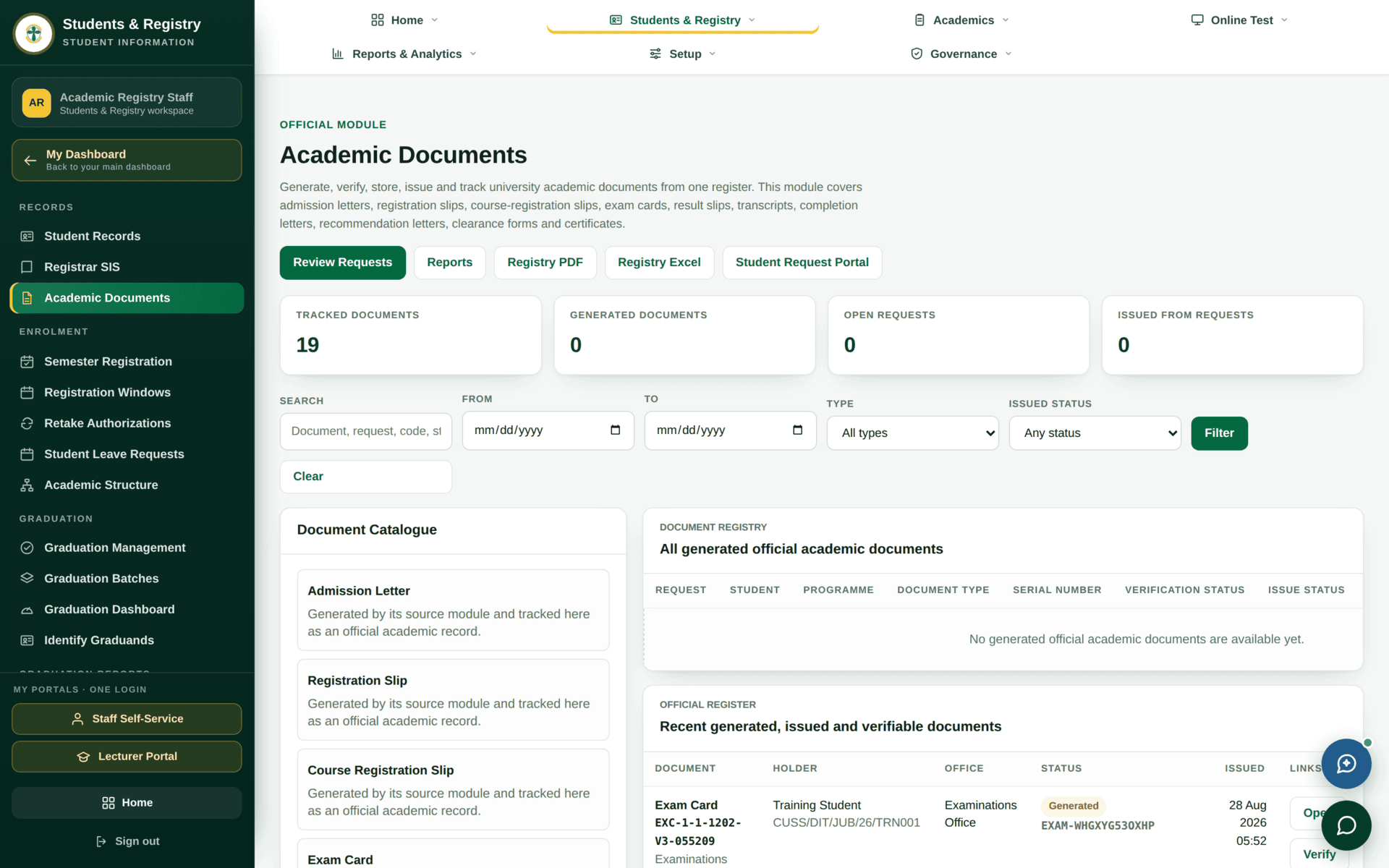
A transcript is generated from the results on the record. If it is wrong, the record is wrong, and editing the document would create a document the university cannot support. Send it back to the Examinations or Records office instead.
Document-fee rules exist and can be configured, but automatic billing from academic modules is disabled — see Student finance. If a document is chargeable, the charge is raised deliberately alongside the request. Check your institution's current practice before releasing a document you assumed was paid for.
Signatories
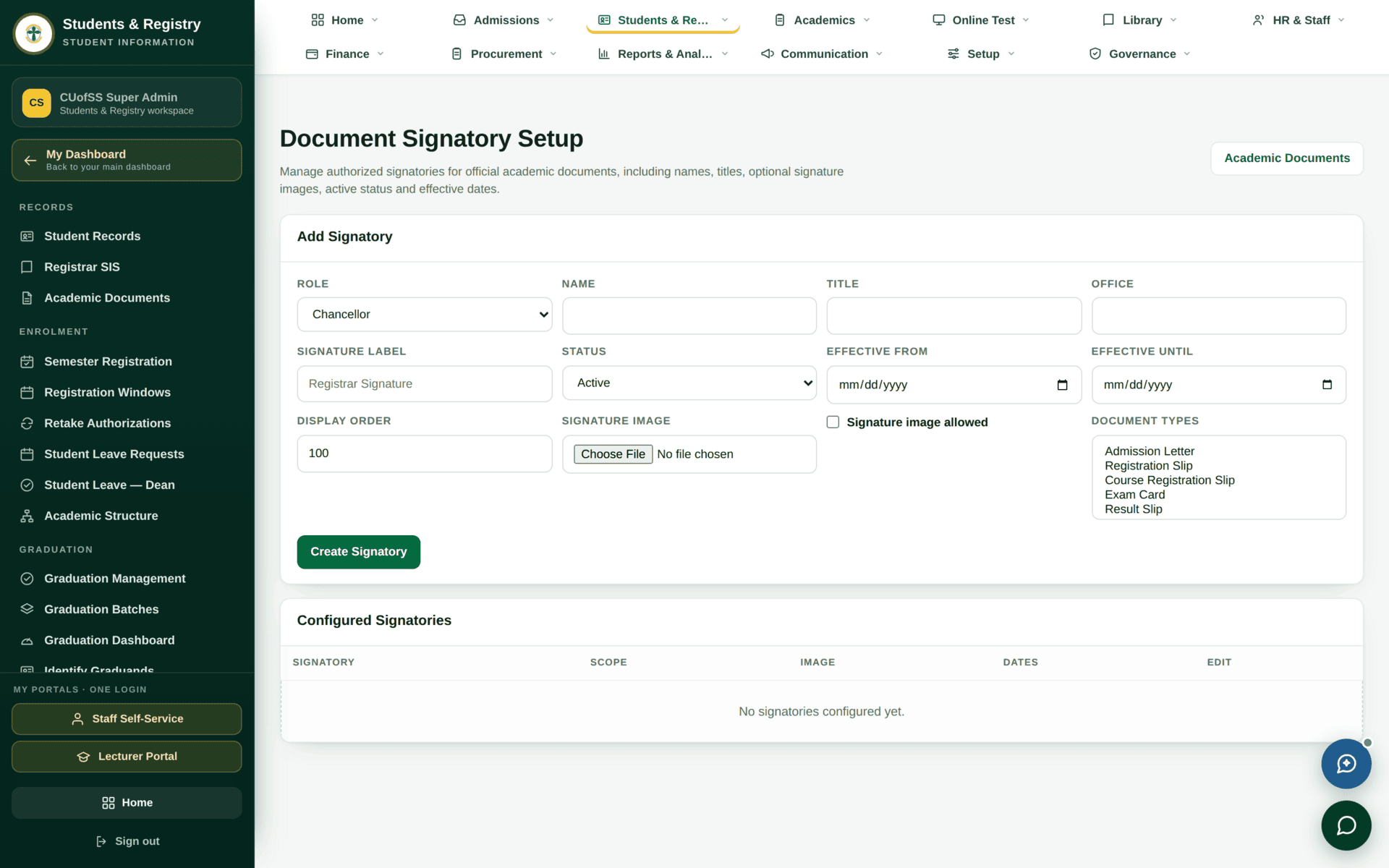
/admin/academic-documents/signatories, gated by a
permission separate from producing documents.Where a signatory has not been configured for a document type, the signature block prints as a placeholder rather than a name. That is easy to miss on screen and impossible to miss on a certificate that has already been handed out. Print one proof of each document type before any bulk issue.
Verification
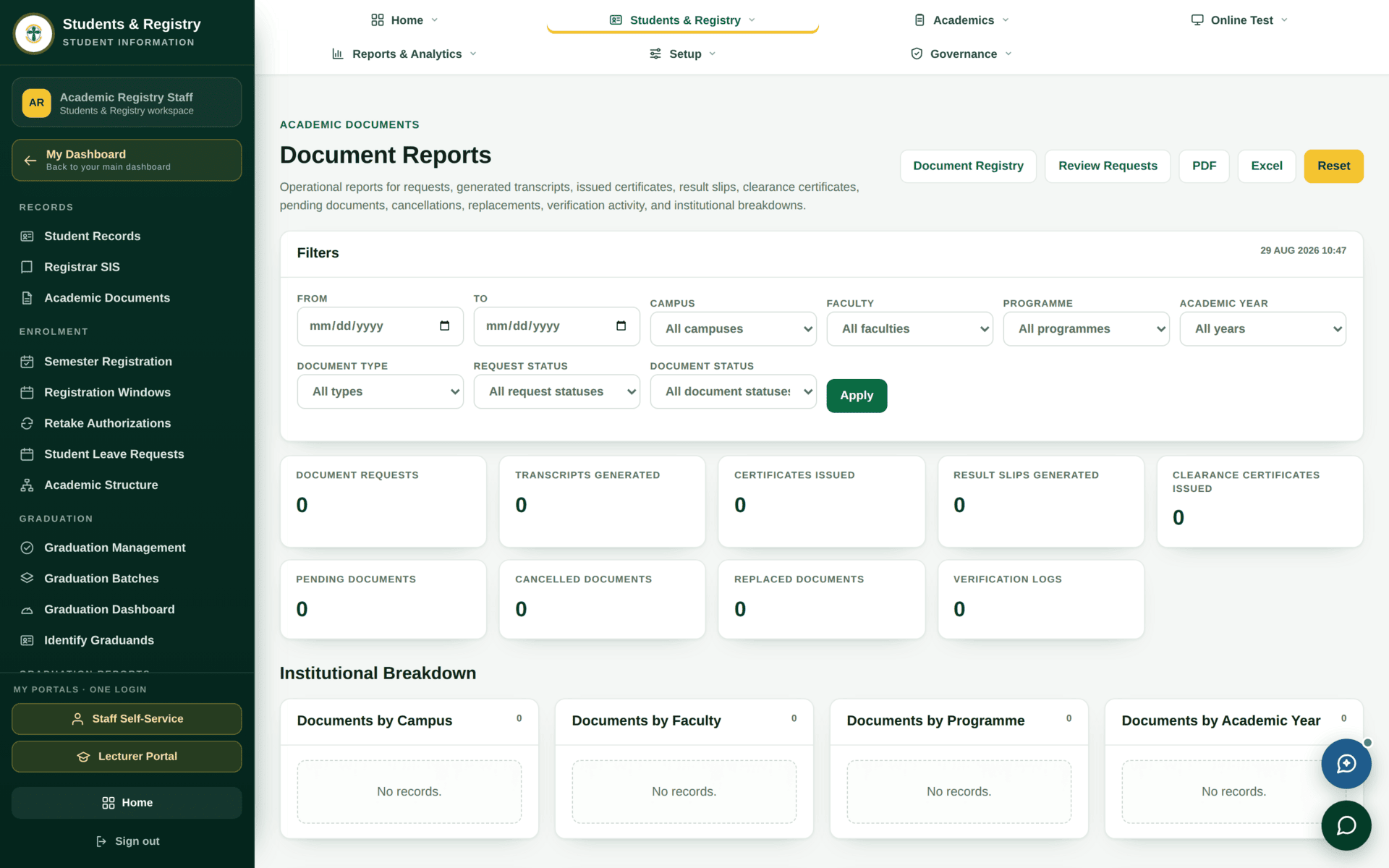
Every issued document carries a reference and a QR code pointing at a public verification page. An employer or another university can confirm that a document is genuine without contacting the Registry and without an account.
- Admission letters, receipts and examination cards each have their own verification page.
- The verification page confirms the document exists and matches — it does not expose the student's full record.
- This is why documents must be released through the system rather than emailed as a file: an emailed PDF has no verifiable counterpart.
A graduate asks for an official transcript
| 1. Request | The graduate raises it in the student portal under Document Requests |
| 2. Fee | If chargeable, raise the charge and confirm payment before producing. Automatic document billing is off |
| 3. Check the record | All results released; the certificate name correct. Both are far easier to fix before the document exists |
| 4. Produce | Generate from the record. Do not edit the output |
| 5. Proof | Check the signature block carries a name, not a placeholder |
| 6. Release | Only now does it appear under Documents in the graduate's portal |
| 7. Verify | Open the verification link yourself once. If it does not resolve, do not issue the document |
If a document will not issue
| Symptom | Cause | Fix |
|---|---|---|
| The student cannot see a released document | Produced but not released | Release it — the portal tile counts held and released separately |
| A transcript has gaps | Results not released for a term | Examinations |
| The signature block is a placeholder | No signatory configured for that document type | Signatories |
| You cannot open the Signatories screen | Separate permission from producing documents | Ask for it by name |
| The verification link fails | The document was not issued through the system | Reissue it properly; never circulate an unverifiable PDF |
| The name is wrong | Captured at application as Full name as on certificate | Correct the record, then reissue |