Curriculum & academic structure
Everything a student can register for comes from here. Get this module right and registration, timetabling and graduation all follow; get it wrong and every one of them fails in a way that looks like someone else's fault.
Defining programmes, courses, curriculum versions and the rules between them.
RegistrarHODDeanDVC-Academic AffairsSenate
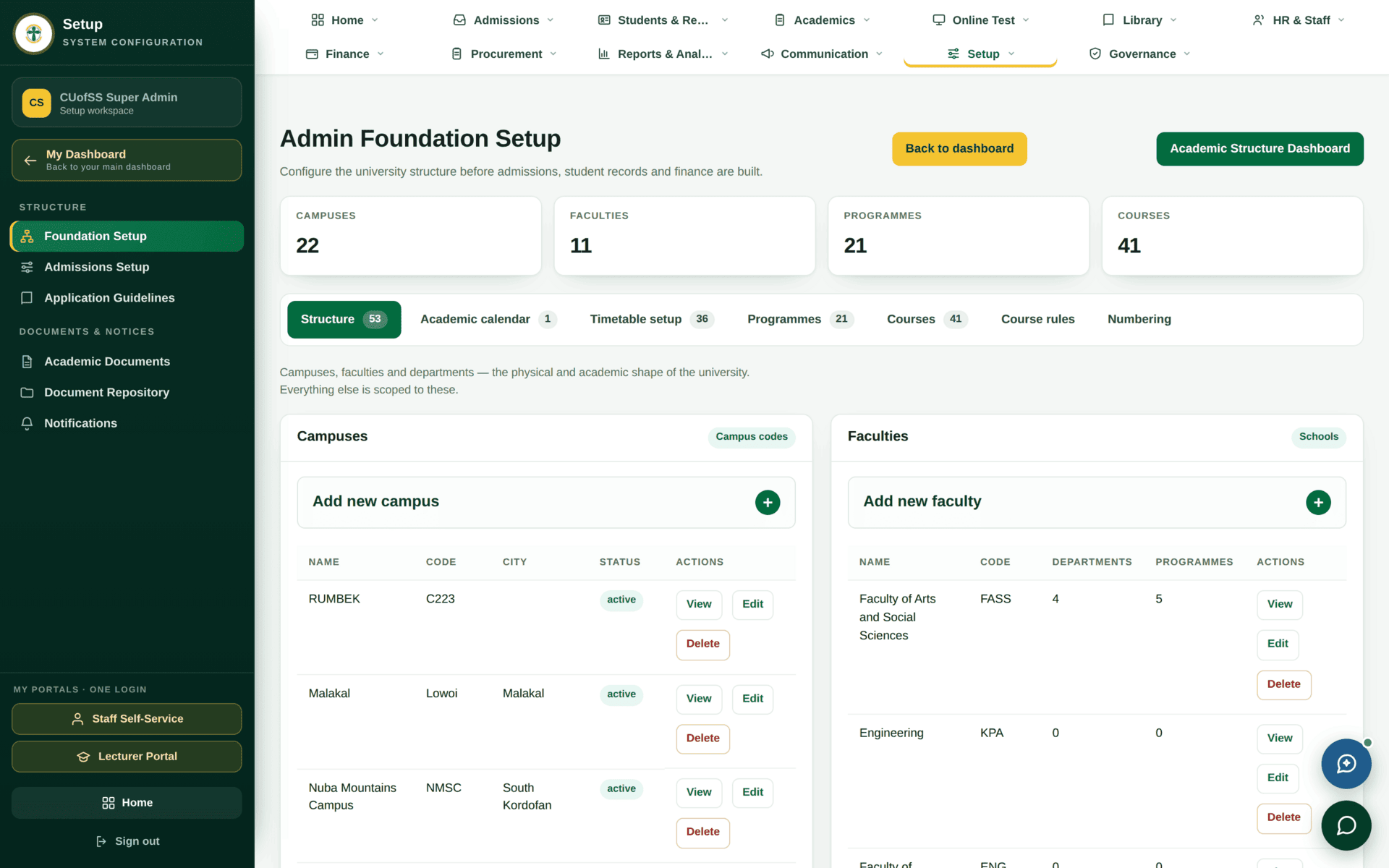
- Faculties, departments, programmes and campuses in Foundation Setup
- An academic year and terms
An activated curriculum version that students can register against.
The eight components
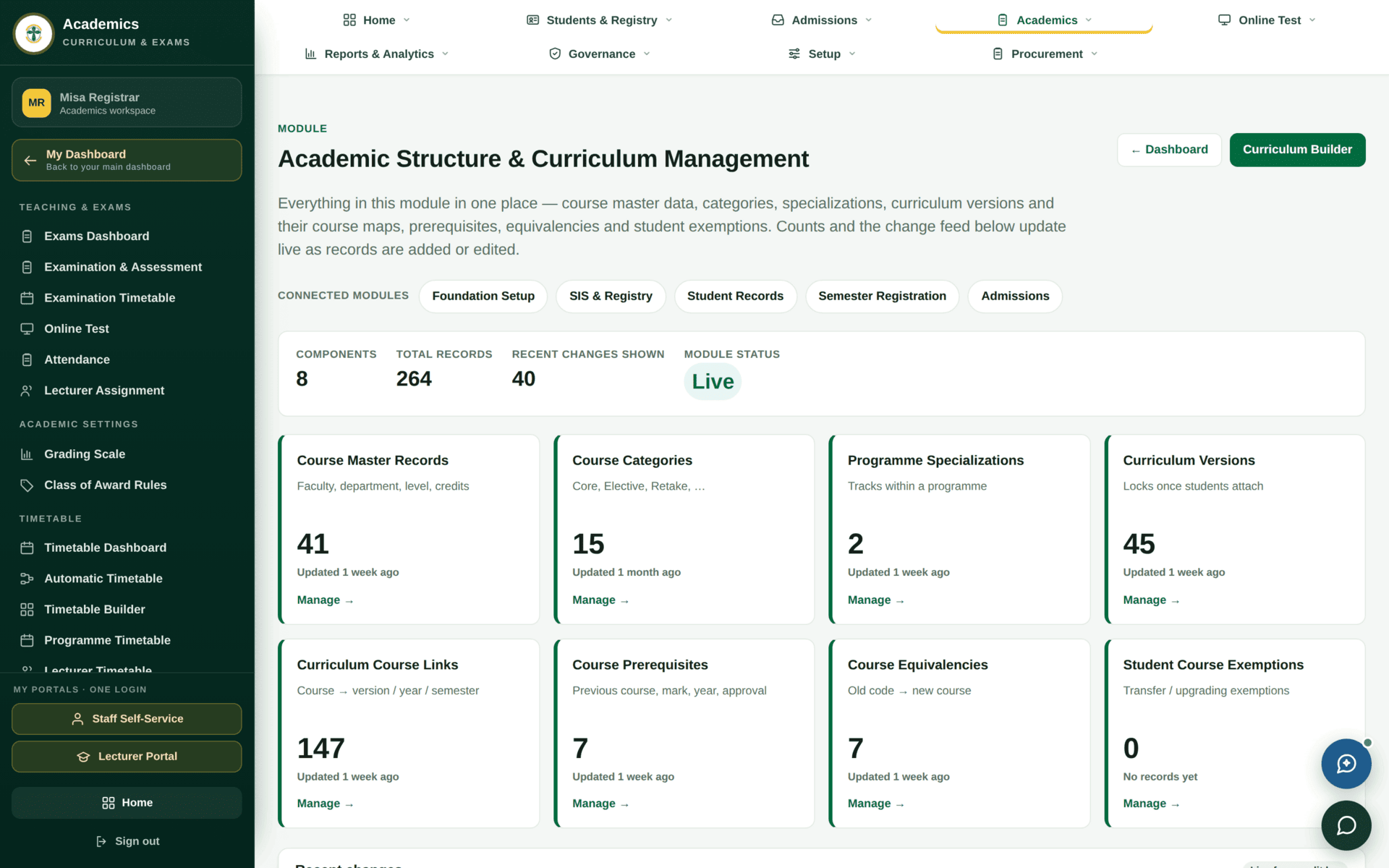
| Component | What it holds | Why it matters downstream |
|---|---|---|
| Course Master Records | Faculty, department, level, credits — the canonical definition of a course | One course, one definition. Everything else refers to it |
| Course Categories | Core, Elective, Retake and the rest | Category drives billing rules and graduation requirements |
| Programme Specializations | Tracks within a programme | Two students on one programme can have different required courses |
| Curriculum Versions | A dated edition of a programme's curriculum | Locks once students attach. This is the central rule of the module |
| Curriculum Course Links | Course → version / year / semester | This is what produces a student's course list at registration |
| Course Prerequisites | Previous course, minimum mark, year, approval | Blocks registration for a course the student is not ready for |
| Course Equivalencies | Old code → new course | Lets a student who passed the old course be credited under the new curriculum |
| Student Course Exemptions | Transfer and upgrading exemptions | Individual exceptions, recorded rather than fudged |
The card says so in one line, and it is the most important sentence in this module. Once a single student is registered against a version, that version is the contract for their degree — you cannot quietly change what they signed up to study. Changes after that point mean a new version, with the old one left in place for the students already on it. Plan a curriculum before an intake, not during one.
Building a curriculum
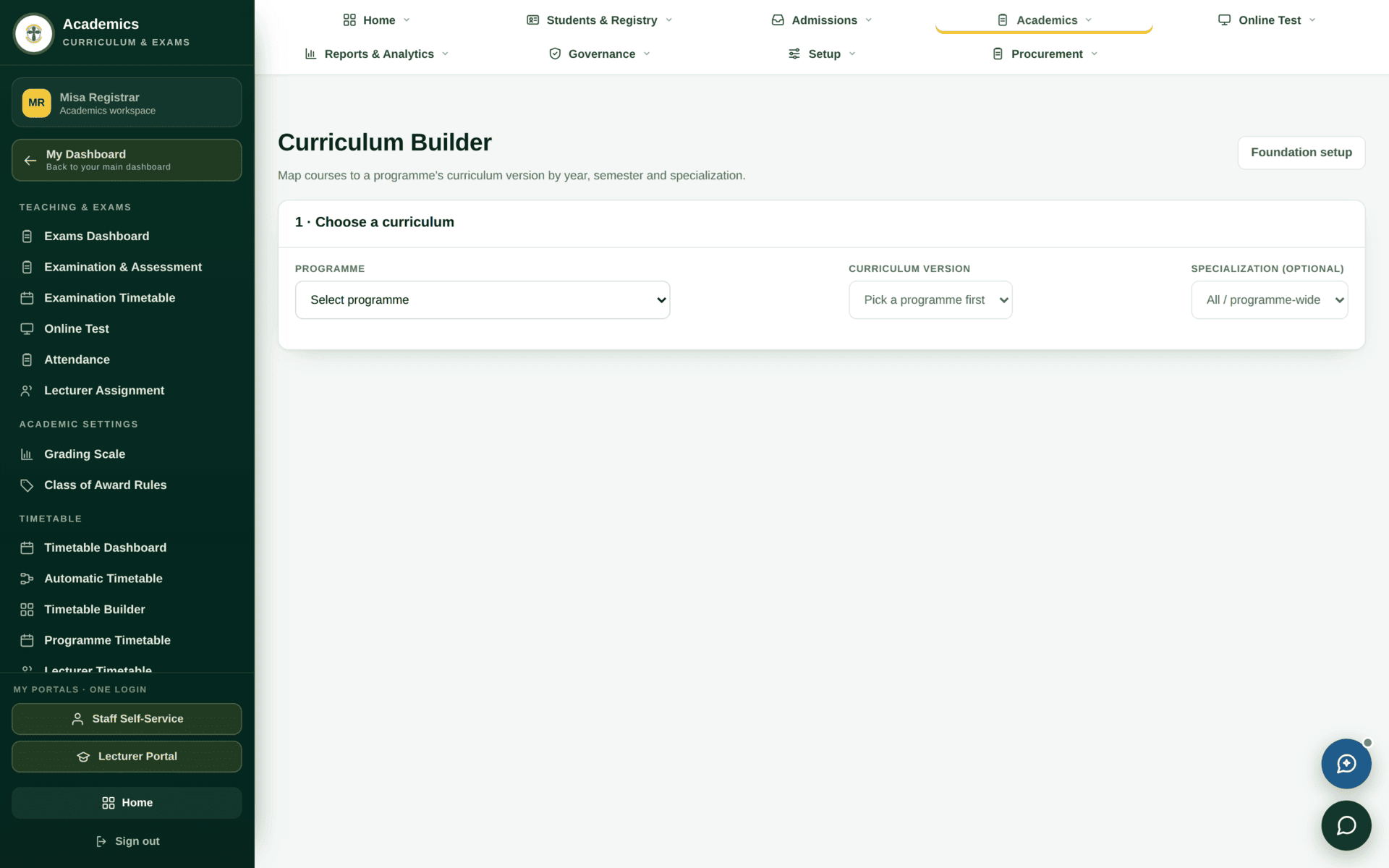
Adding a new elective to the BIT curriculum for the 2027 intake
| 1. Does the course exist? | Course Master Records → Manage. Search the code. If it does not exist, create it: faculty, department, level, credits |
| 2. Which version? | Curriculum Versions. If the current version already has students attached, do not edit it — create BIT-2027 instead |
| 3. Link it | Curriculum Course Links, or the Curriculum Builder: course → version BIT-2027, year 2, semester 1, category Elective |
| 4. Prerequisites | If it needs a first-year course passed first, add it under Course Prerequisites with the minimum mark |
| 5. Approval | Academics›Approval Workflow — it climbs the academic chain, not yours alone |
| 6. Activate | Only an activated version is offered at registration. A version can be complete and correct and still invisible |
| 7. Check | The Registrar dashboard's Curriculum versions — awaiting activation tile should drop by one |
Grading and award rules
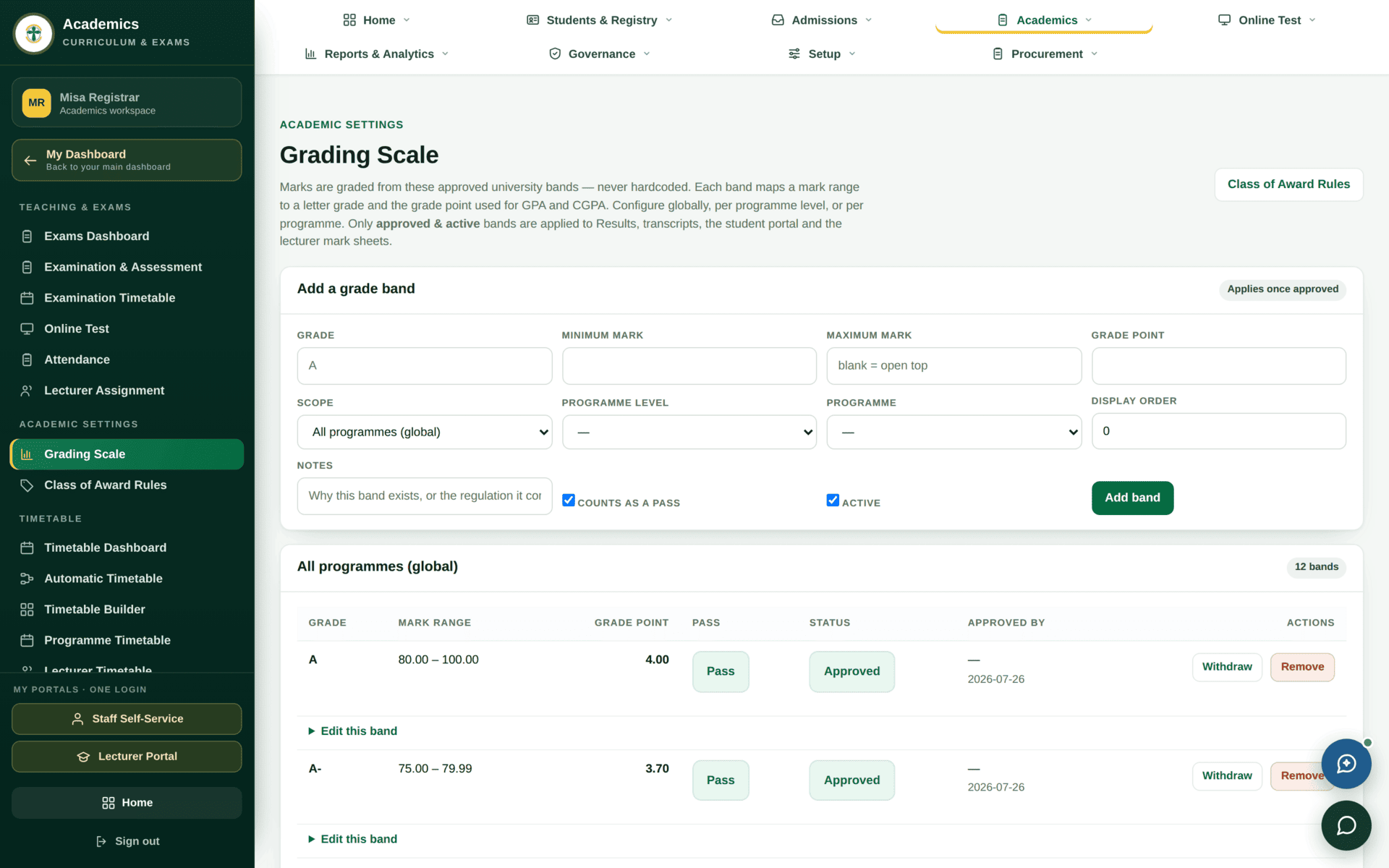
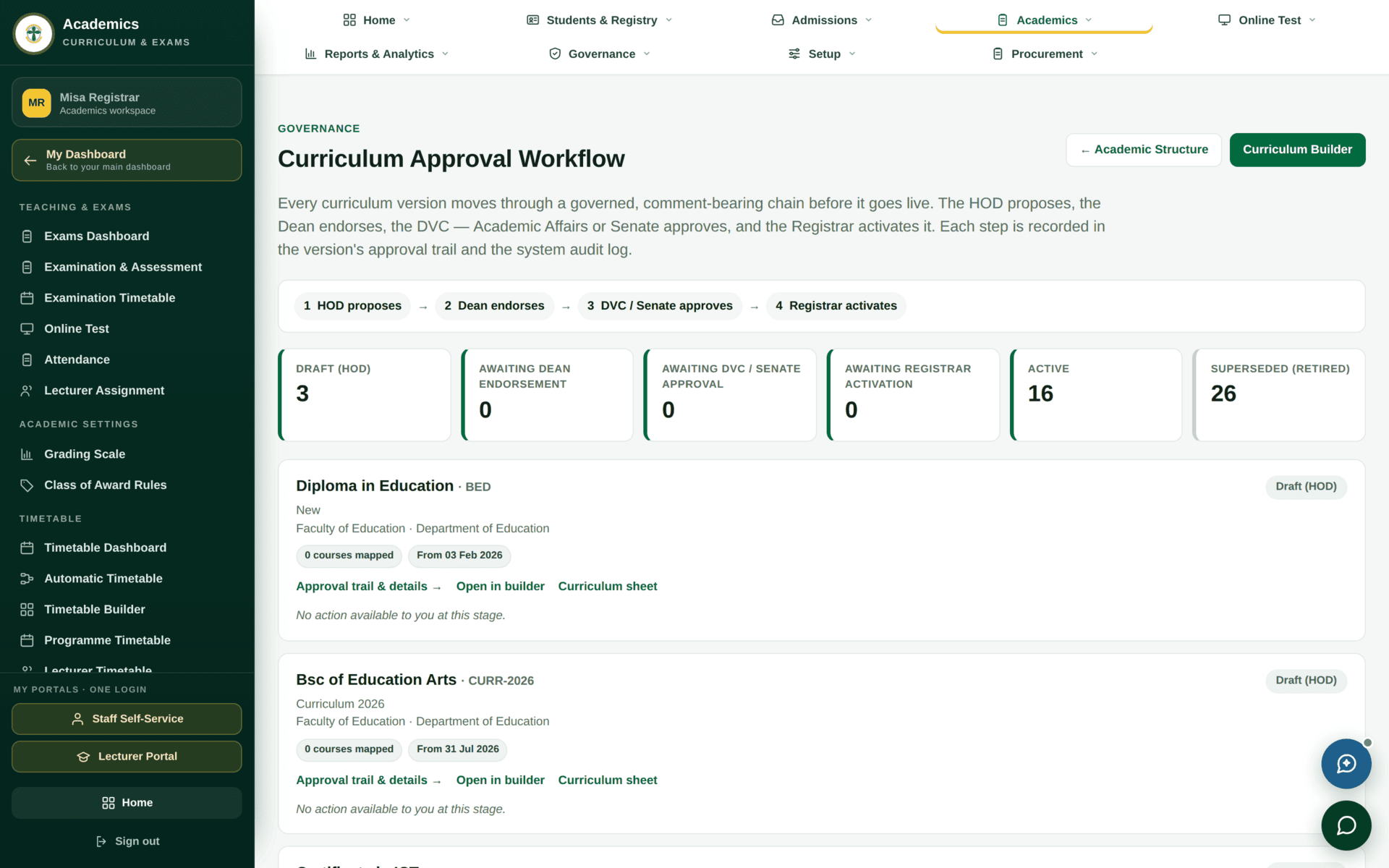
Class of Award Rules sits beside it and decides how a final CGPA becomes a classification. Both are read at the moment a result is computed, so changing them changes future computations, not past ones already published. Neither should be edited mid-semester.
If something will not work
| Symptom | Cause | Fix |
|---|---|---|
| A student sees no courses at registration | No curriculum version for their entry year, or the version is not activated | Curriculum Versions — check the version exists and is active |
| A course is missing from one year only | No curriculum course link for that year and semester | Curriculum Course Links |
| You cannot edit a version | Students are attached to it | Create a new version. This is the rule, not a bug |
| A student is blocked from a course | An unmet prerequisite | Course Prerequisites — or record an exemption if it is genuinely warranted |
| A transfer student's passes are not recognised | No course equivalency mapping the old code | Course Equivalencies |
| Your change is saved but nothing happened | It is waiting in the approval workflow | Approval Workflow — find whose signature is outstanding |