Graduation
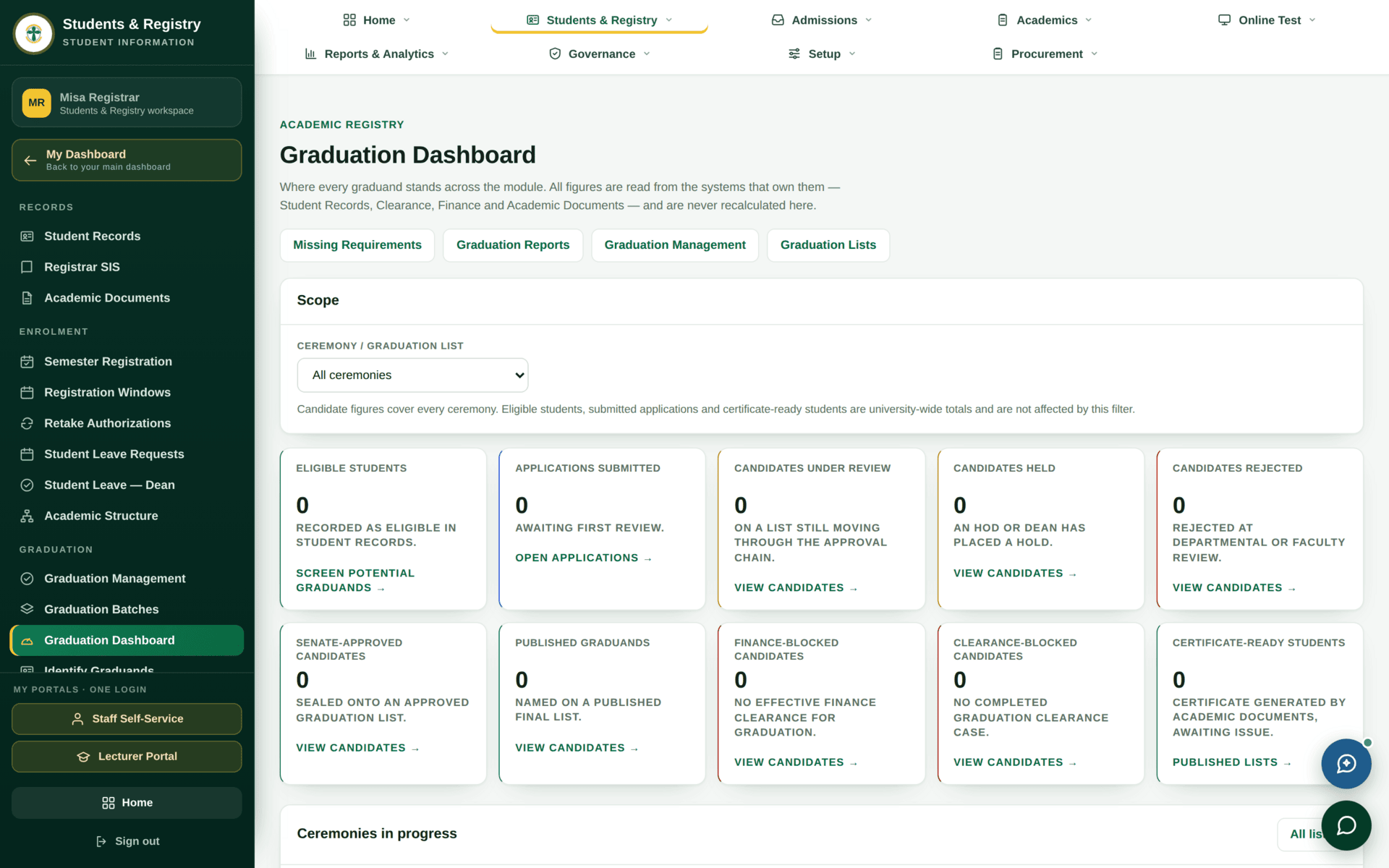
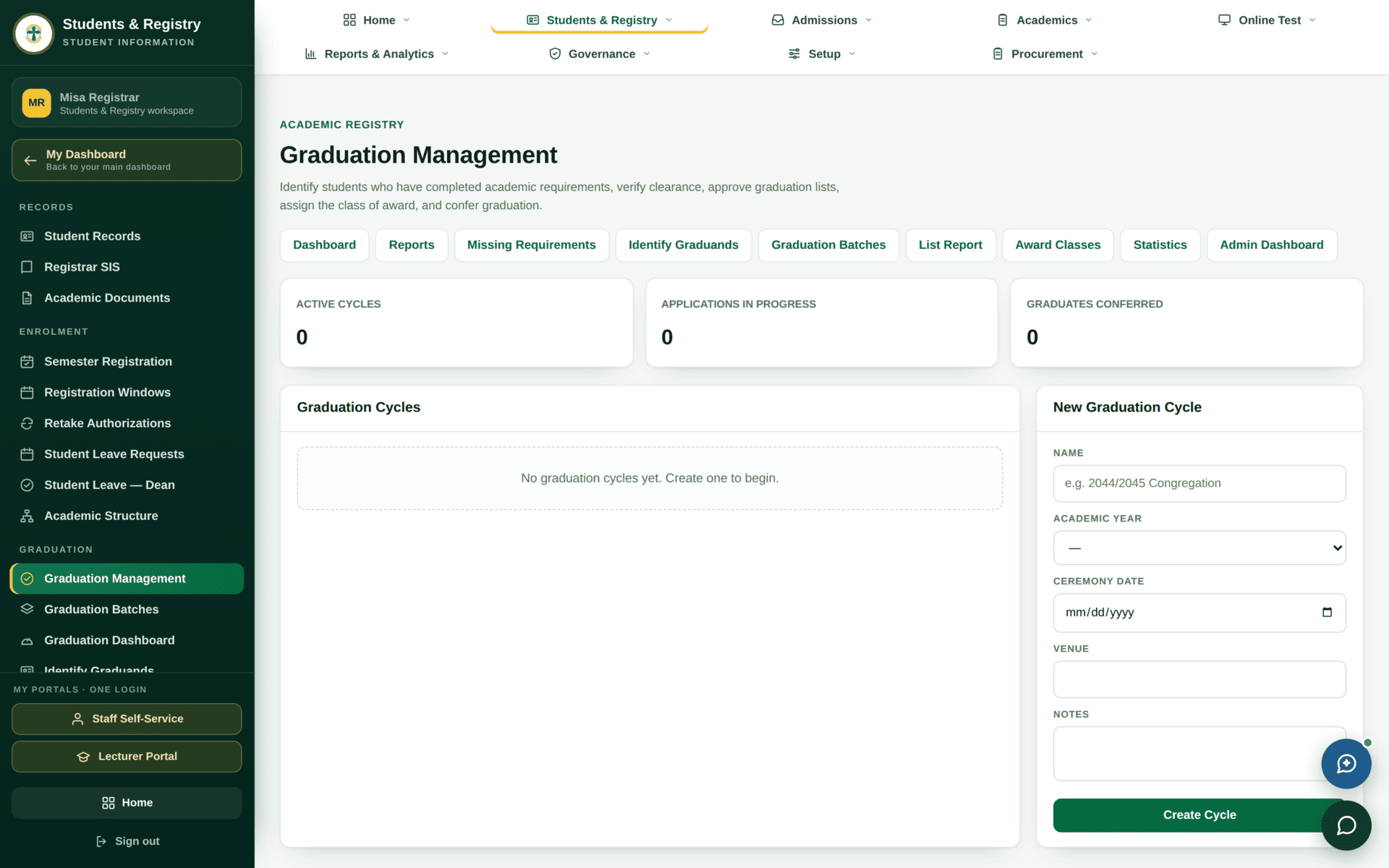
Graduation is the most consequential thing the system does, so it is deliberately the slowest. A student is identified, checked against requirements, cleared by five offices, placed in a batch, approved twice, and only then conferred.
Taking a cohort from completed studies to conferred awards.
RegistrarDeanDVC-Academic AffairsAcademic BoardSenateVC
- Completed academic records with results released
- Award classification rules
- Cleared clearance cases
Conferred awards, a published graduation list and certificates.
The shape of a graduation
Identify and check
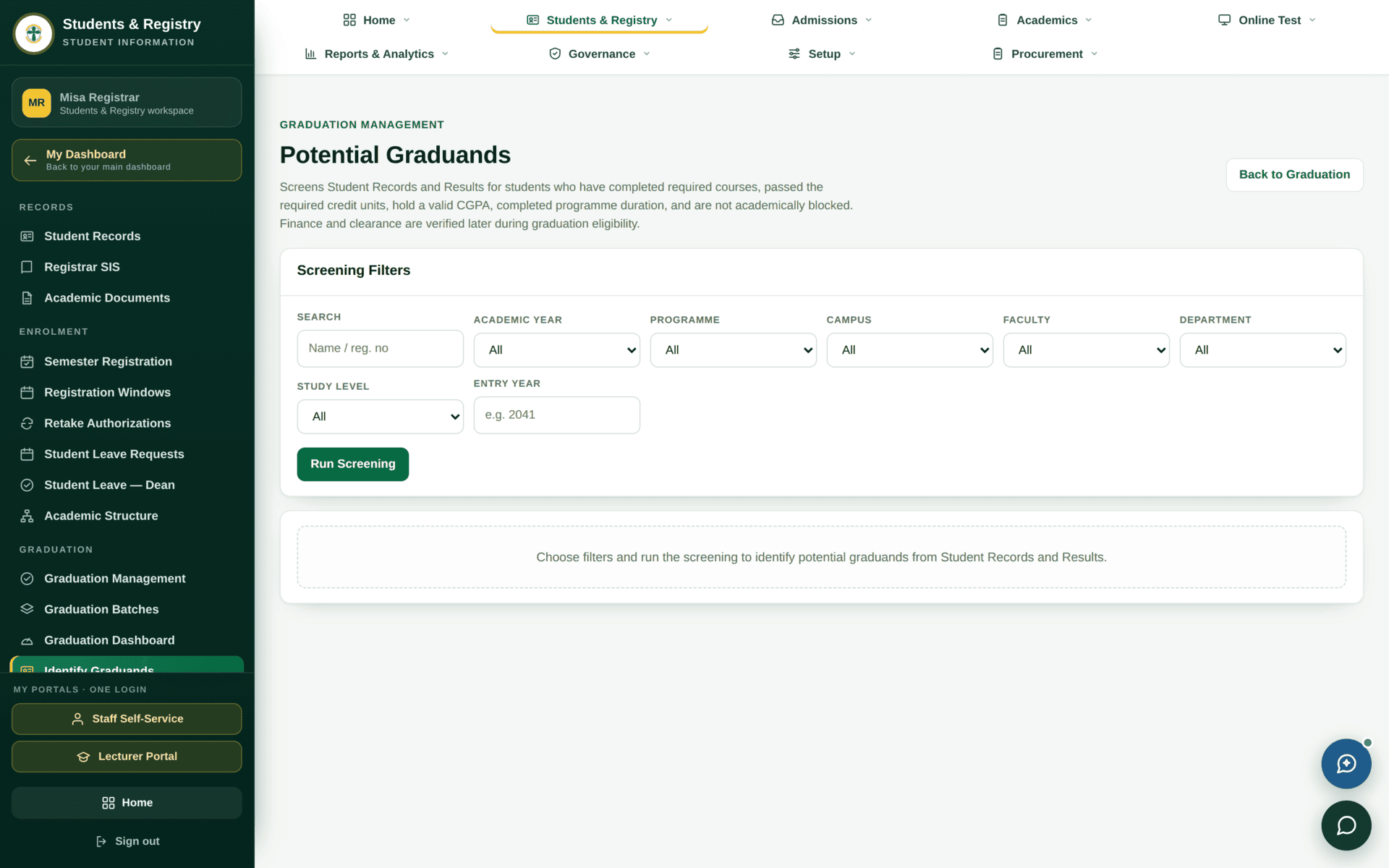
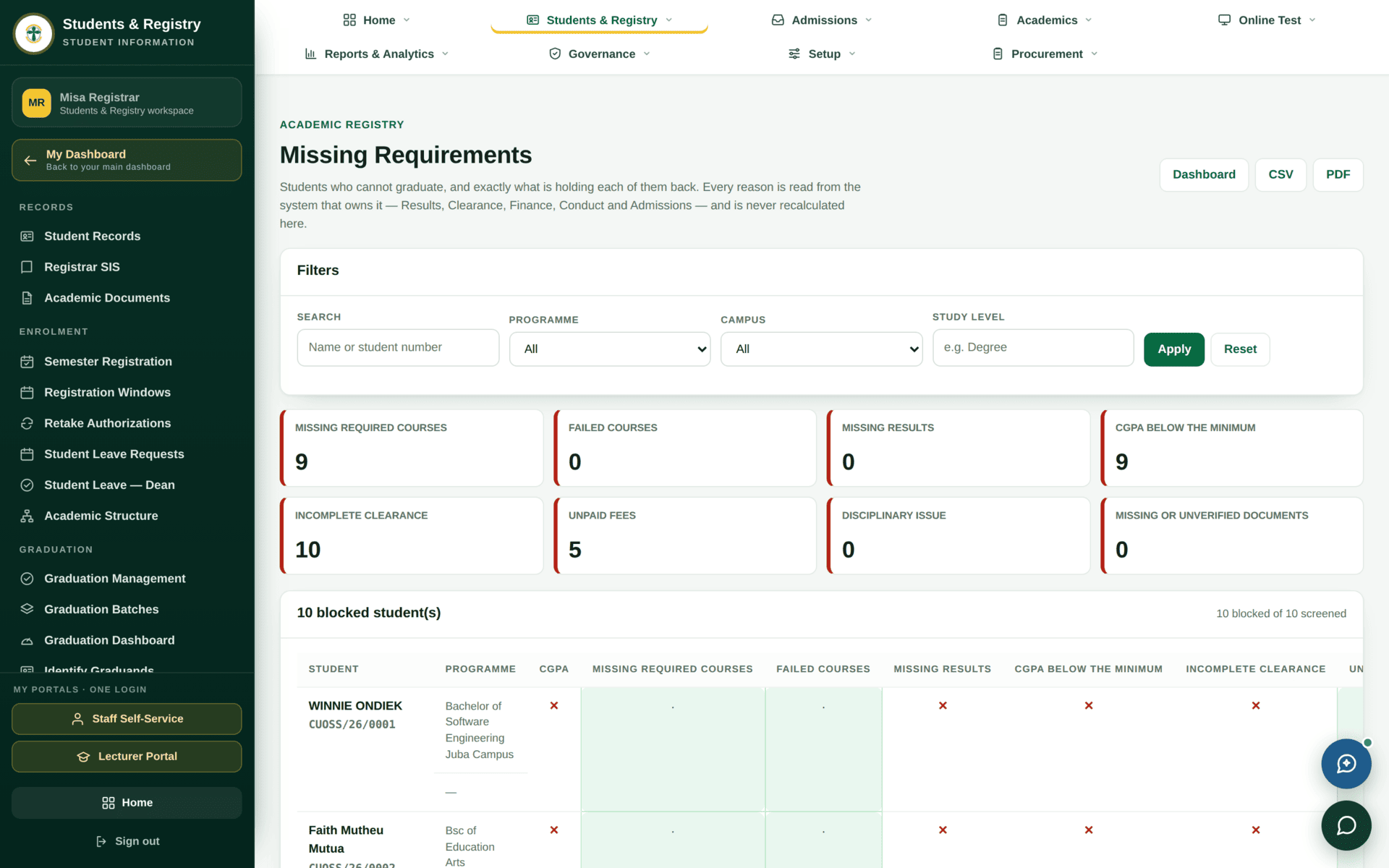
Every problem this report finds — an unreleased result, an unmet credit total, a course never registered — takes weeks to fix and belongs to a different office. Discovering them four weeks before a ceremony is a crisis; discovering them a semester earlier is administration. Run it at the start of the final semester.
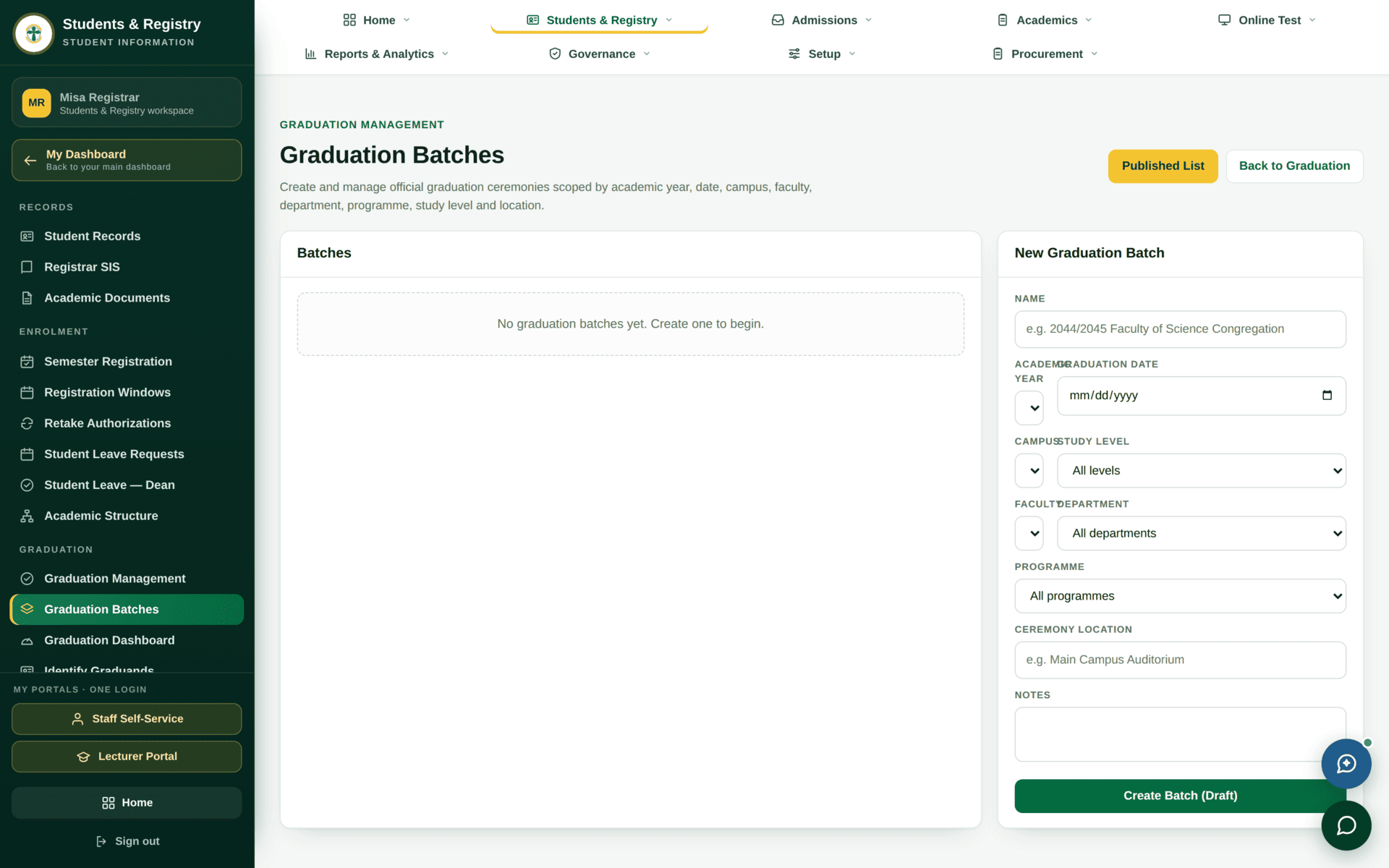
Batches and the two-stage approval
| Stage | Who | Is deciding |
|---|---|---|
| Endorsement | Dean, then DVC-Academic Affairs | That the faculty's candidates have met the academic requirements |
| Approval | Academic Board, then Senate | That the institution confers these awards |
| Conferment | Registrar records it | The award, the classification and the date |
| Publication | Registrar | That the list becomes public and certificates may issue |
The class of award comes from the CGPA and the Class of Award Rules in Academic settings. If a classification looks wrong, the fault is in the marks or in the rules — do not correct it on the graduand's record, because that disconnects the certificate from the transcript that supports it.
Graduating the 2026 BIT cohort
| 1. Identify | Identify Graduands — filter to programme Bsc of IT, entry year 2022 |
| 2. Check | Missing Requirements. Send unreleased results to the Exams Officer, unregistered courses to Registry |
| 3. Clear | Clearance — the Liability Report, then chase each office. Finance goes through the Debtors report, not the clearance queue |
| 4. Batch | Graduation Batches — create the batch, add the cleared candidates, set the ceremony date |
| 5. Verify classifications | Award Classification Report. Check a handful against their transcripts before the batch leaves your hands |
| 6. Endorse | Dean, then DVC-Academic Affairs. Each is a separate signature on the record |
| 7. Approve | Academic Board, then Senate |
| 8. Confer & publish | Record conferment, then publish. Published Graduation List becomes available, with a PDF |
| 9. Documents | Certificates and transcripts follow — see Academic documents |
| 10. Records | Each graduand's standing becomes Graduated on the register |
The reports
| Report | Use it for |
|---|---|
| Published Graduation List | The official list, with a PDF for the ceremony |
| Graduation List Report | The working list while a batch is being built |
| Award Classification Report | Checking classifications before approval |
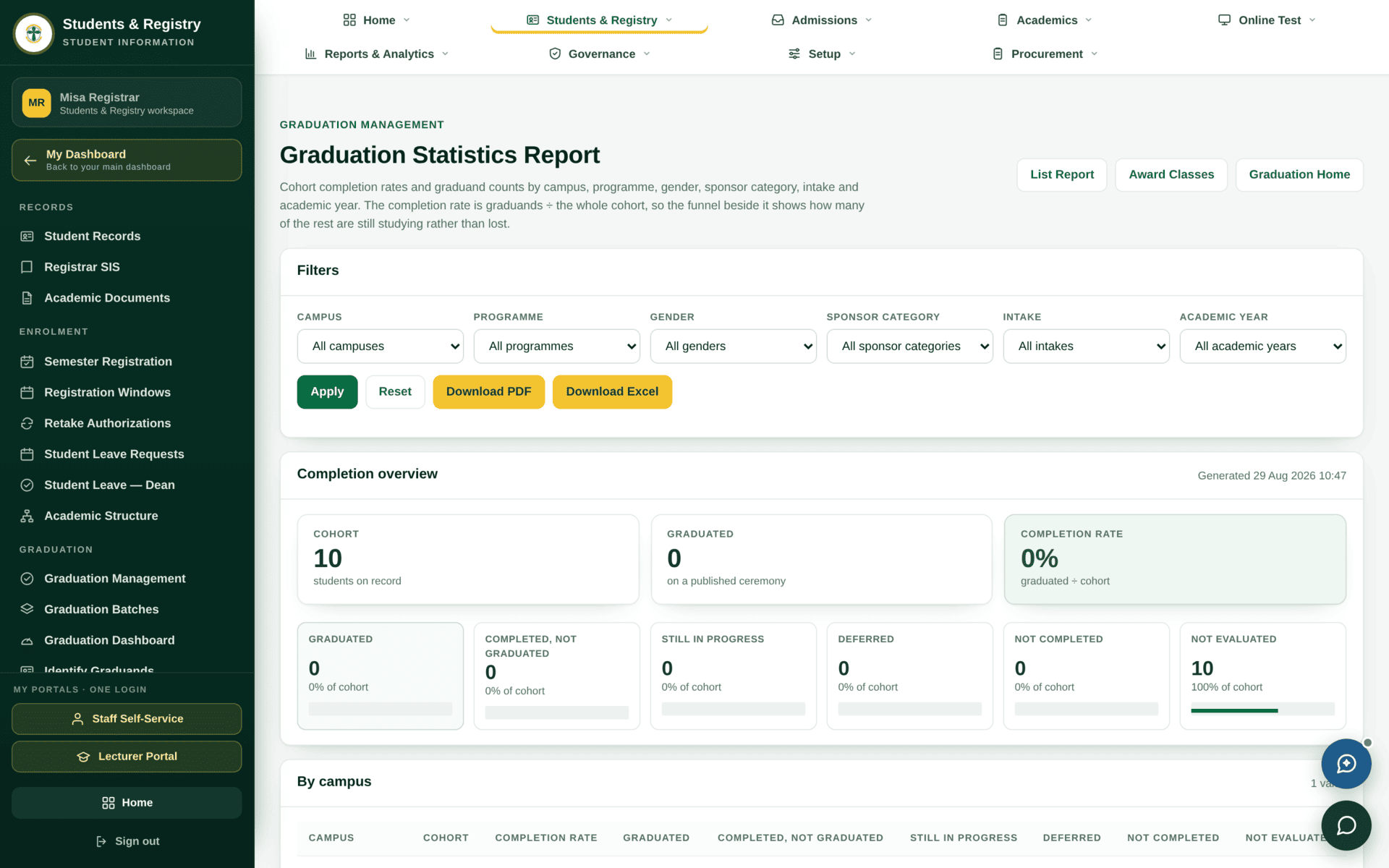
| Graduation Statistics | Counts by programme, faculty and class |
| Missing Requirements | Working the exceptions |
If a graduand will not graduate
| Symptom | Cause | Fix |
|---|---|---|
| A candidate is not identified | Their record does not show completion | Missing Requirements names what is absent |
| Identified but cannot be added to a batch | Clearance is not complete | Clearance |
| Clearance says finance pending | Finance's answer is derived | Student finance |
| A classification looks wrong | CGPA, or the award rules | Fix the marks or the rules — not the graduand record |
| A batch sits unapproved | A role in the chain is unstaffed or waiting | The batch names the stage; see Roles |
| Conferred but no certificate | Documents are produced and released separately | Academic documents |
| A name is wrong on the certificate | The certificate name was captured at application | Correct it on the student record and reissue — see Student records |