Procurement
Procurement takes a need, turns it into a competitive process, then into an order, a delivery and an invoice. Its dashboard is unusually honest: every tile says whether it is drawing live data or still waiting to be set up.
Buying goods and services with a documented, auditable trail.
Procurement ManagerProcurement OfficerReceiving OfficerFinance
- Suppliers on the register
- Procurement settings and approval workflows configured
- A budget to charge against
A supplier invoice approved by Finance, and stock received into a store.
The dashboard, and its badges
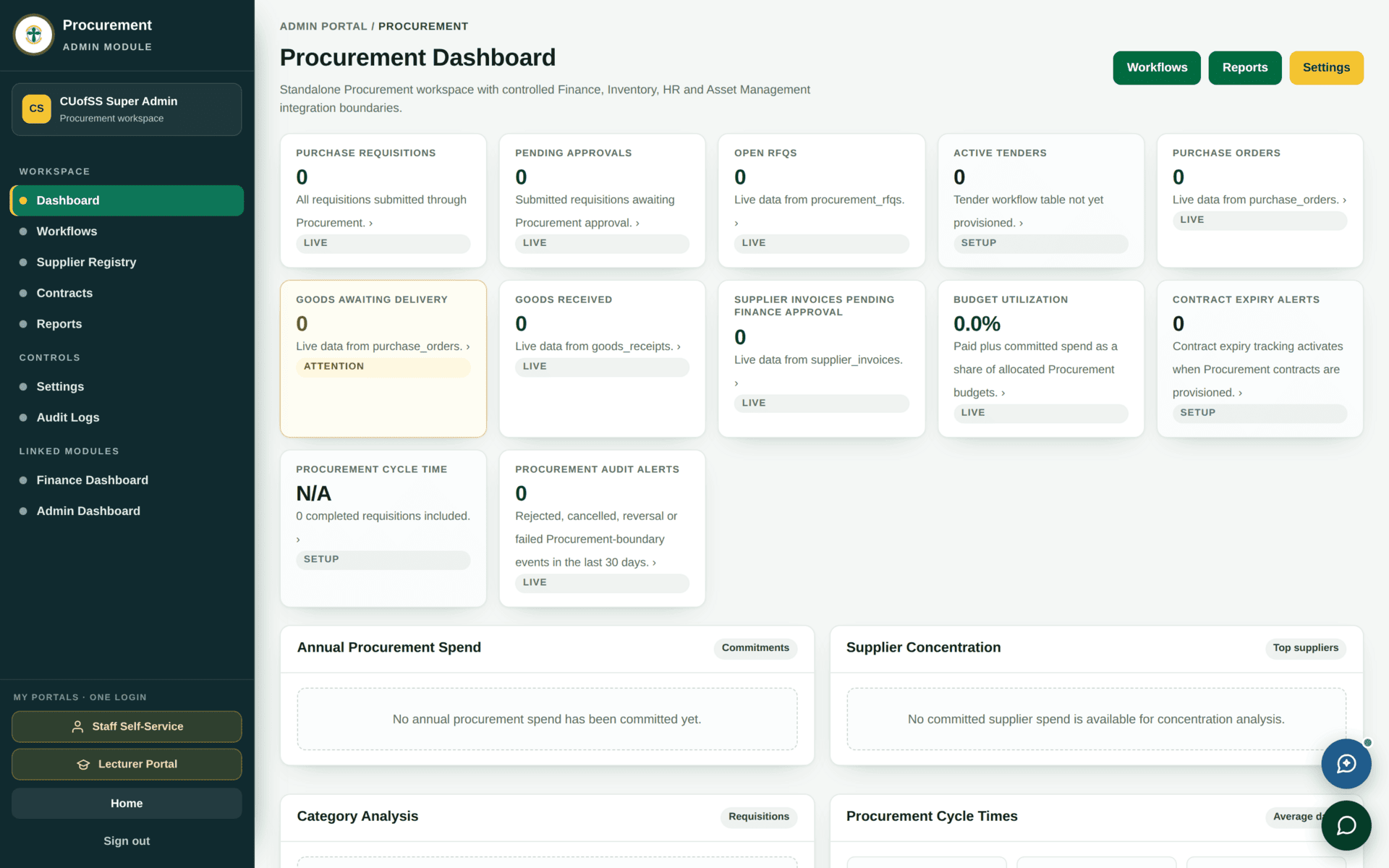
| Badge | Means | What to do |
|---|---|---|
| LIVE | The tile is reading a real table | Trust the number |
| SETUP | The underlying feature is not provisioned — e.g. “Tender workflow table not yet provisioned”, “Contract expiry tracking activates when Procurement contracts are provisioned” | A zero here means “not switched on”, not “nothing happening” |
| ATTENTION | Something needs a person — goods awaiting delivery, for instance | Work it |
Most systems show a zero and let you guess whether that means “none” or “not configured”. This dashboard tells you. Use it as your setup checklist: every SETUP badge is a piece of configuration still outstanding.
The procurement chain
| Stage | Screen | What is decided |
|---|---|---|
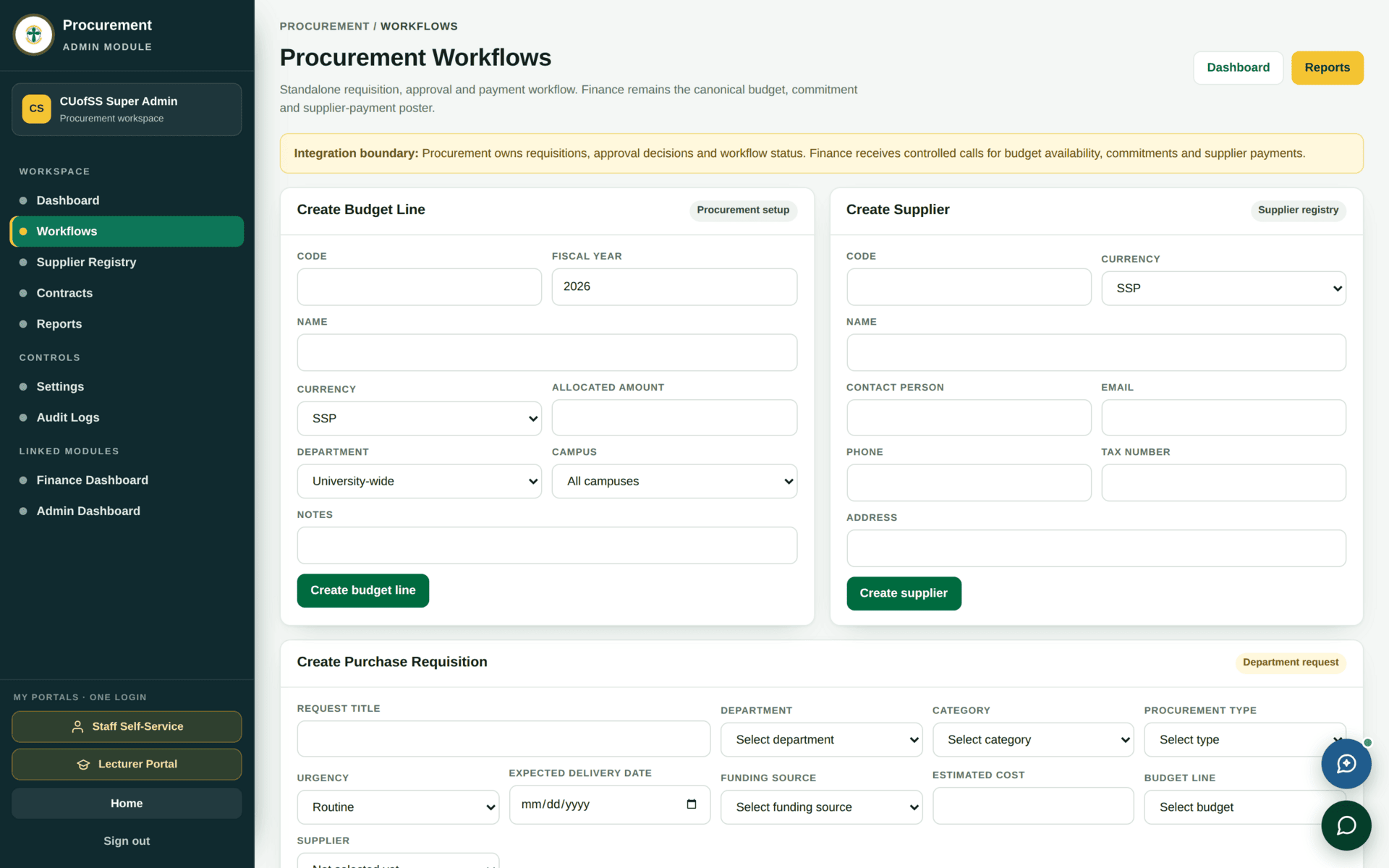
| Requisition | Purchase requisitions | What is needed, by whom, charged where |
| Approval | Workflows | Whether it may proceed, and at what value threshold |
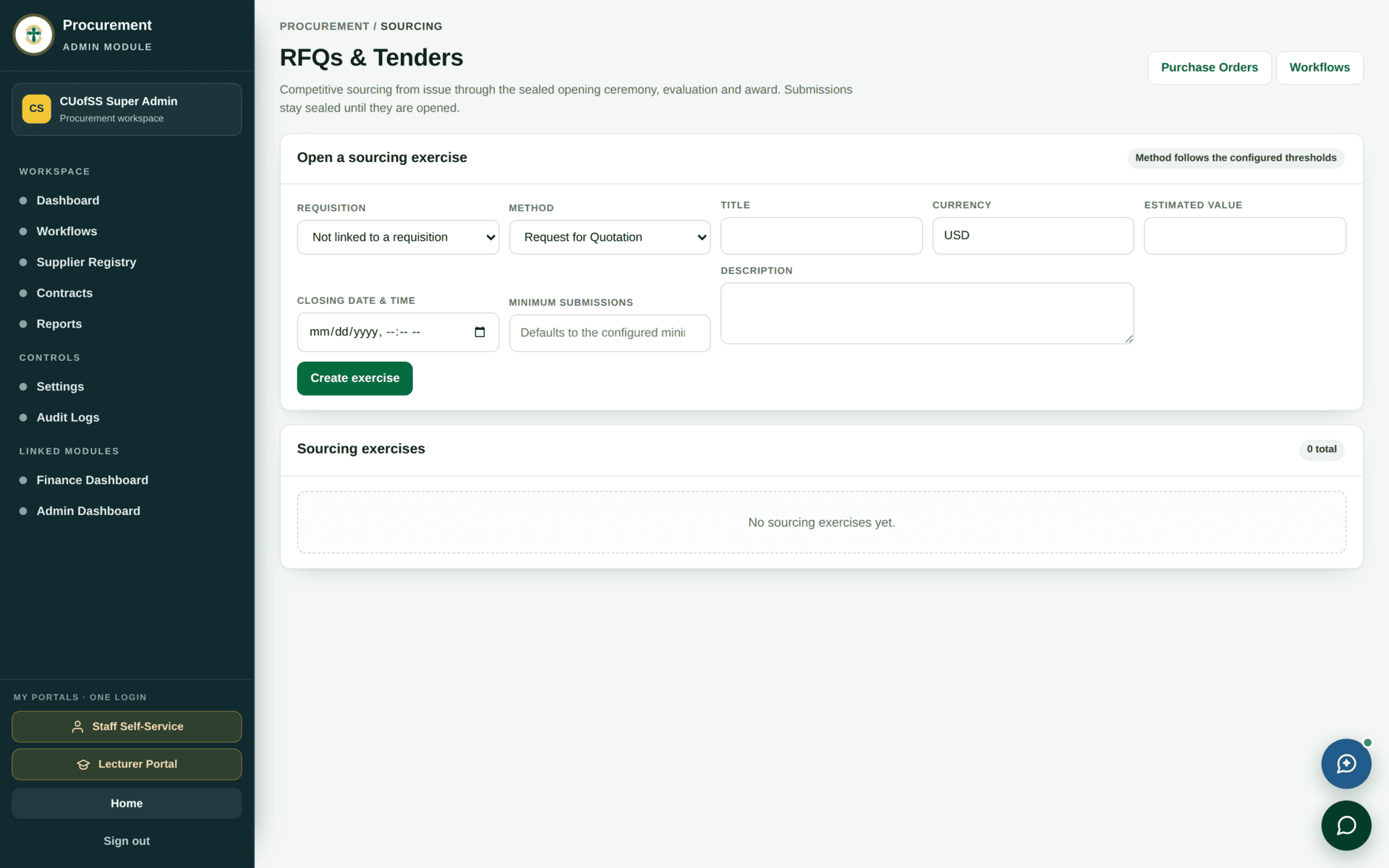
| Sourcing | Sourcing | Who is invited to quote, and who wins |
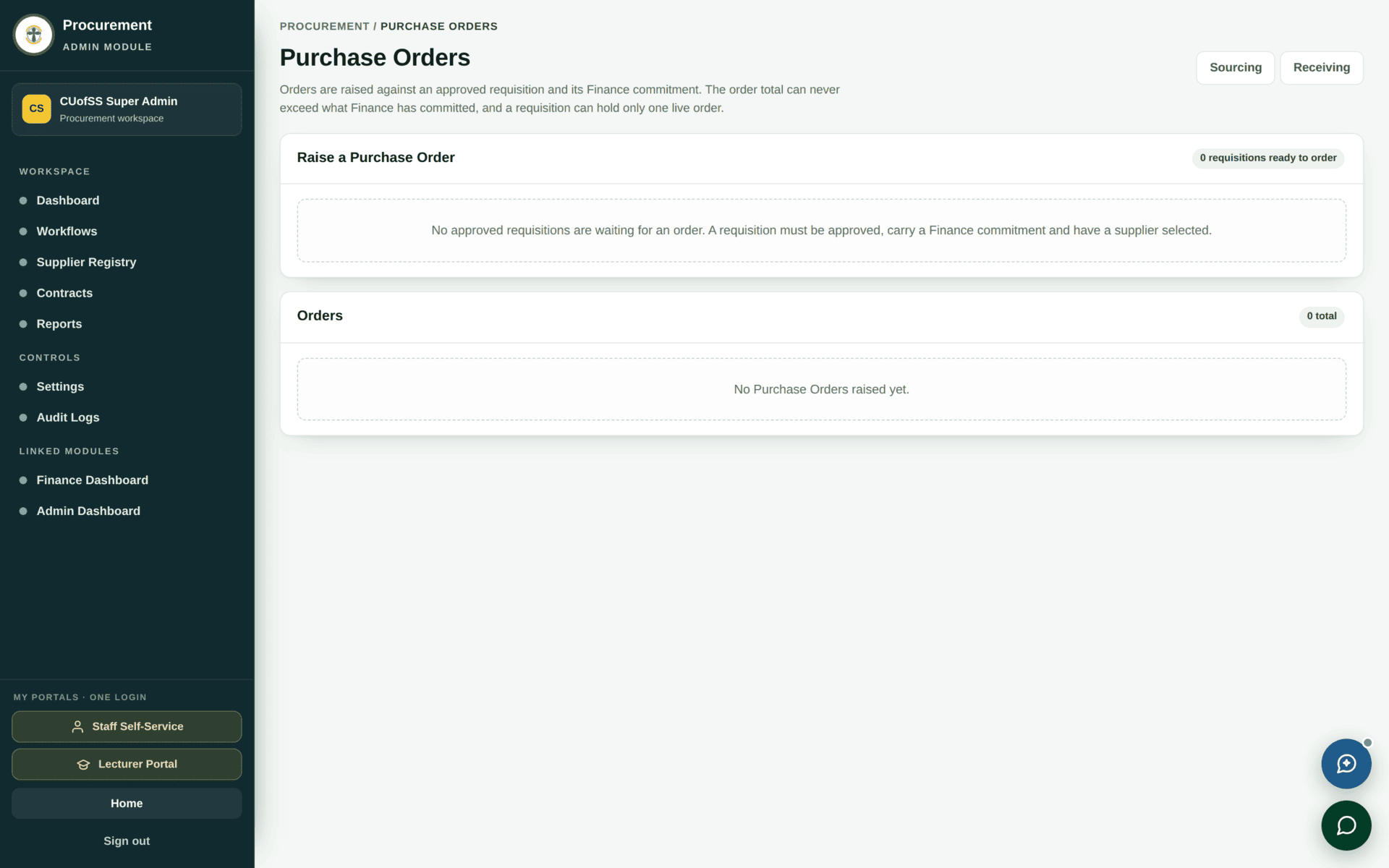
| Order | Purchase Orders | The commitment to a supplier |
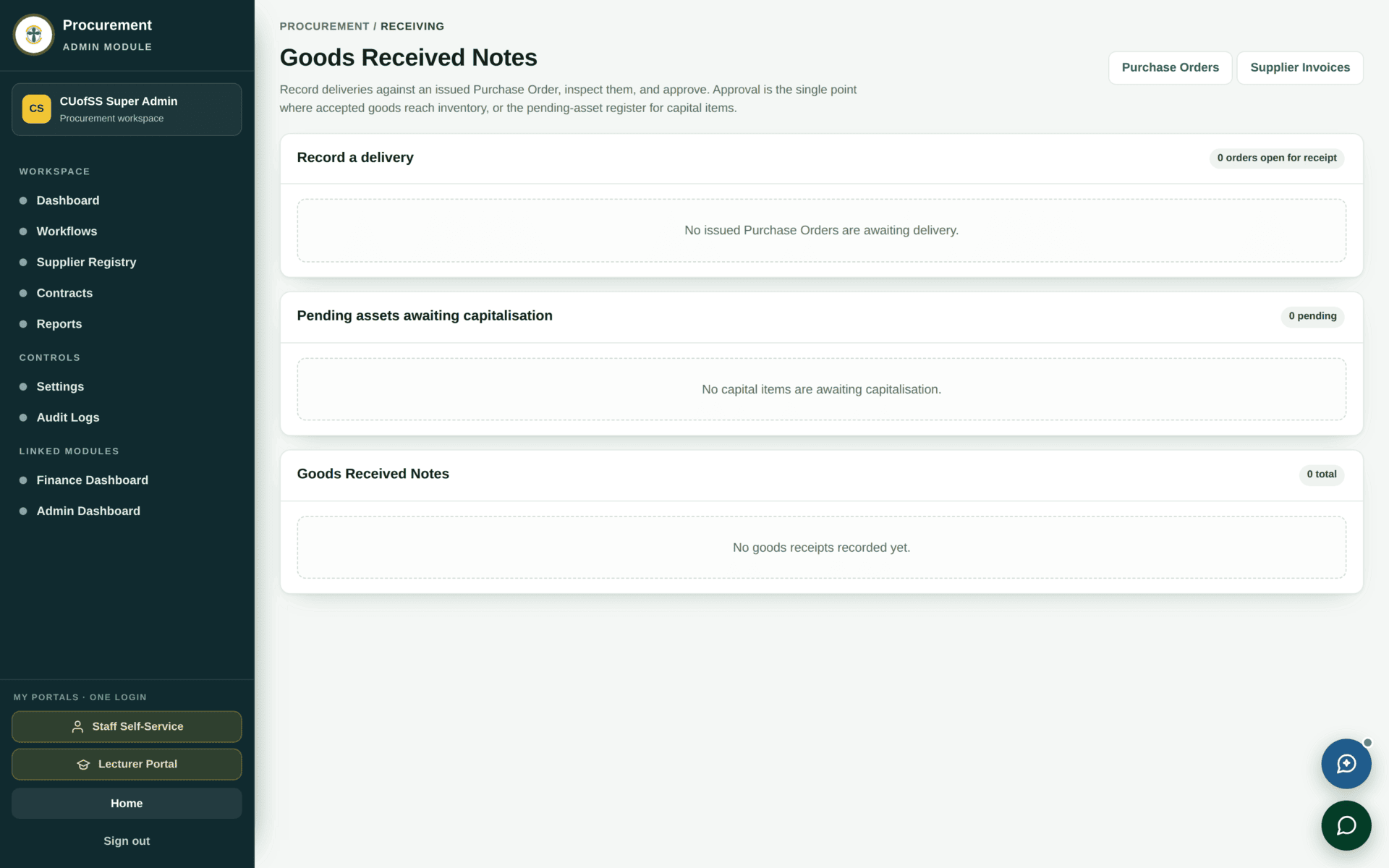
| Receiving | Receiving | What actually arrived, and in what condition |
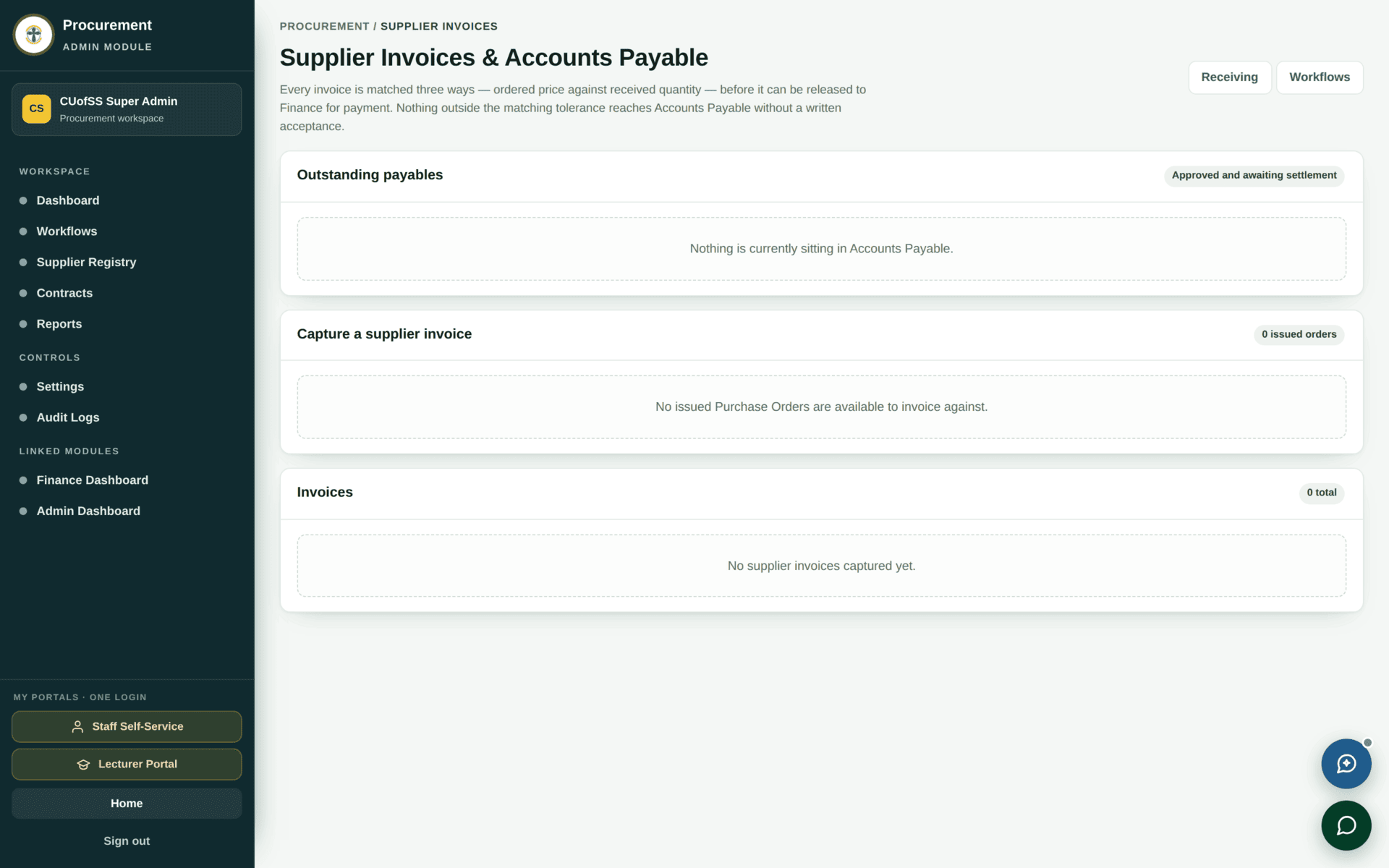
| Invoice | Supplier Invoices | Whether Finance pays, and against which order and receipt |
Worked example
Buying 20 reams of photocopy paper for the Juba main store
| Before you start | Check the dashboard badges. If Active tenders reads SETUP, tendering is not available — plan an RFQ, not a tender |
| 1. Requisition | Raise it with the item, quantity 20, the store it is destined for and the budget line it is charged to |
| 2. Approval | It enters the workflow. Pending approvals goes up by one. The threshold in Workflows decides who signs |
| 3. Sourcing | Raise an RFQ to suppliers on the register. Only registered, qualified suppliers can be invited — check the Supplier Registry first if the list looks short |
| 4. Compare | Record the quotations received and the basis for choosing. This is what an auditor reads later |
| 5. Order | Raise the purchase order against the winning quotation. Budget utilization moves now, on commitment |
| 6. Delivery | Goods awaiting delivery is your chase list. When it arrives, record it in Receiving — quantity actually received, and condition |
| 7. Stock | Anything going into a store is also received in Inventory. Do not skip this: procurement knows you bought it, inventory knows where it is |
| 8. Invoice | Enter the supplier invoice, matched to the order and the receipt. It appears in Supplier invoices pending finance approval |
| 9. Pay | Finance approves and pays; the entry posts to the ledger through the normal posting rules |
Sourcing draws its invitation list from the Supplier Registry. A supplier who has not registered — or who has registered but is not yet qualified — cannot be invited, however well you know them. If the RFQ invitation list is unexpectedly short, that is where to look, not at the RFQ.
If procurement stalls
| Symptom | Cause | Fix |
|---|---|---|
| A tile reads zero and nothing is happening | Read its badge — it may say SETUP | Provision that part before expecting data |
| A requisition sits at approval | The approver role for that value threshold is unstaffed | Workflows, then ask ICT whether the role has anyone in it |
| You cannot invite a supplier to an RFQ | They are not registered or not qualified | Supplier Registry |
| Budget utilization looks too high | It counts committed spend, not only paid | Expected — an unfulfilled order still commits budget |
| Goods received but not in stock | Receiving in procurement and receiving into a store are two records | Inventory → Receipts & Inspection |
| Finance will not approve an invoice | It does not match an order and a receipt | Three-way match: order, receipt, invoice |
| Contract expiry alerts always read zero | Contract tracking activates only when contracts are provisioned | The tile says so under the number |