Online tests
The Online Test module is a complete examination engine in four movements — Build, Run, Mark, Review — and the sidebar is laid out in exactly those four groups. A paper is not sittable until it has climbed all four statuses, which is where most first attempts stall.
Setting and running assessments students take on screen.
Exams OfficerLecturer (authoring and marking)InvigilatorHOD
- An assessment structure with a component to attach the paper to
- Questions in the question bank
- Eligible, registered students
Marks transferred into the student record, where the normal result workflow takes over.
Build, Run, Mark, Review
| Group | Screens | Who works here |
|---|---|---|
| Build | Papers, Question Bank, Question Moderation | Lecturer authors; a moderator approves |
| Run | Examination Dashboard, Assessment Operations, Invigilation, Attempt Reviews | Exams Officer and invigilators |
| Mark | Marking Queue, Marking Moderation, Regrades, Transfer to Record | Lecturer marks; a moderator checks |
| Review | Assessment Results, Assessment Reports | Exams Officer and management |
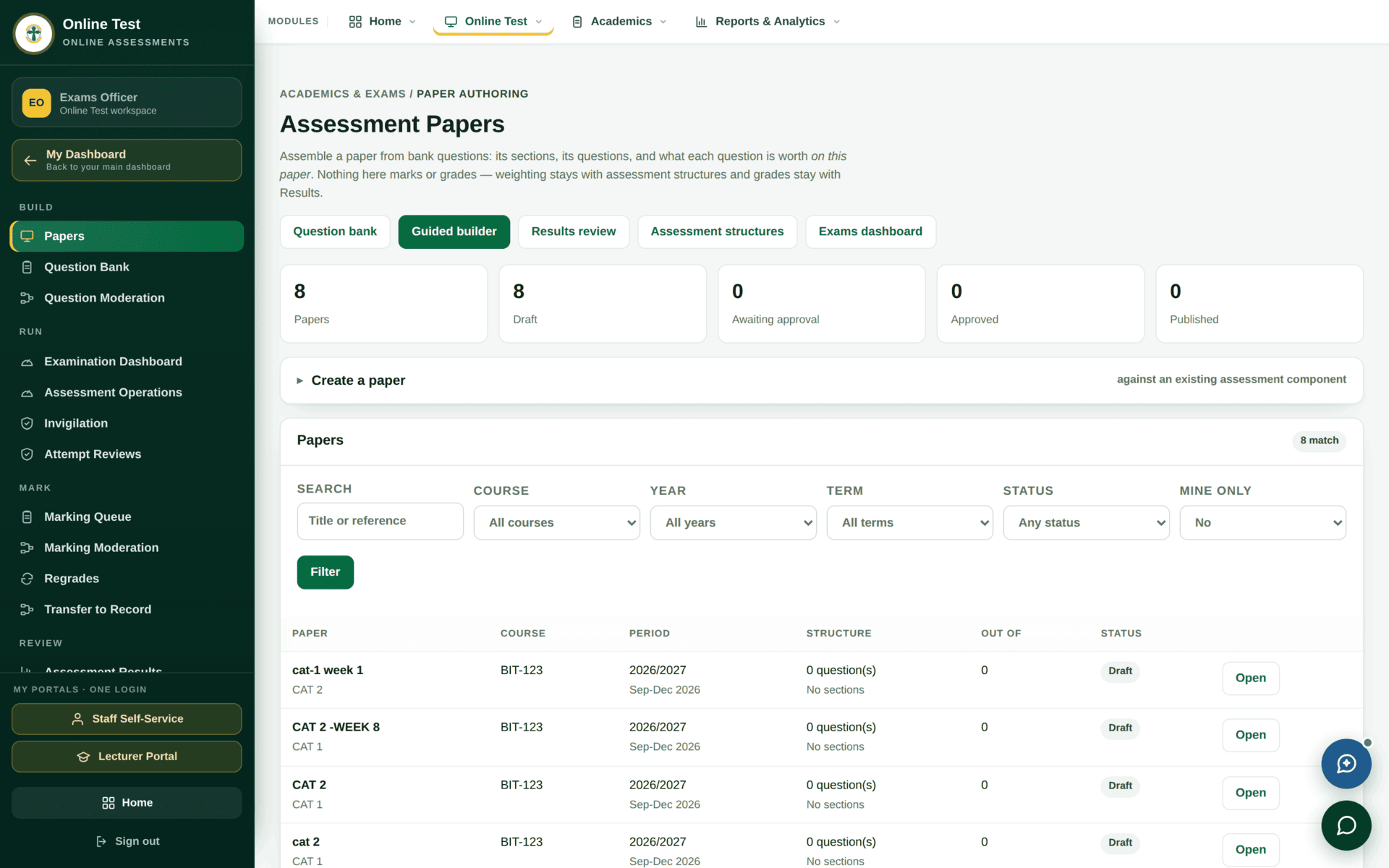
The Papers screen says it itself: “Nothing here marks or grades — weighting stays with assessment structures and grades stay with Results.” A paper decides what is asked and what each question is worth on that paper. How that paper counts towards the course is set in the assessment structure, and the grade comes from the grading scale.
Build — questions before papers
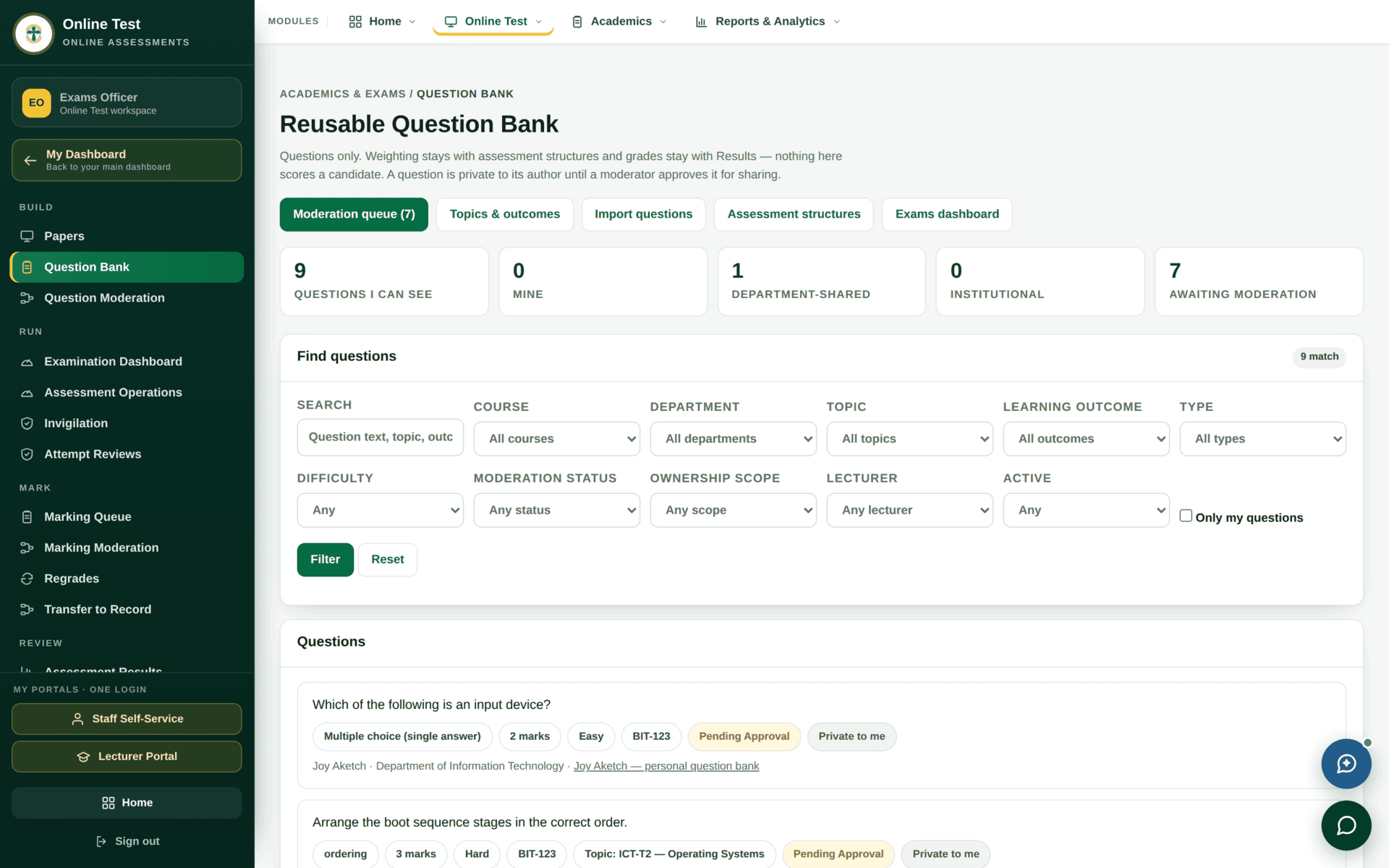
Authoring, moderating and importing questions are three separate permissions
(exams.question_bank.author, .moderate, and the taxonomy manager), so the
person who writes a question is normally not the person who signs it off.
The paper lifecycle
| Status | Means | Can a student sit it? |
|---|---|---|
| Draft | Being assembled. Sections and questions still being added | No |
| Awaiting approval | Submitted for academic sign-off | No |
| Approved | Signed off, but not yet released | No |
| Published | Live for its window | Yes, if they are eligible |
The papers table has an Out of column and a
Structure column. A row reading 0 question(s),
No sections, 0 is an empty shell — created but never built. Filter
on Draft before an examination period and clear these out; they are the
commonest cause of “the test would not open”.
Run — the day of the assessment
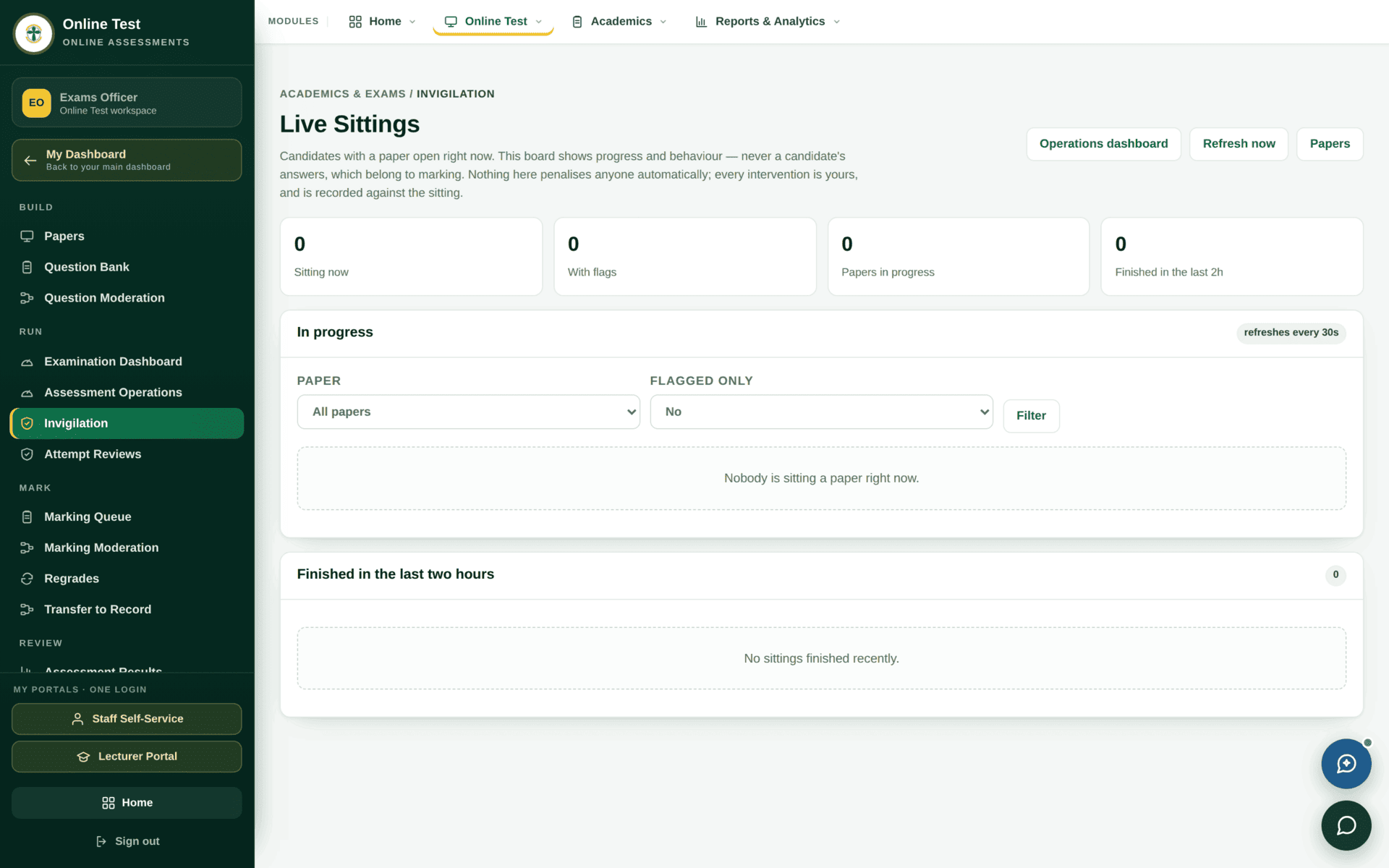
- Assessment Operations — open and close sittings, extend time, handle the student whose machine failed.
- Invigilation — the live board.
- Attempt Reviews — look at an individual attempt afterwards, including the events recorded during it.
A student who is finance-blocked, attendance-blocked or unregistered will be refused at the start of a sitting, not before it. Run the eligibility report on the Examination Dashboard the day before, not on the hour.
Mark — and then transfer
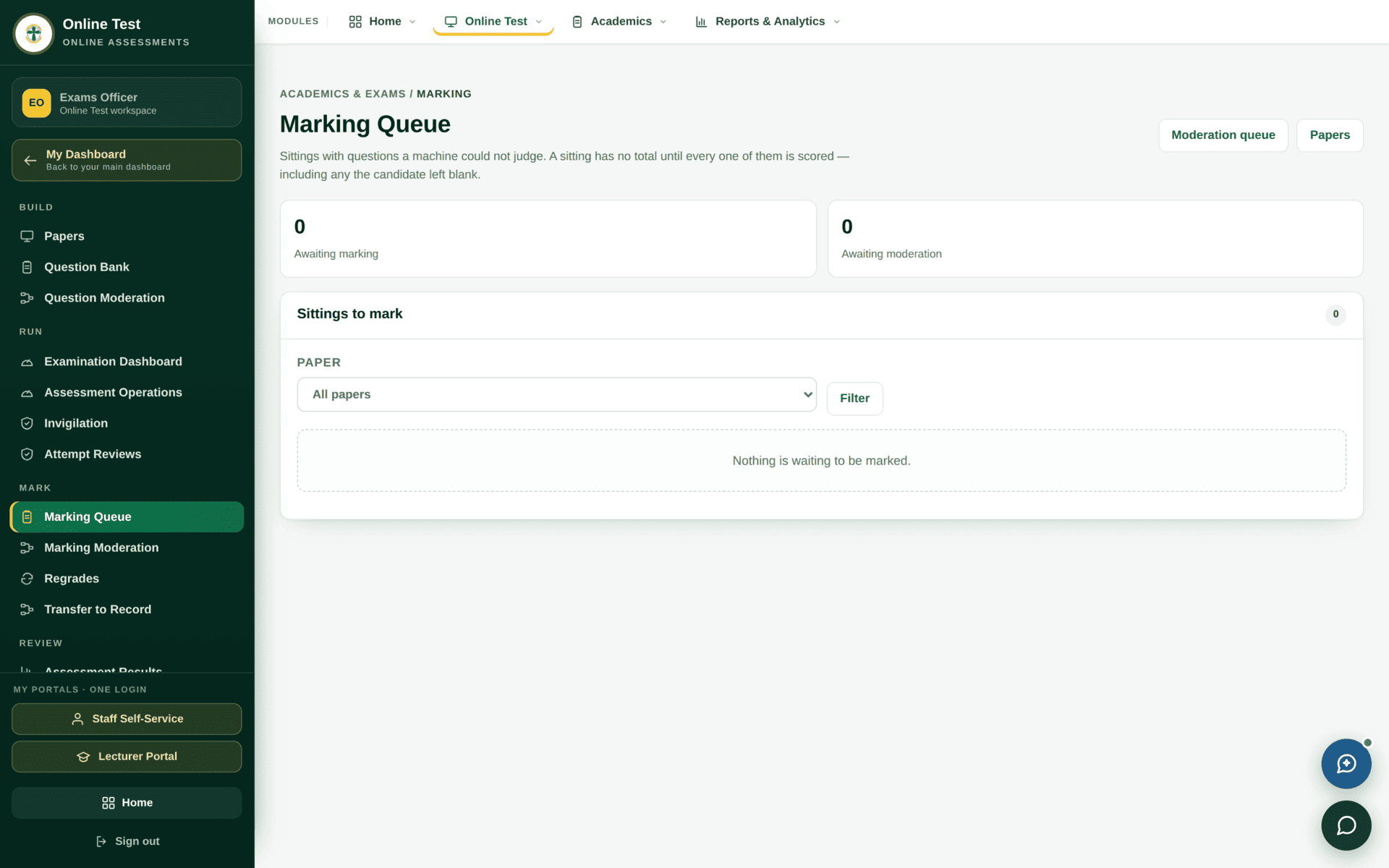
Marking a paper does not put the mark on the student's record. Transfer to
Record — permission exams.online_assessment.push_marks — is what
moves it into the marks that the result workflow processes.
Until then the mark exists only inside this module, and the course will still show as having
missing marks.
Running the CAT for BIT-123 on screen
| Before anything | Confirm BIT-123 has an assessment structure with a CAT component worth 30%. A paper attaches to a component; without one there is nothing to attach to |
| 1. Questions | Question Bank — author or select questions, tagged to the topics being examined. Send them for moderation |
| 2. Paper | Papers → Create a paper, against the CAT component. Add sections, then questions, then the marks each carries on this paper |
| 3. Check | The row should now read a real question count, real sections and a real Out of — not 0 |
| 4. Approve & publish | Submit for approval, then publish. Published on the tile row should go from 0 to 1 |
| 5. Sitting day | Assessment Operations to open the sitting; Invigilation to watch it |
| 6. Mark | Marking Queue for written answers; then Marking Moderation |
| 7. Transfer | Transfer to Record. Only now does BIT-123 stop appearing in Missing Marks |
| 8. Verify | The lecturer's marks screen shows the CAT column filled |
If the test will not run
| Symptom | Cause | Fix |
|---|---|---|
| Students cannot see the test | The paper is Draft, Awaiting approval or Approved — not Published | The status column on the Papers table |
| The paper opens empty | 0 question(s), No sections | Build it. An empty paper is a real, saveable state |
| One student is refused at the start | Eligibility — finance, attendance or registration | Examination Dashboard block tiles |
| You cannot create a paper | No assessment component to attach it to | Assessment structures, first |
| Marks are complete but the course still shows missing marks | Not transferred to record | Transfer to Record |
| You can author but not approve your own questions | Authoring and moderation are separate permissions, on purpose | Ask the moderator |