Library
The library keeps three things apart that people often confuse: the bibliographic record of a work, the physical copies of it, and who has borrowed which copy. Almost every library question is answered by knowing which of the three you are looking at.
Running the library from acquisition to clearance.
LibrarianHead LibrarianLibrary assistants
- Catalogue reference data
- Borrowing terms configured
- Members — students are enrolled from the student register
Items issued and returned, fines raised, and library clearance decisions for graduands.
Work, copy, loan
| Concept | Screen | Example |
|---|---|---|
| The work | Bibliographic Catalogue | One record for Introduction to Algorithms, whatever number of copies exist |
| The copy | Physical Copies | Five numbered copies, each with its own accession number, shelf and condition |
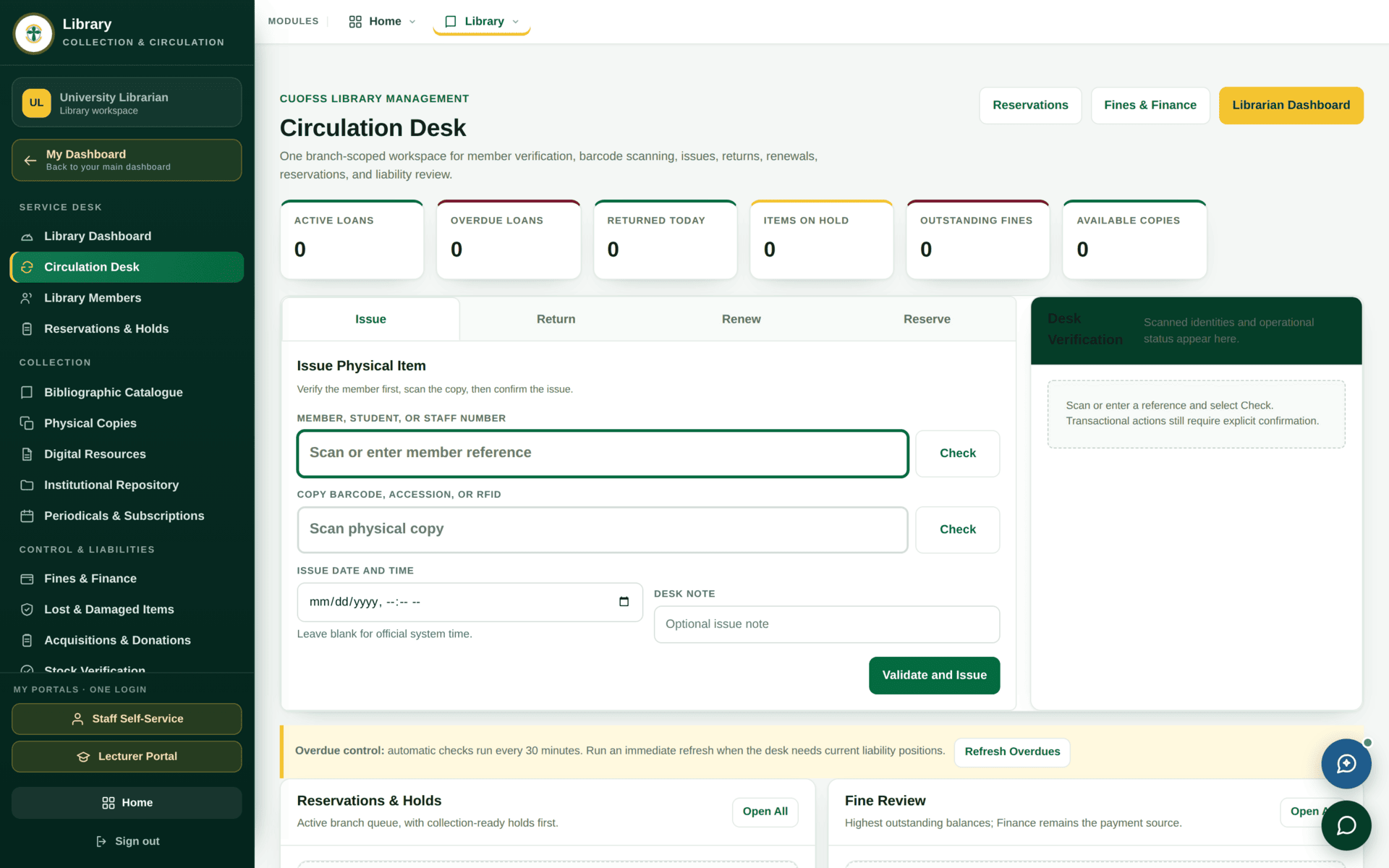
| The loan | Circulation Desk | Copy 3 is with a named member until a due date |
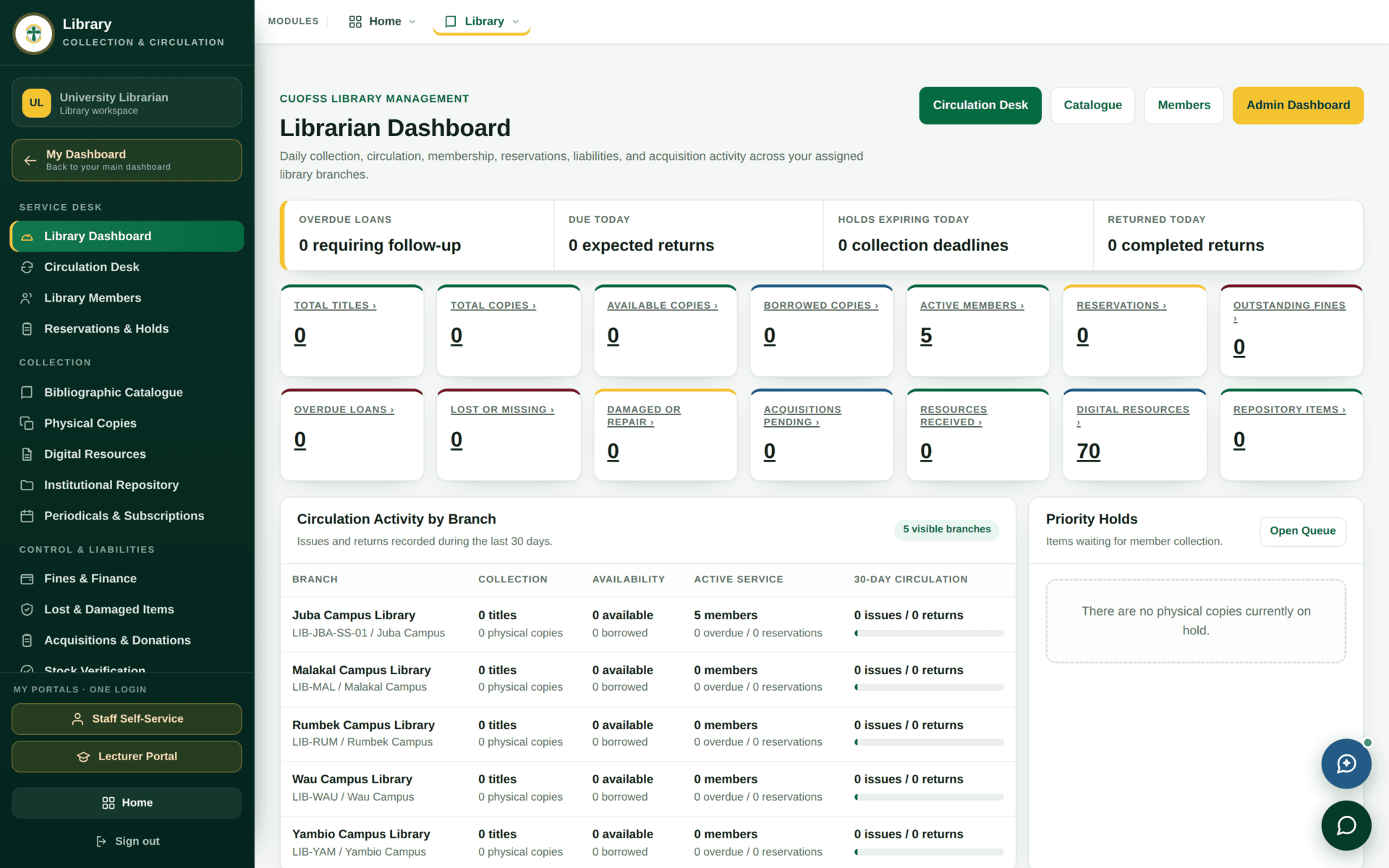
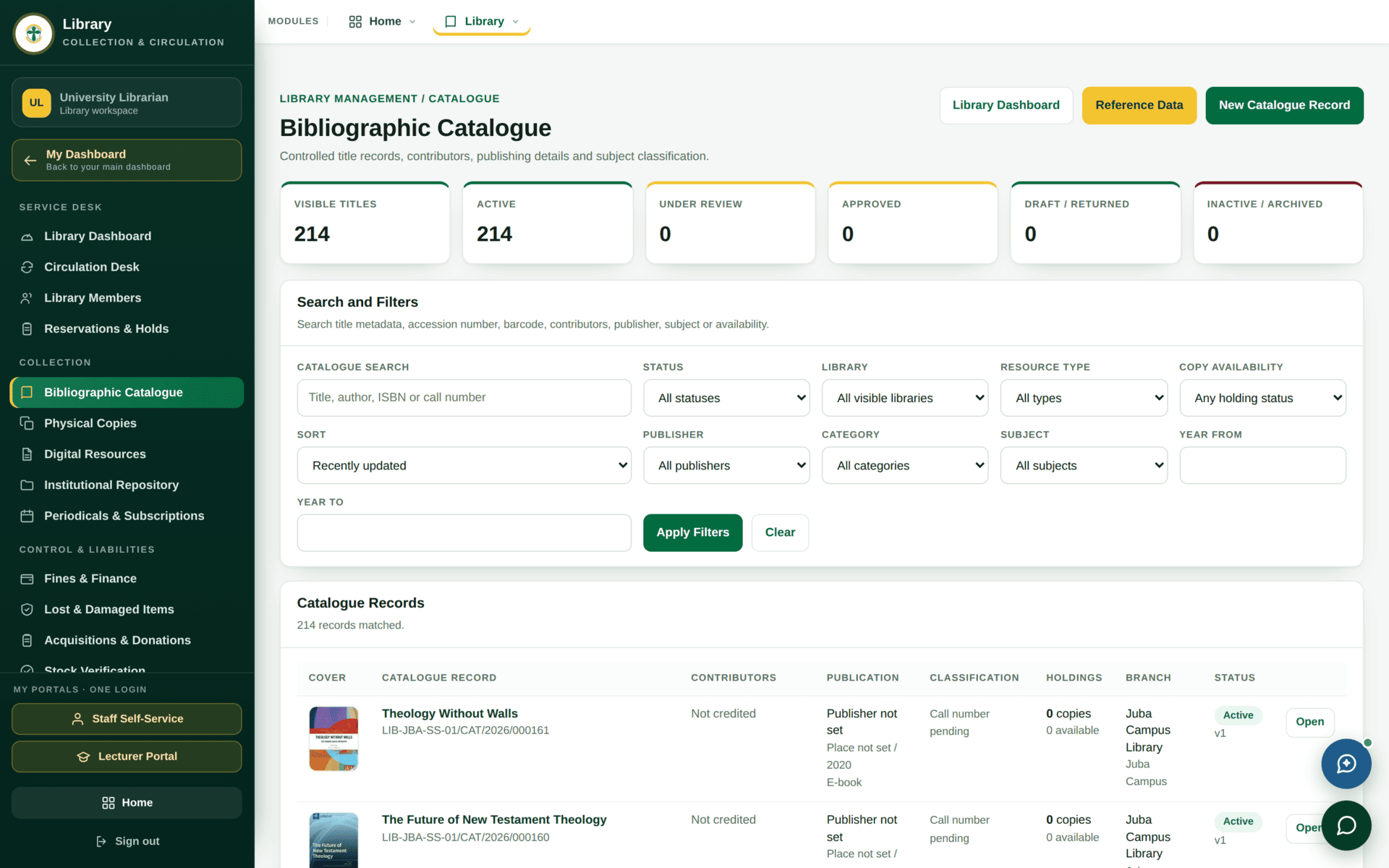
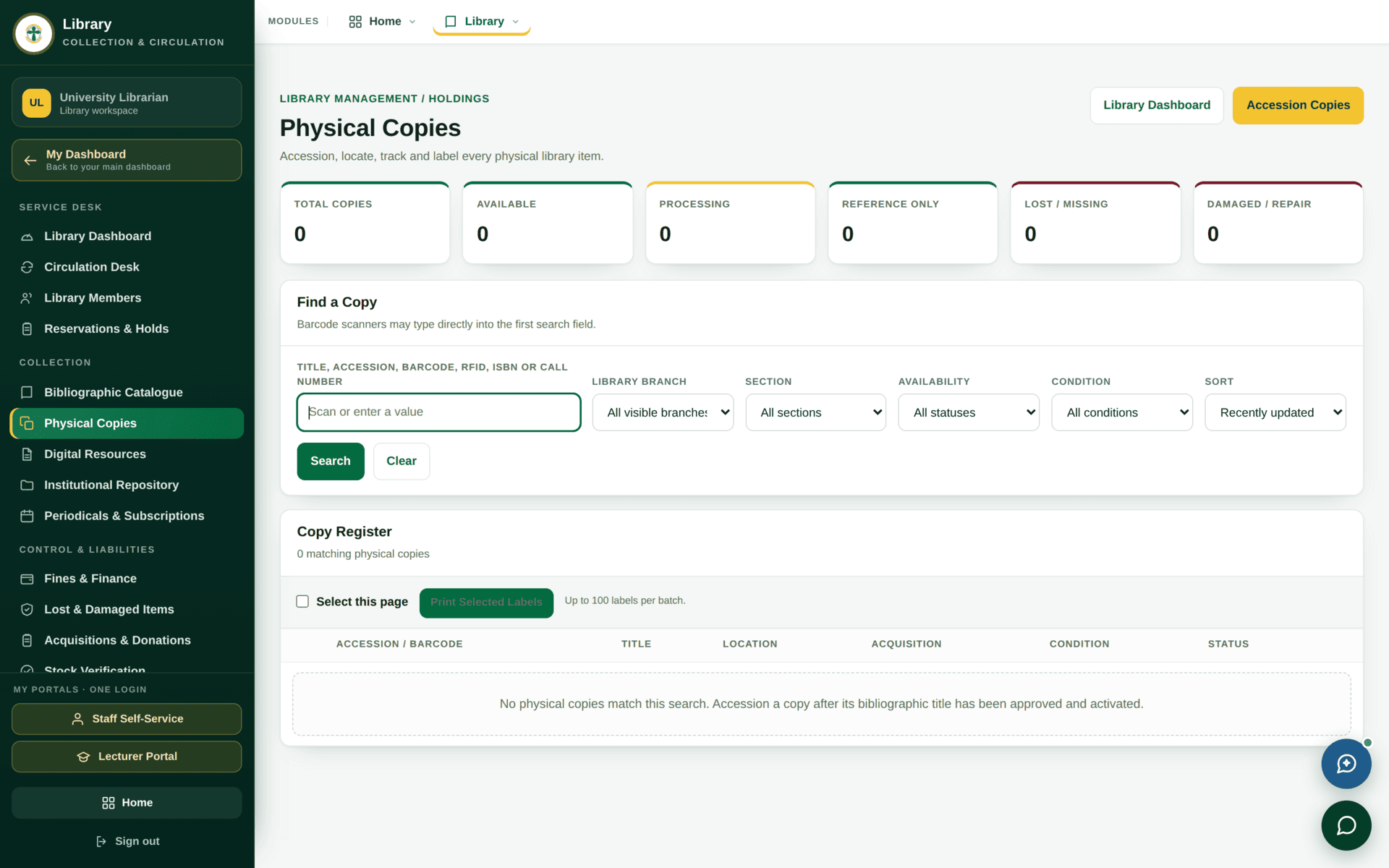
The circulation desk
library.issue_items — a librarian who can catalogue cannot necessarily
issue.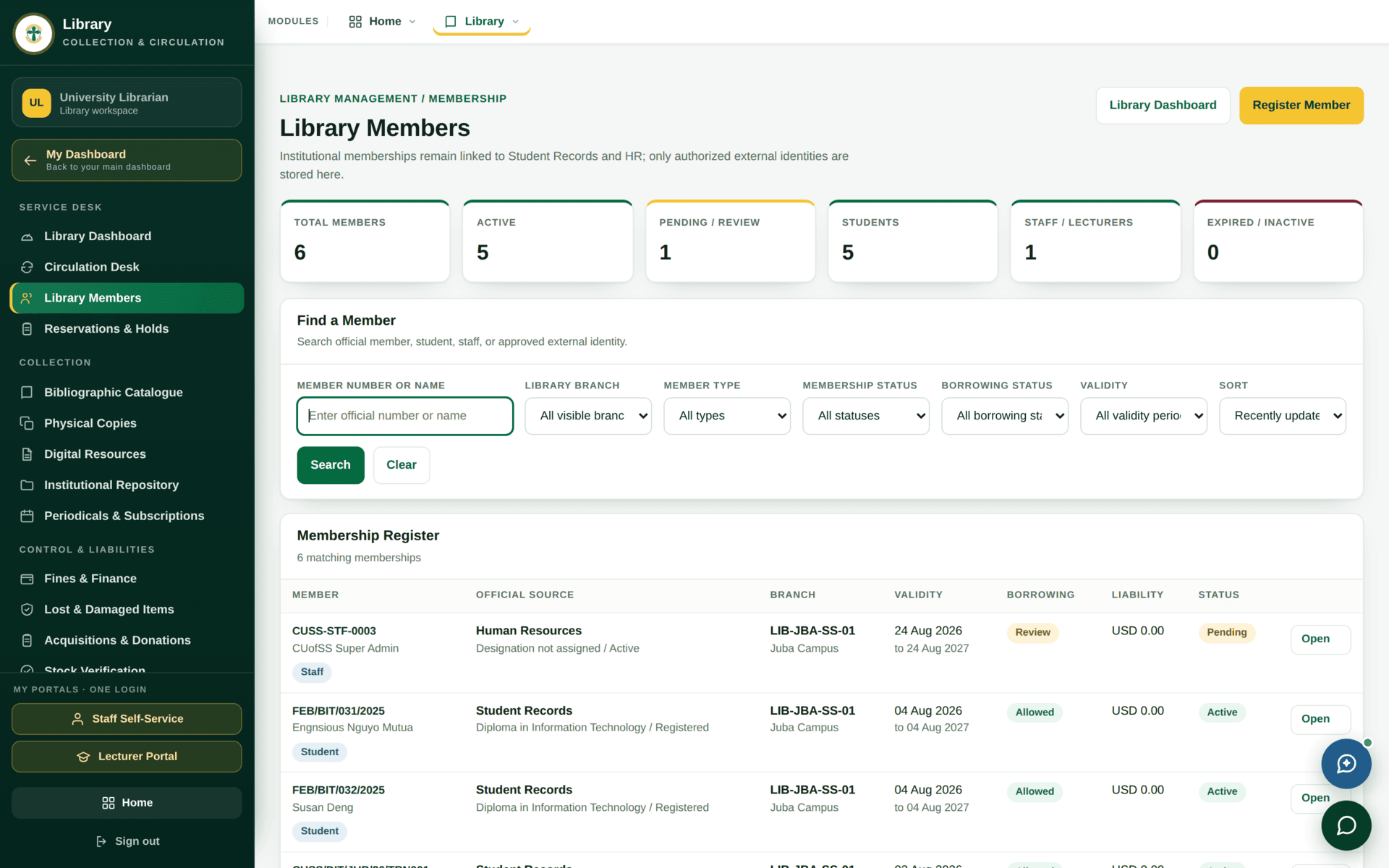
Issuing a book to a student
| 1 | Circulation Desk → find the member by student number |
| 2 | Check their standing. Blocked members, outstanding fines and borrowing limits all show here — deal with them before the item, not after |
| 3 | Scan or type the copy's accession number. Note: the copy, not the title — this is what makes an overdue chase possible |
| 4 | The due date comes from the borrowing terms for that member type and material type. Do not type it by hand unless you are deliberately overriding |
| 5 | Issue. The copy's status becomes on loan |
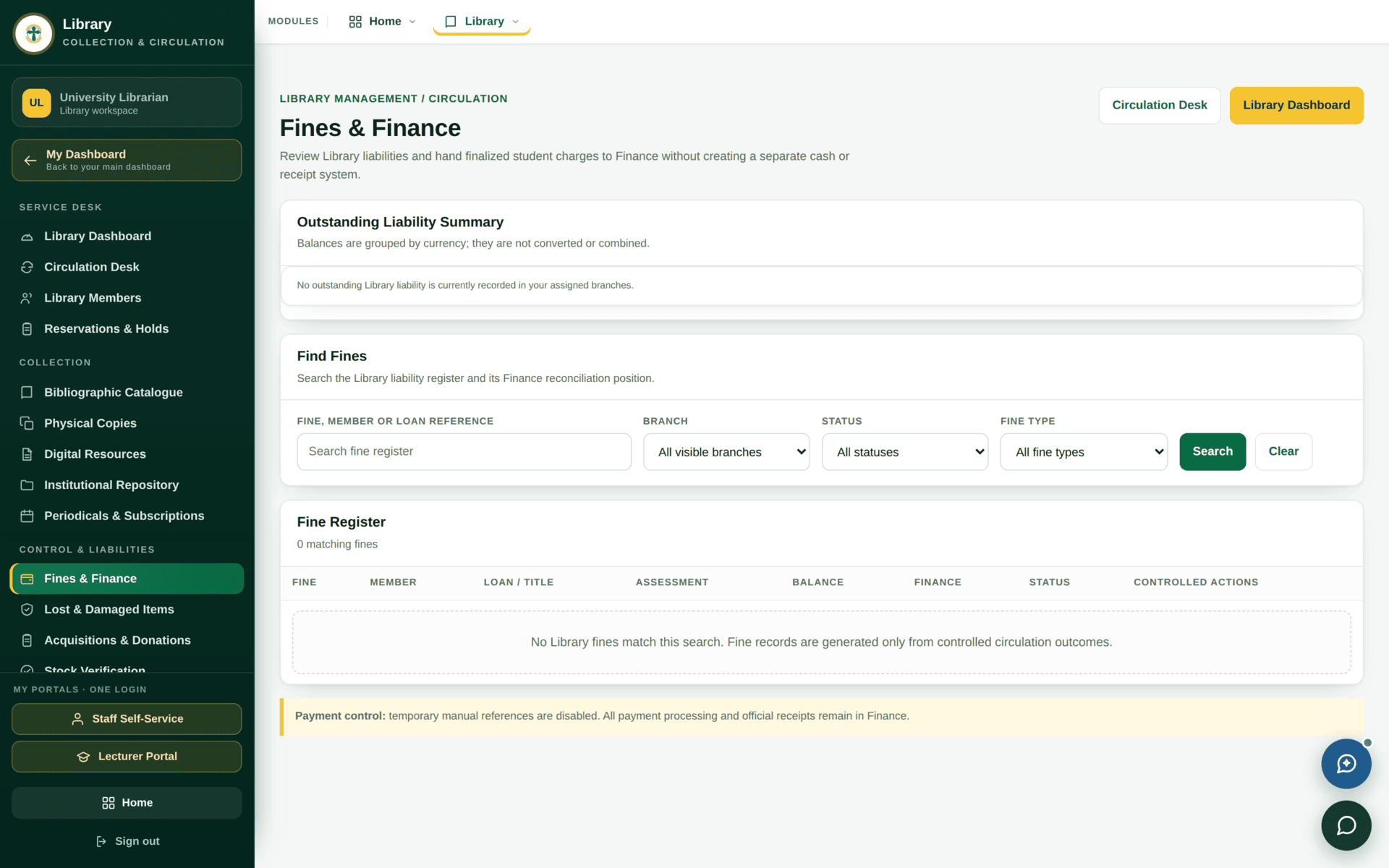
| On return | Return the copy. If it is late, the fine is raised under Fines & Finance automatically |
| If it is damaged | Lost & Damaged Items, not a quiet return. The copy leaves issuable stock and a liability is recorded |
The public catalogue
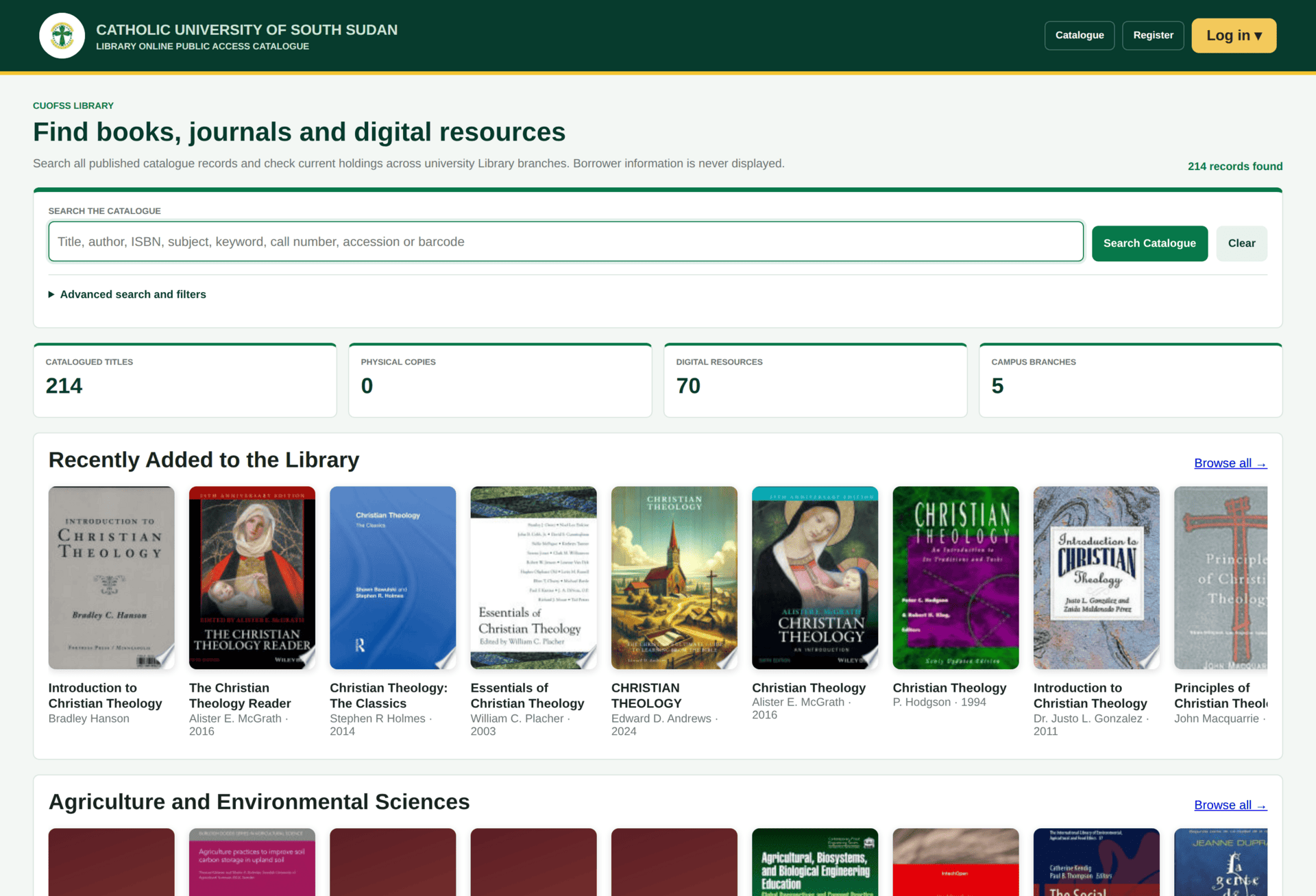
library.cuo-ss.sektechsoftsolutions.co.ke
— searchable with no account at all. An account is only needed to reserve.The library host is both the public catalogue (no sign-in) and, for staff, an administrative entry point. Members of the public can search the collection; only signed-in staff see the management screens behind it. This is why the library address is not on the portal chooser — most of its visitors never sign in.
Library clearance
The library is one of the five offices that must sign a graduand off. Its screen is the same
clearance queue everyone else uses, filtered to the library's decision, and it is gated by
library.clear_students.
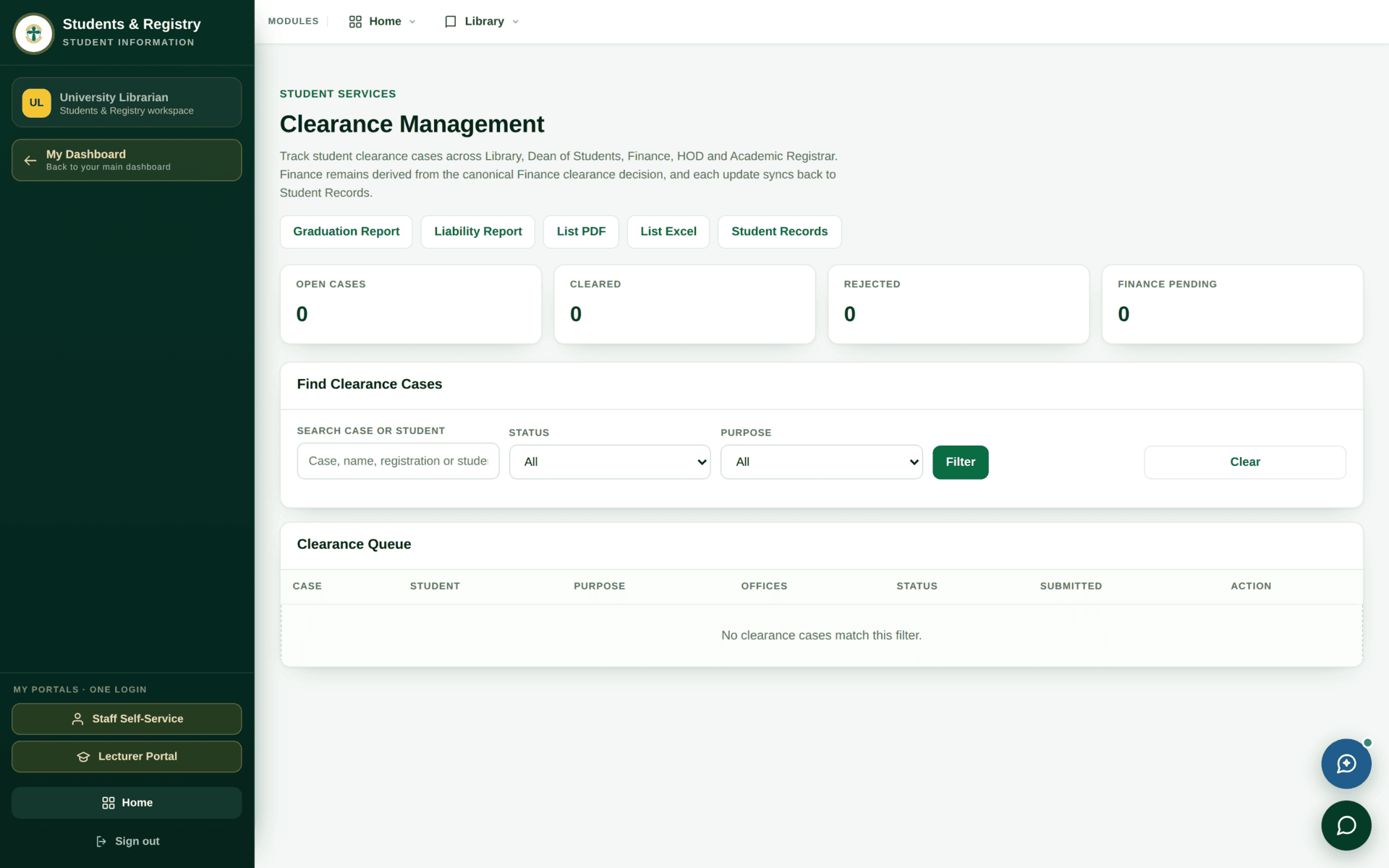
Library clearance means “this person owes the library nothing”. Check both loans and fines: an unreturned copy and an unpaid fine are different liabilities on different screens, and a graduand can be clear of one and not the other.
If the library will not co-operate
| Symptom | Cause | Fix |
|---|---|---|
| A student is not a member | Membership derives from an active student record | Student records |
| You can catalogue but not issue | library.issue_items is a separate permission | Ask for it specifically |
| A copy cannot be issued | Its status is lost, damaged, withdrawn or already on loan | Physical Copies |
| The due date is wrong | Borrowing terms for that member and material type | Borrowing Terms under Reports & setup |
| A fine will not clear | Fines are settled, not deleted | Fines & Finance — record the settlement |
| A graduand is blocked and the shelf is clear | An unpaid fine, not an unreturned book | Both must be clear |