Accounting & the ledger
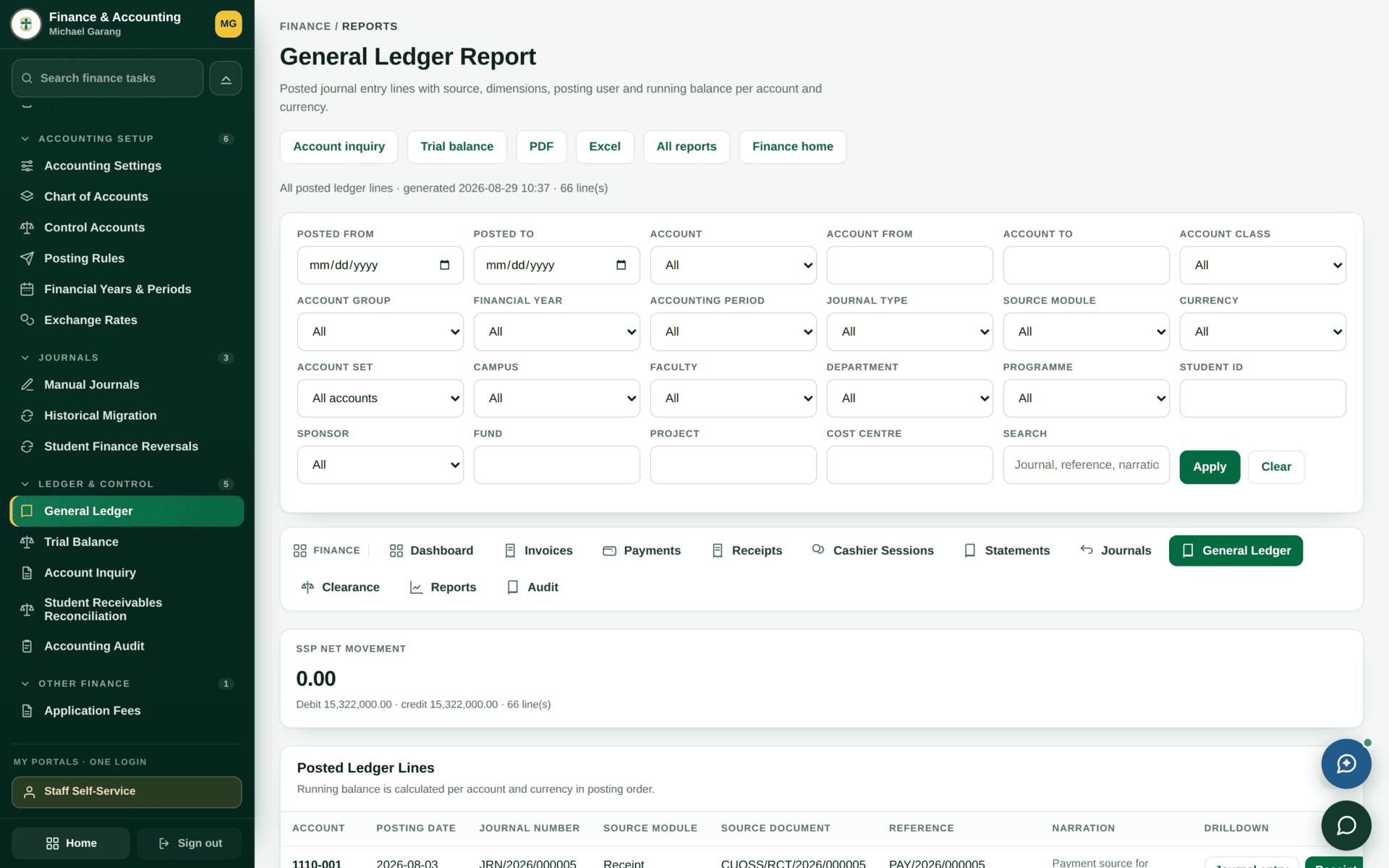
Everything the university collects or spends ends up here. Student billing, cashier receipts and procurement all post through one canonical ledger service, which is why the finance dashboard can say plainly that no screen writes to the books by a side door.
Keeping the books: periods, journals, the ledger and the statements drawn from it.
Finance ManagerBursarDVC-Admin & FinanceInternal Auditor
- A chart of accounts
- An open financial year and period
- Posting rules mapping events to accounts
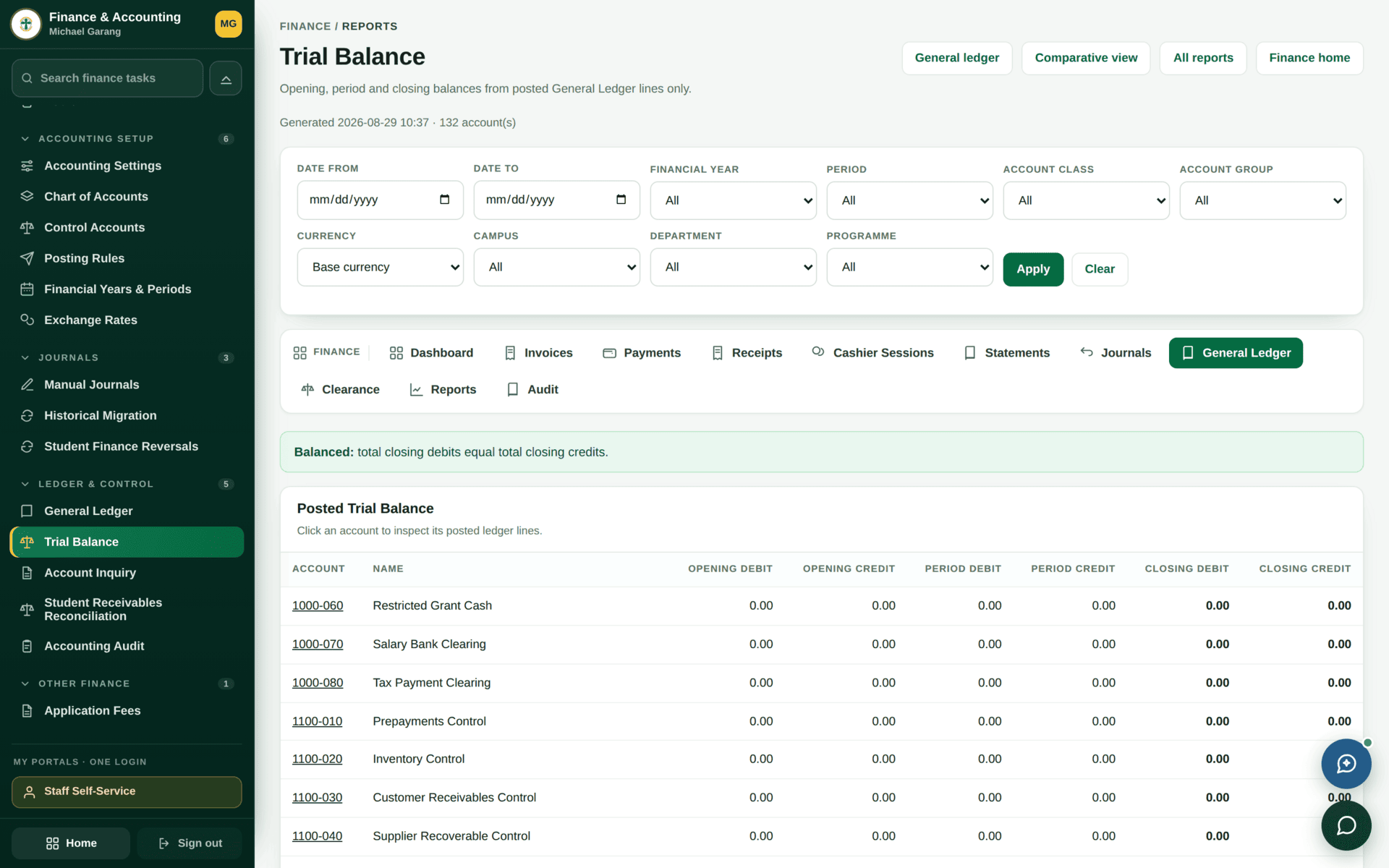
A trial balance that agrees, and financial statements drawn from it.
One ledger, one route in
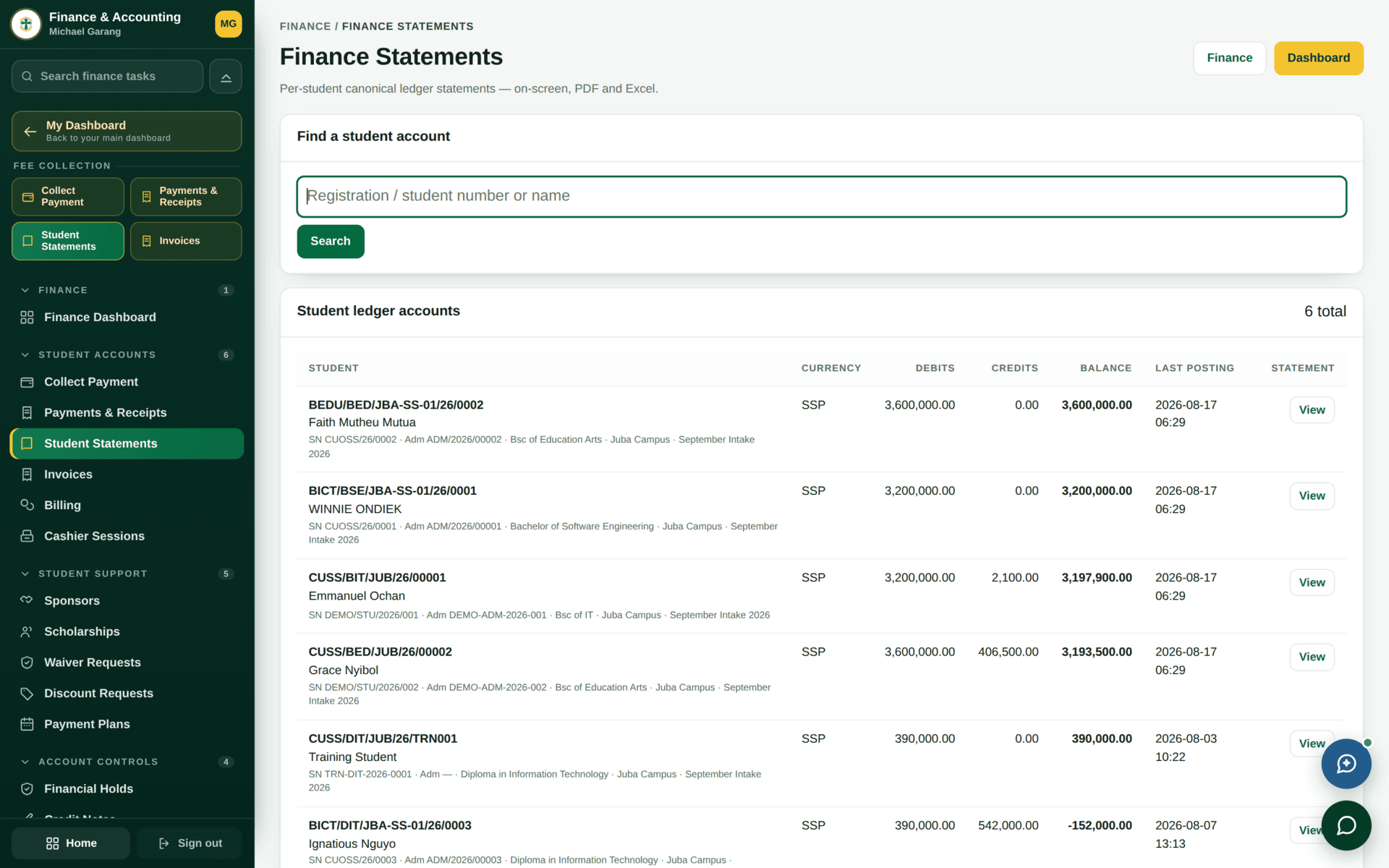
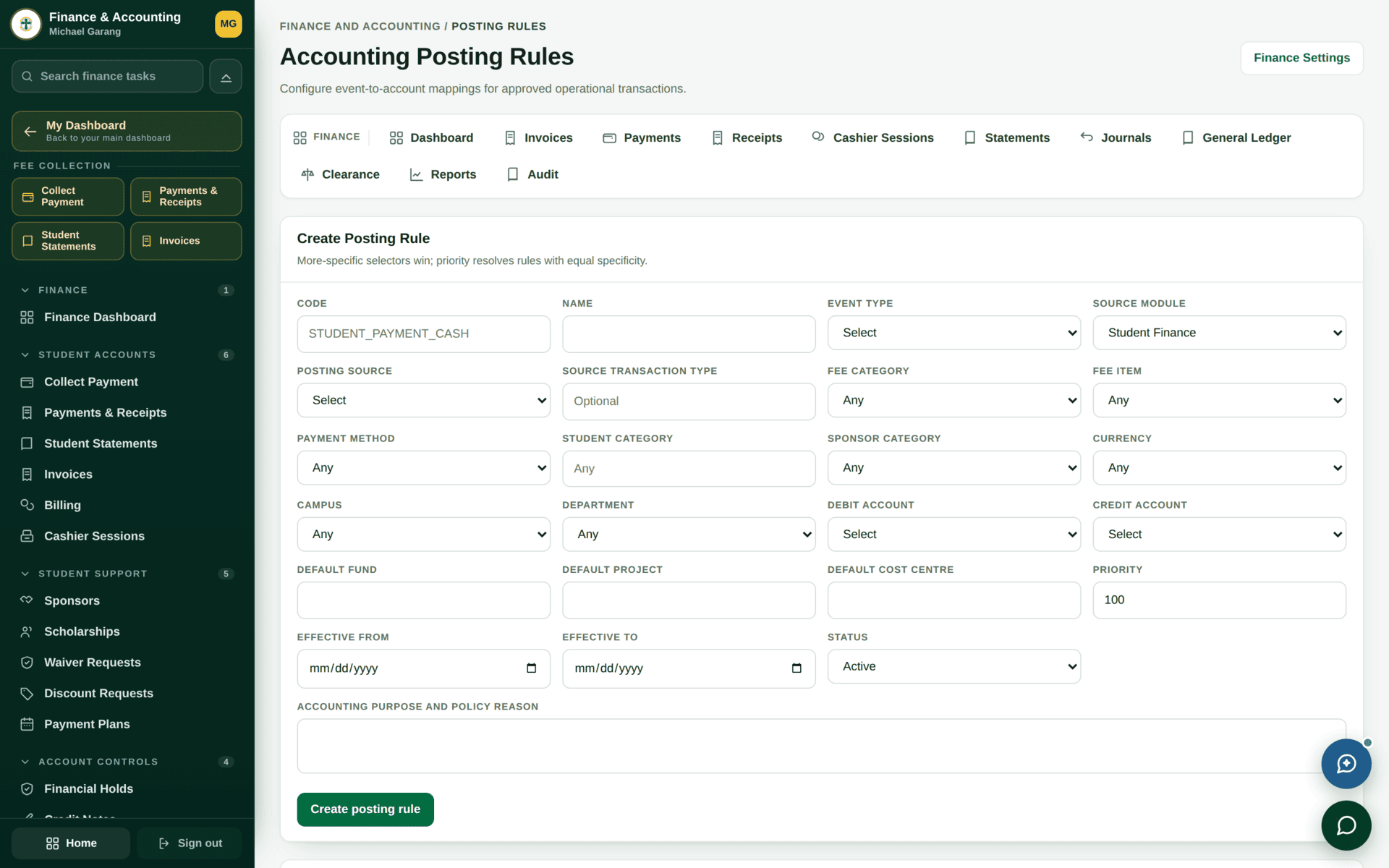
Entries already posted keep the accounts they were posted to. Correcting a mis-mapped rule therefore needs two acts: fix the rule so it is right from now on, and post a manual journal to correct what has already gone through. Doing only the first leaves a permanent gap.
Financial years and periods
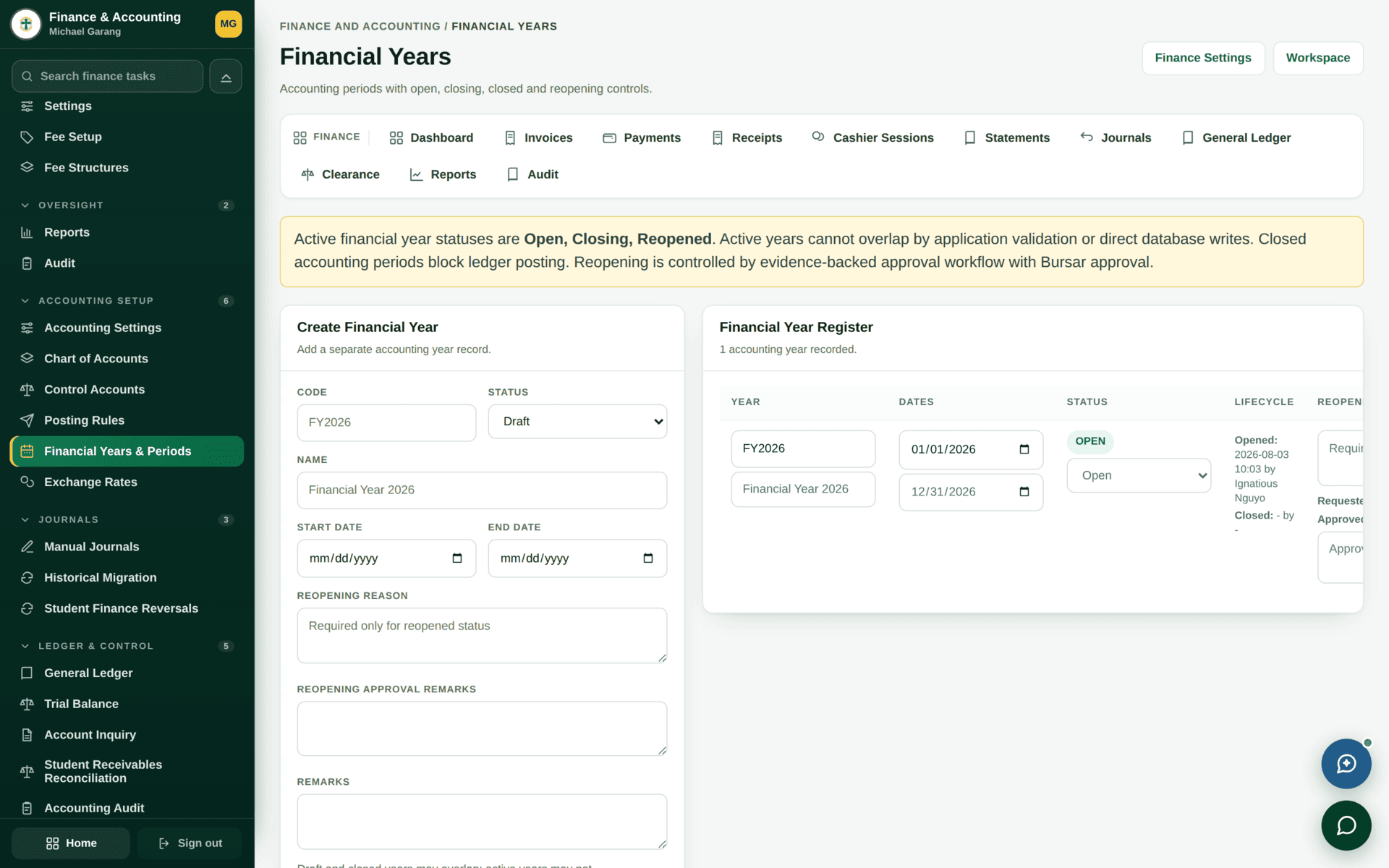
When a journal or a receipt refuses with a date error, check the period before you check anything else. The fix is either to date the entry into an open period, or — deliberately, with authority — to reopen the period. Reopening is an act with consequences for every report already issued from that period.
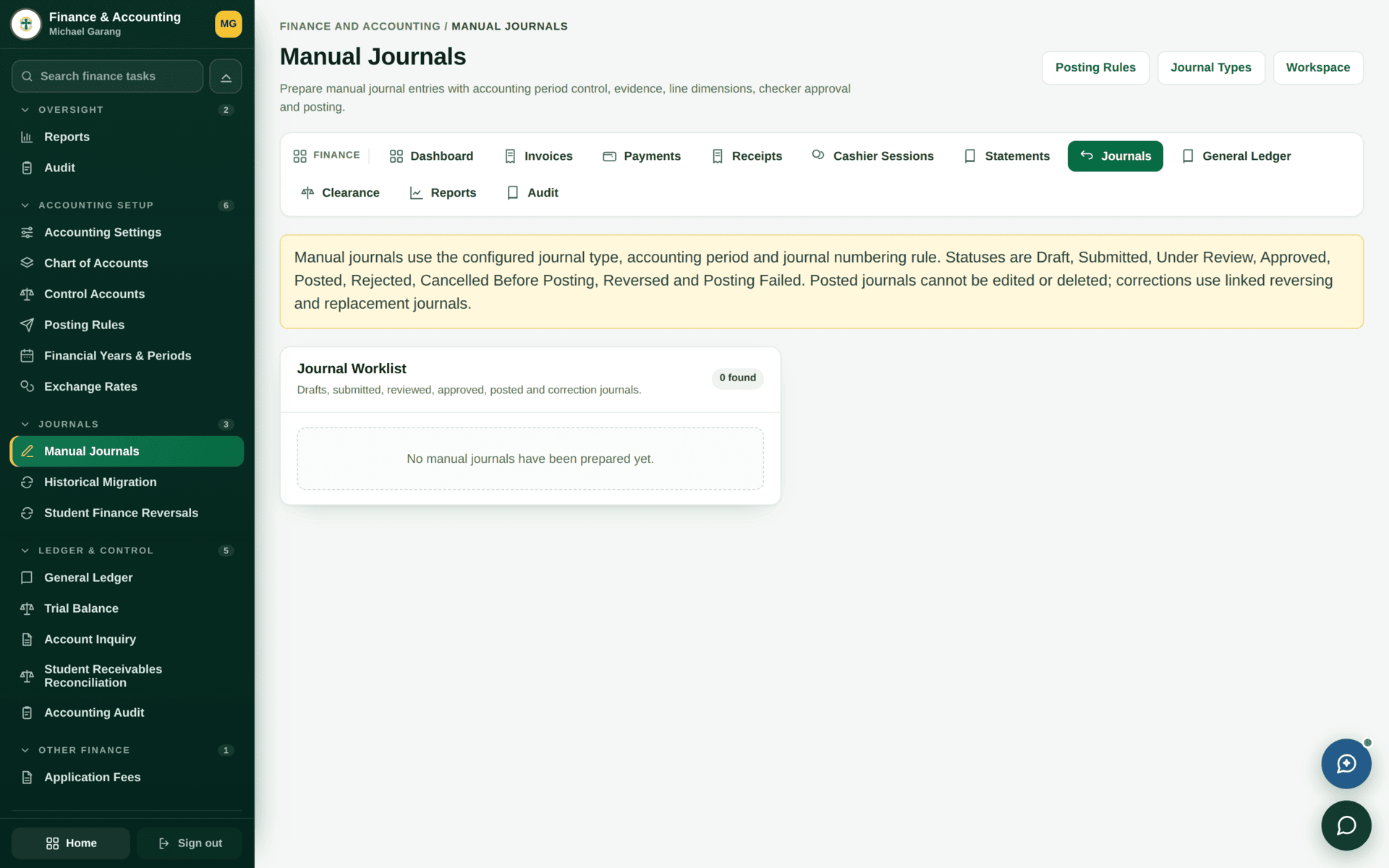
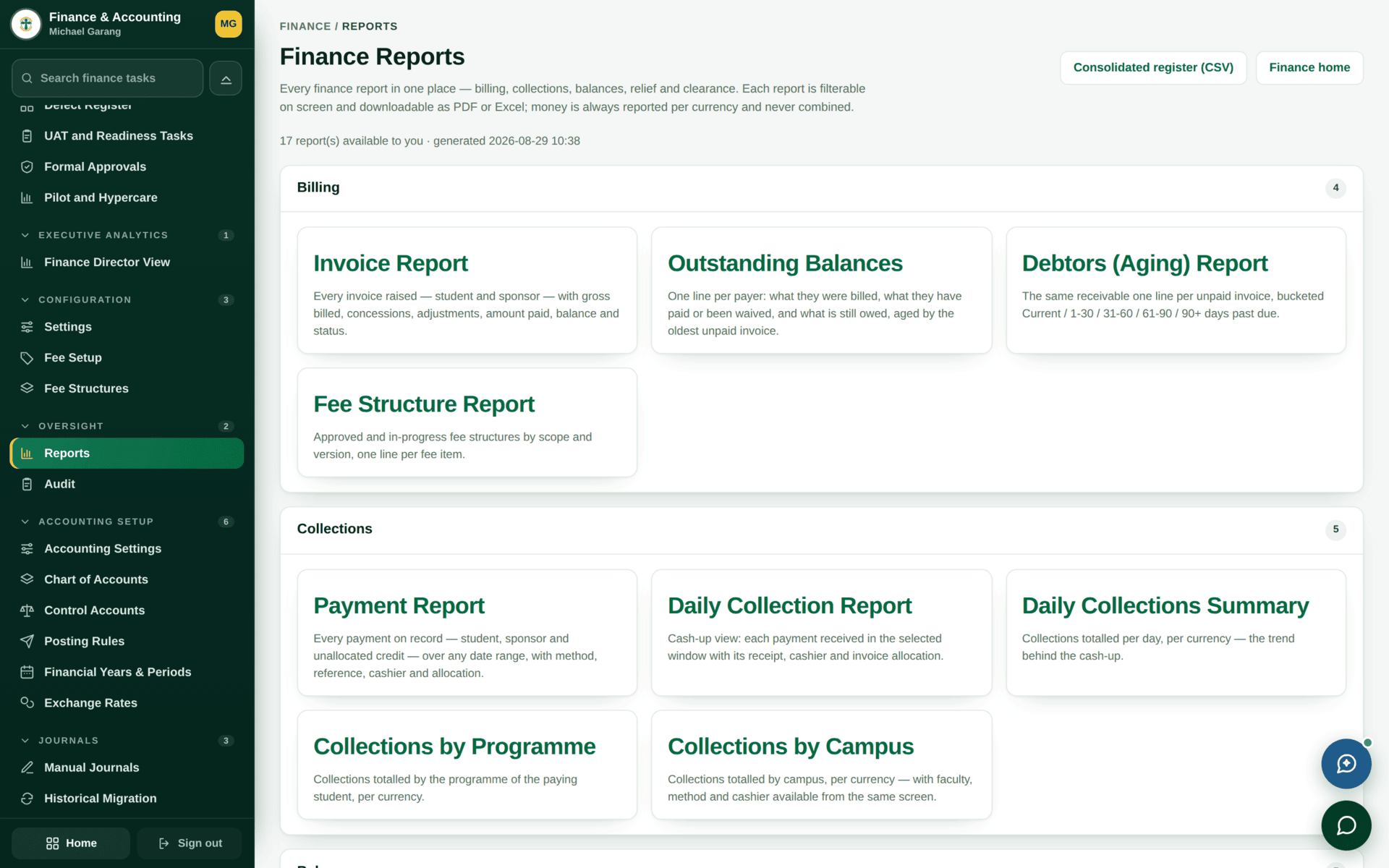
The reports that matter
Closing a month
| 1 | Cashier Sessions — every session for the month closed and signed off. An open session means uncounted cash |
| 2 | Collections Register against the bank statement. Investigate differences now, not at year end |
| 3 | Posting Exceptions — anything that failed to post. These are silent until you look |
| 4 | Trial Balance — it must agree before you go further |
| 5 | Post any correcting Manual Journals, get them approved, re-run the trial balance |
| 6 | GL Reconciliation and Control Reports |
| 7 | Financial Statements for the period |
| 8 | Close the period in Financial Years. After this, entries dated into it will refuse — which is the point |
What is not in service yet
The finance sidebar is long, and not every entry on it is live. This is worth stating plainly so that nobody plans work around a screen that will not open.
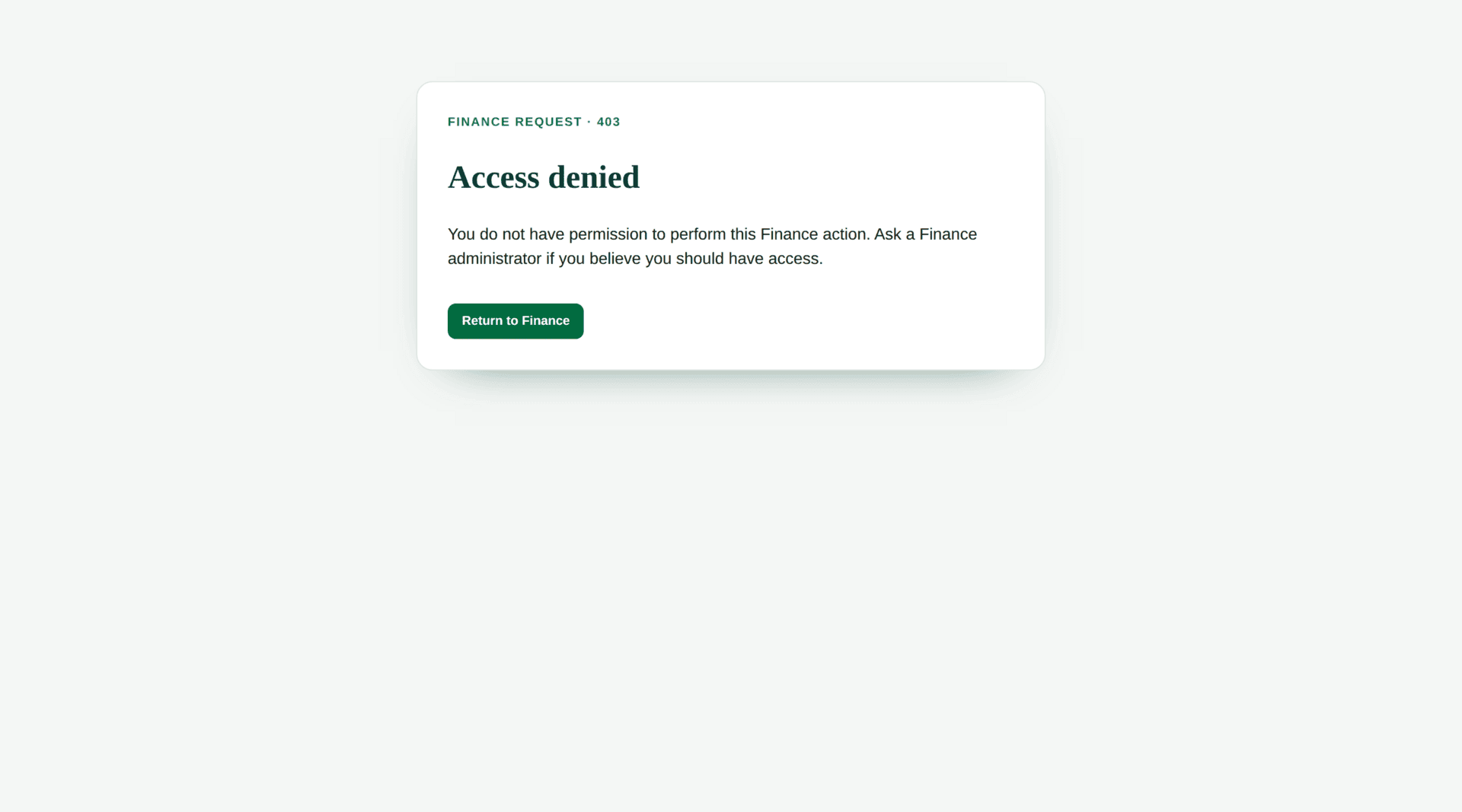
/admin/finance/receivables
refuses rather than showing an empty page.| Listed in the sidebar | State | Use instead |
|---|---|---|
| Receivables | Not in service — refuses | The Debtors and Student Balances reports |
| Payables | Not in service | Procurement supplier invoices |
| Budgeting | Not in service | — |
| Asset Management | Not in service | Inventory & stores for stock; assets are not yet tracked |
| Credit Notes / Debit Notes | Point at the Account Inquiry report | Manual journals, or a reversal |
The navigation reflects the finished shape of the module, and these sections activate as each phase goes live. It is better to know that now than to discover it during a year-end close.
If the books will not behave
| Symptom | Cause | Fix |
|---|---|---|
| An entry refuses on its date | The period is closed | Financial Years — date it into an open period, or reopen deliberately |
| A journal will not post | It does not balance, or it is not approved | Both are required |
| The trial balance does not agree | Usually a posting exception nobody looked at | Posting Exceptions |
| An event posted to the wrong account | A posting rule is mis-mapped | Fix the rule and journal the correction |
| A sidebar section refuses to open | It is not in service | The table above |
| Two reports disagree | Different period or currency basis | Check the filters on both before assuming an error |