Inventory & stores
Inventory tracks what the university physically holds and what it is worth. It has its own workspace rather than the usual module bar, and it is period-controlled like the ledger — which means the same lesson applies: nothing posts into a closed period.
Running stores: what is held, where, in what condition and at what value.
Inventory ManagerStore ManagerStorekeeperReceiving OfficerStock Counter
- Stores and locations defined
- An item catalogue
- Opening stock loaded
- An open inventory period
A stock position and valuation that finance can rely on.
The Inventory Dashboard
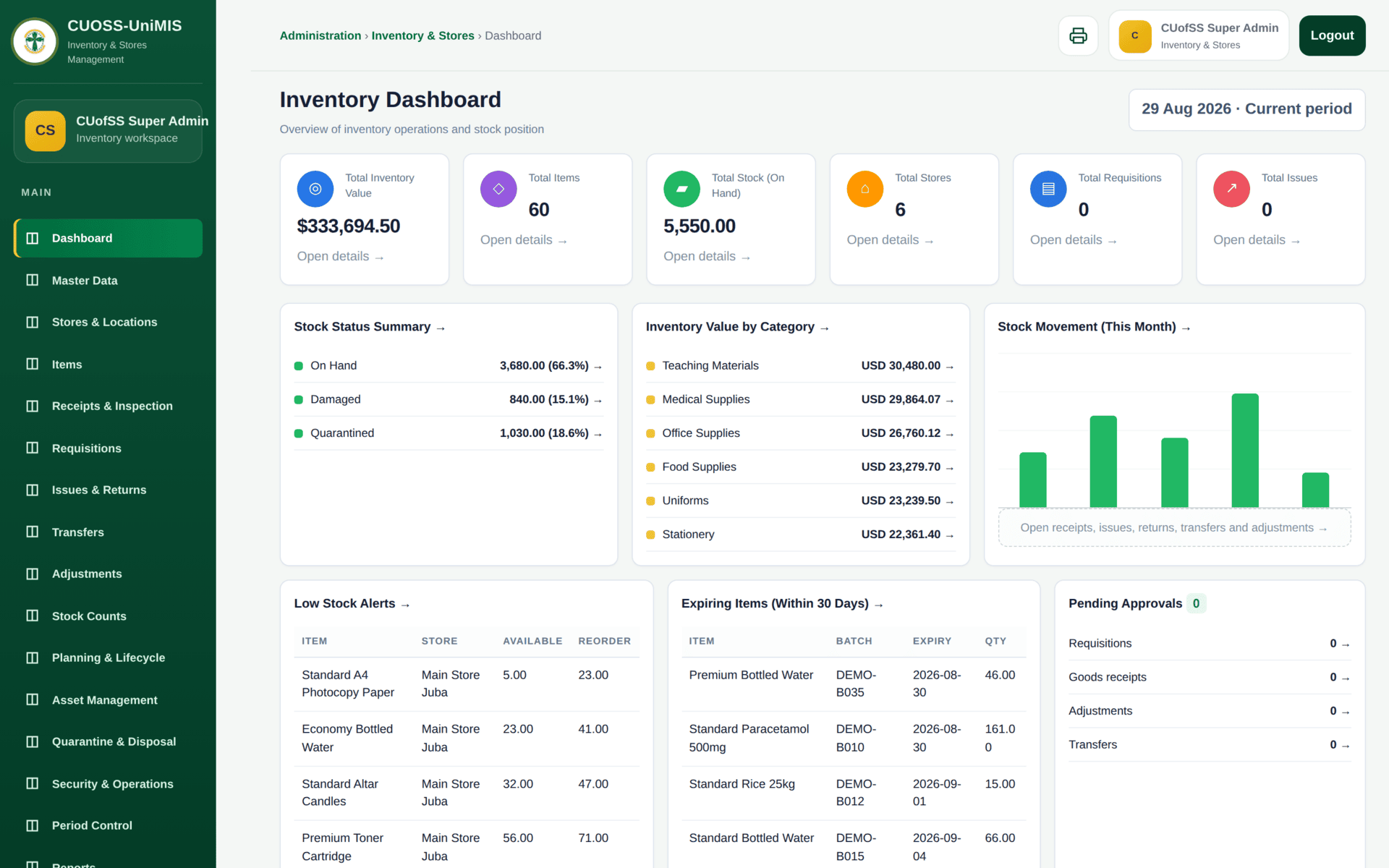
- Stock Status Summary splits stock three ways: On hand, Damaged and Quarantined. Only the first is issuable.
- Inventory Value by Category — where the money is sitting.
- Low Stock Alerts — items below their reorder level, with the store named. This is the reorder list, and it feeds straight into a procurement requisition.
- Expiring Items — batches expiring within 30 days. For a university with medical and food supplies this is a safety list, not an accounting one.
- Pending Approvals — requisitions, goods receipts, adjustments and transfers waiting on someone.
Inventory does not use the module bar and task sidebar described in Finding your way around. It has its own header, its own breadcrumb and its own sidebar, and it logs out from its own button. It is the same sign-in — just a different workspace. On a narrow screen its tables run wider than the window, so scroll the table sideways rather than looking for a missing column.
The five movements
Everything that happens to stock is one of five movements. Learn these and the module is straightforward.
| Movement | Screen | Stock goes | Needs |
|---|---|---|---|
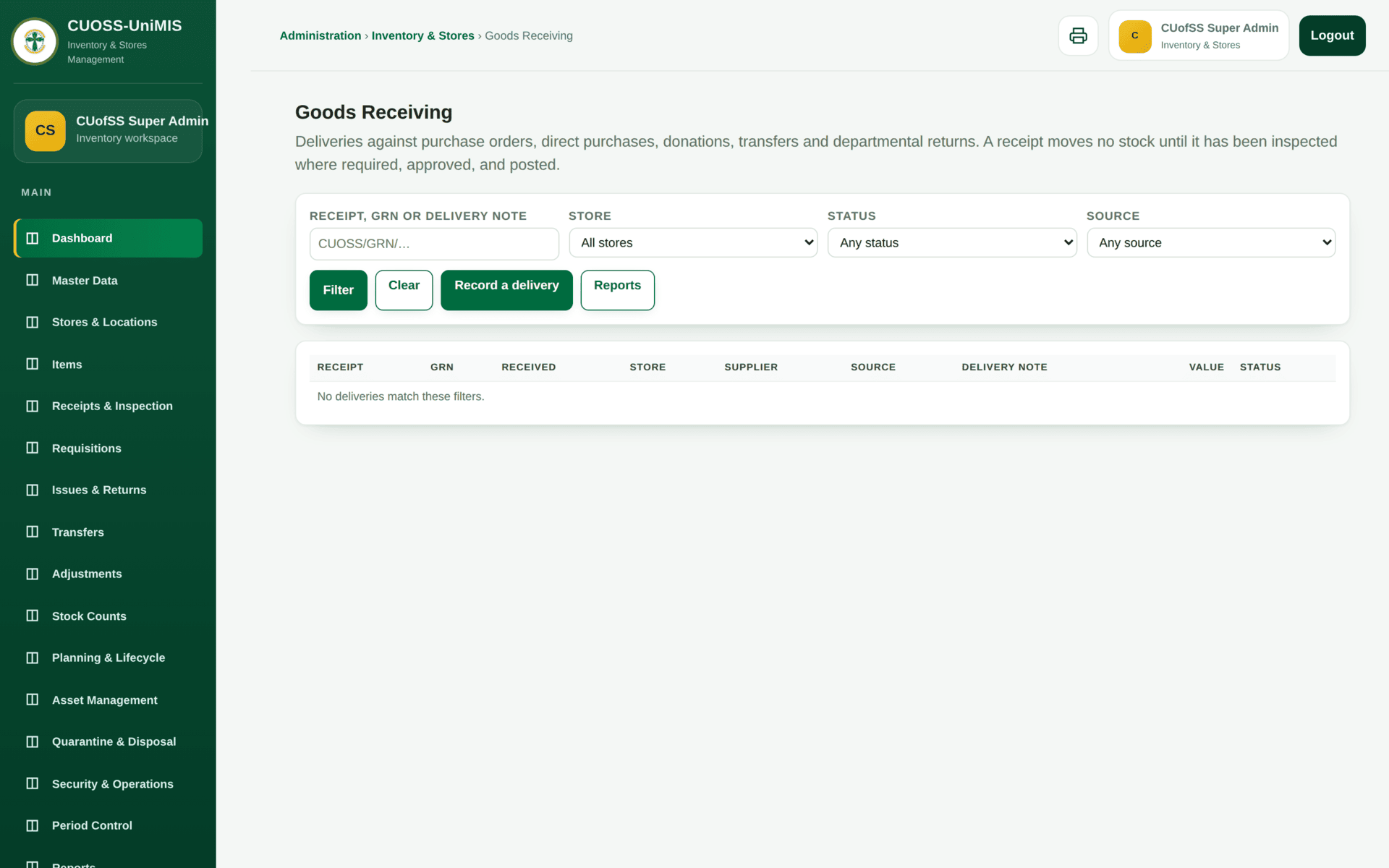
| Receipt | Receipts & Inspection | In | A purchase order, or an opening-stock load |
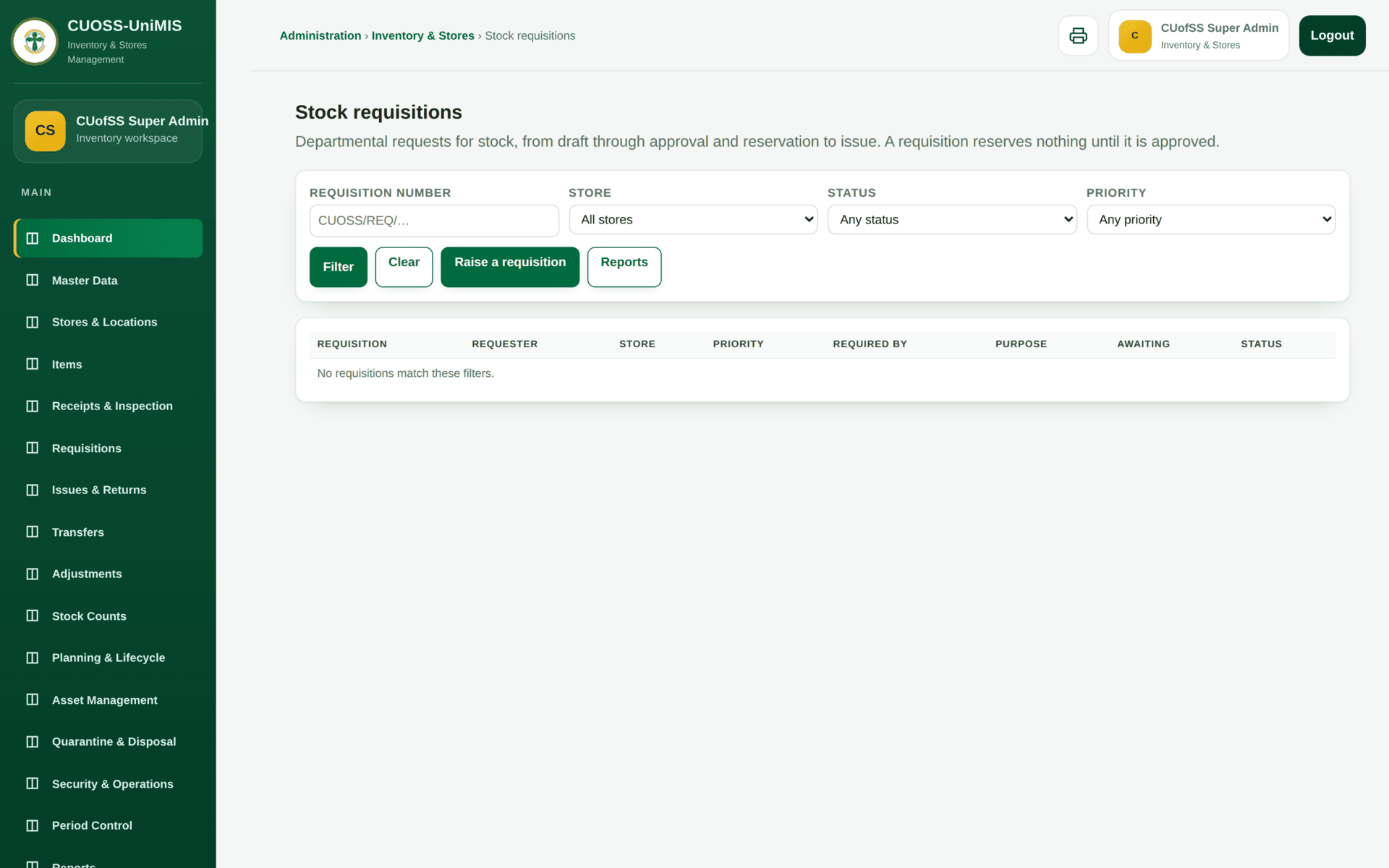
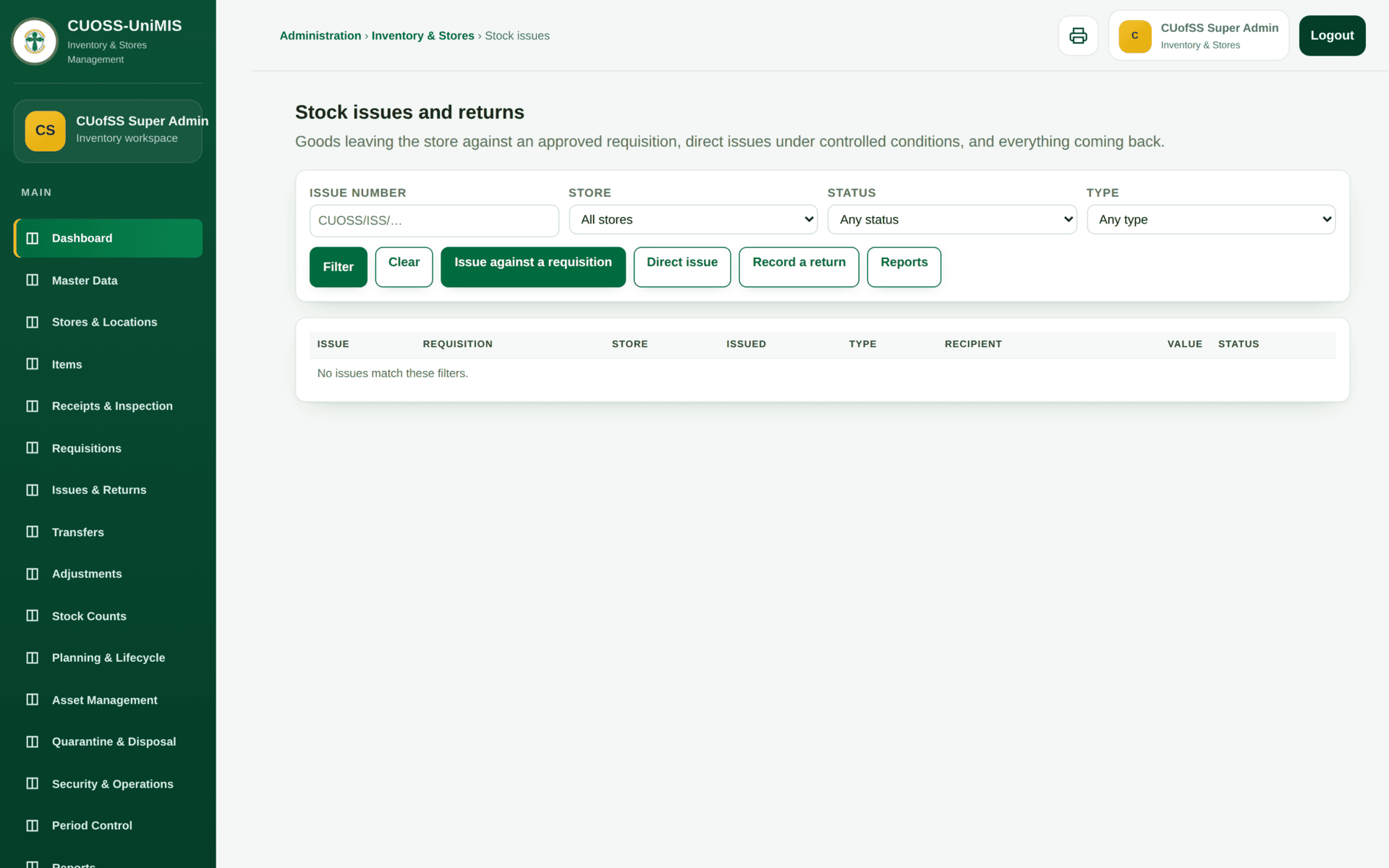
| Issue | Issues & Returns | Out, to a department | An approved requisition |
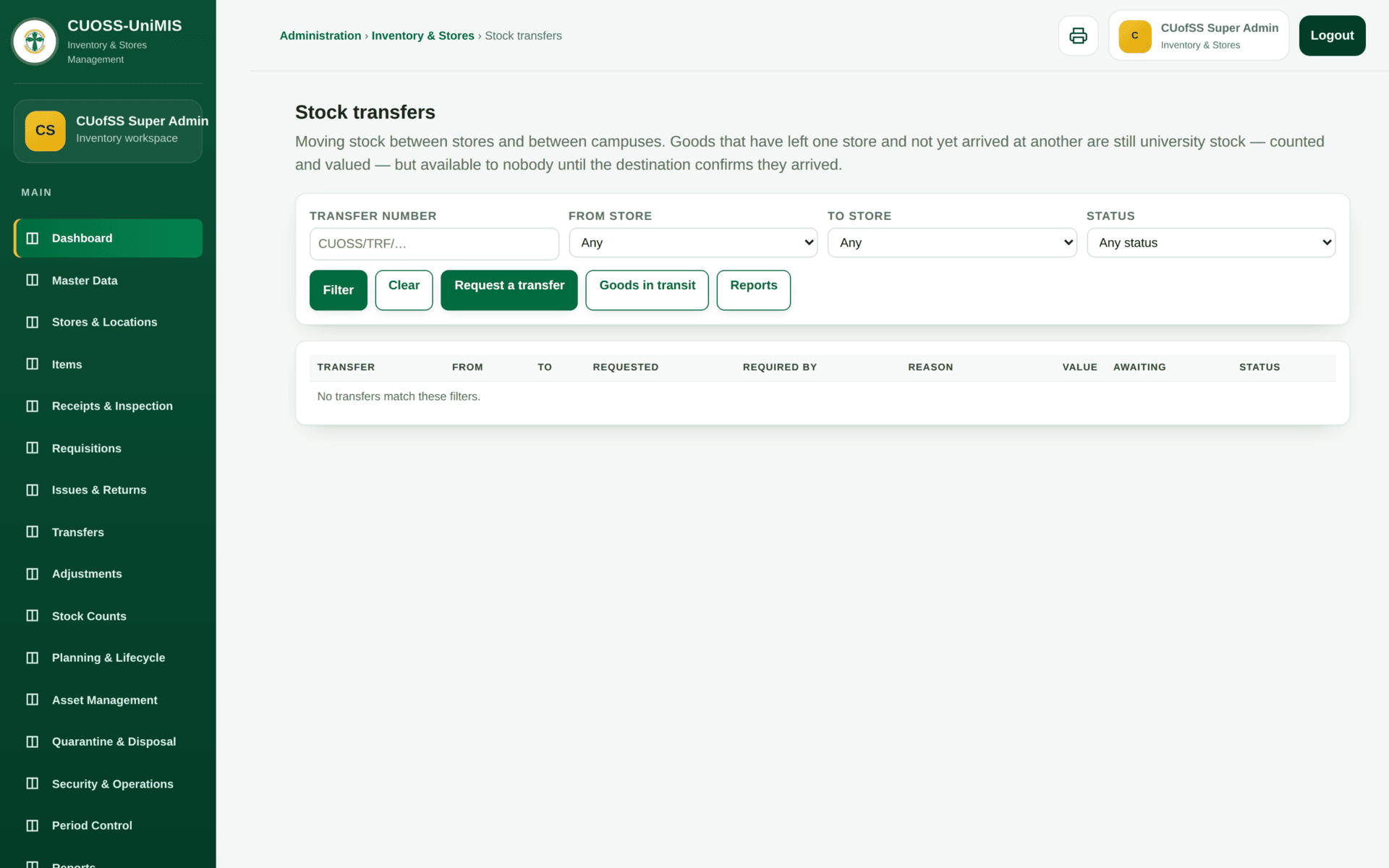
| Transfer | Transfers | Between stores | Both stores defined; goods in transit are tracked |
| Adjustment | Adjustments | Up or down, with a reason | Approval — this is the movement auditors read first |
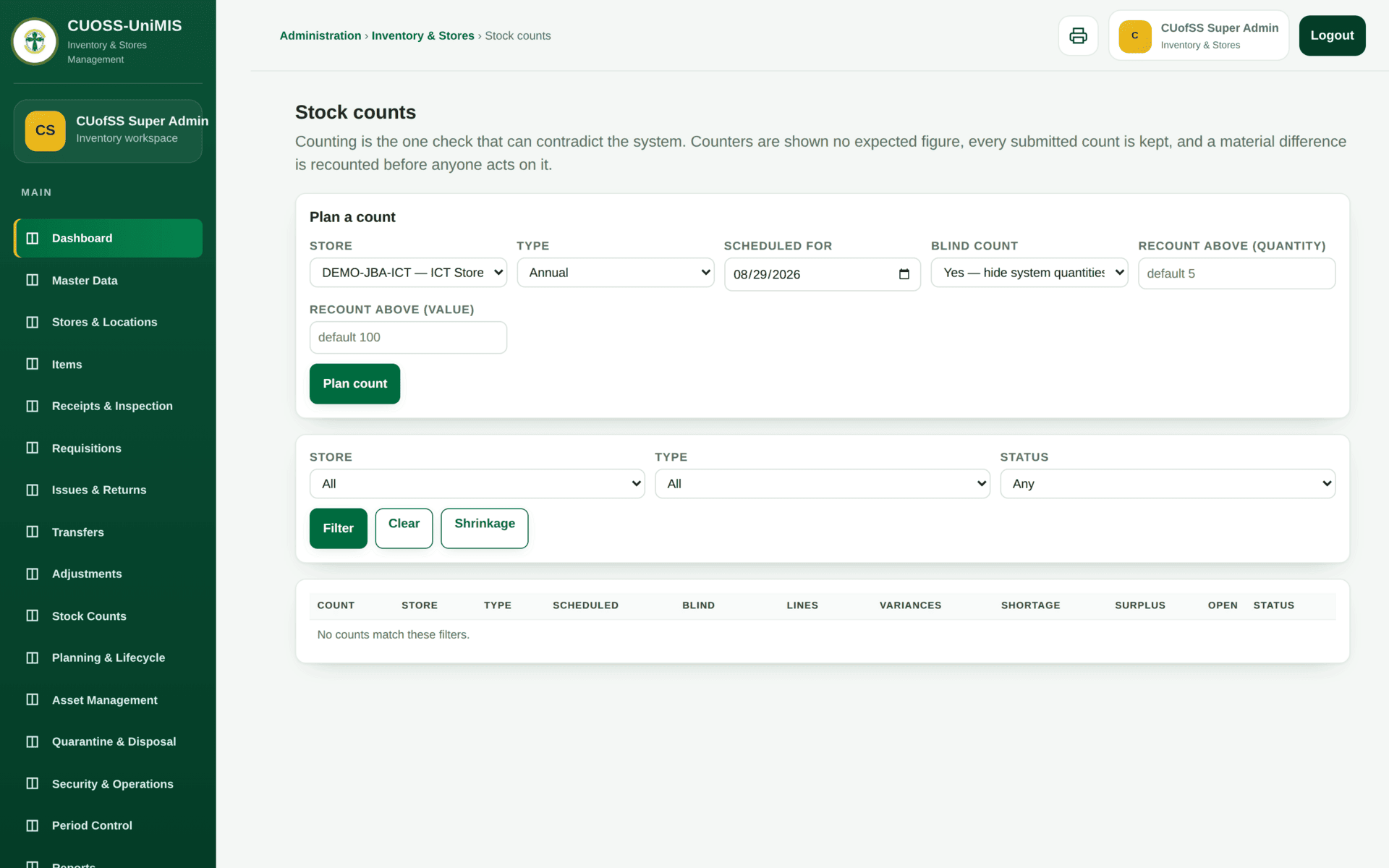
| Count | Stock Counts | Nowhere; it establishes truth | A count sheet, and sign-off on the variance |
Worked example
The Registry asks for 10 reams of A4 paper
| 1. Check availability | Requisitions → Availability — Standard A4 Photocopy Paper at Main Store Juba. The dashboard's Low Stock Alerts already flags it at 5.00 available against a reorder level of 23.00 |
| 2. Not enough | Two paths: transfer from another store, or raise a procurement requisition. Do not issue stock you do not have — a negative position is worse than a delay |
| 3. Requisition | Registry raises one for 10 reams. It goes to Pending Approvals |
| 4. Approve | The store manager approves against availability |
| 5. Issue | Issues & Returns → issue against the requisition. Stock on hand falls by 10; the issue is attributed to Registry |
| 6. Value | Valuation reflects the movement in the current period |
| 7. Later | At the count, the physical shelf and the system should agree. If not, an Adjustment with a reason — never a quiet edit |
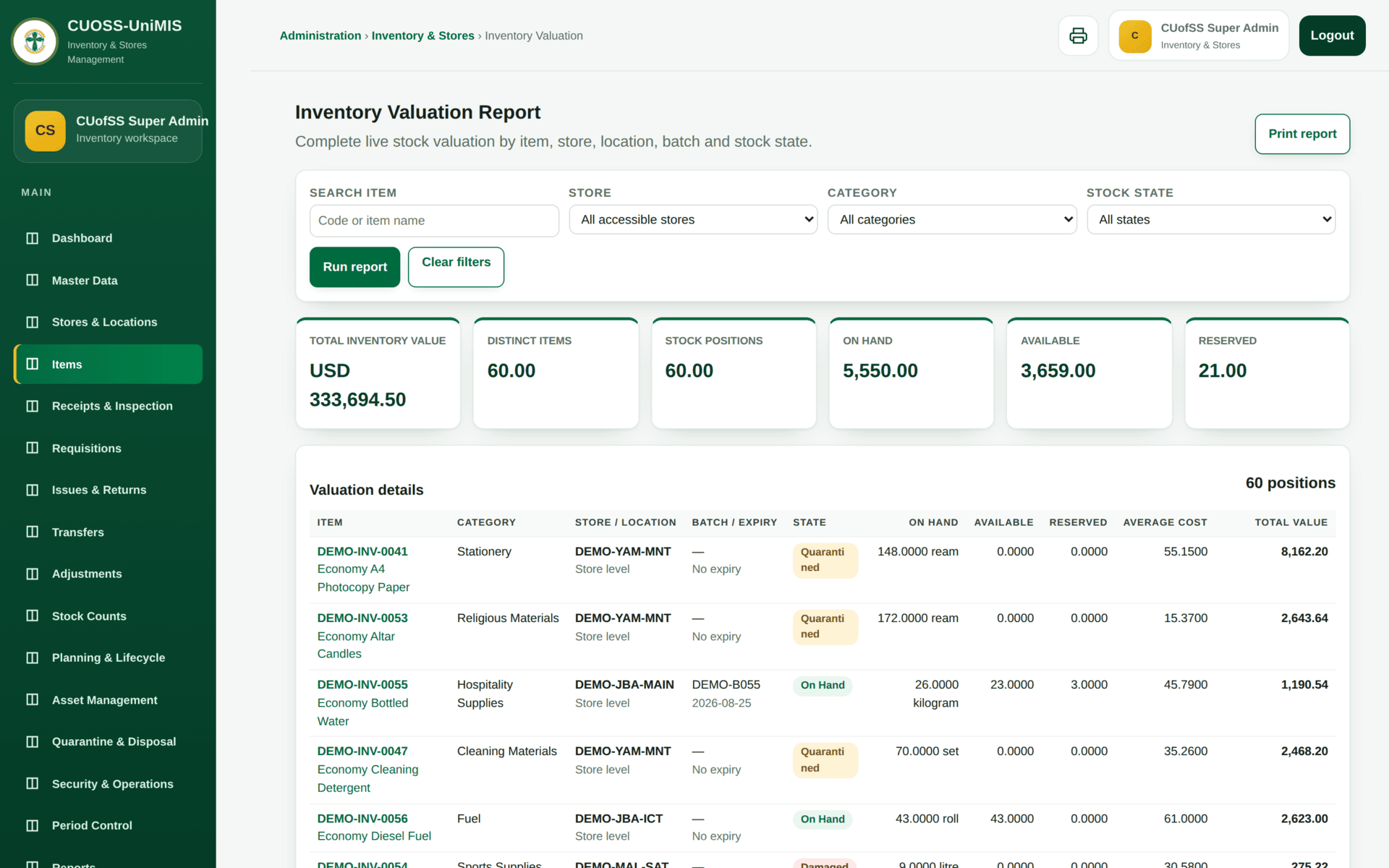
Periods, valuation and control
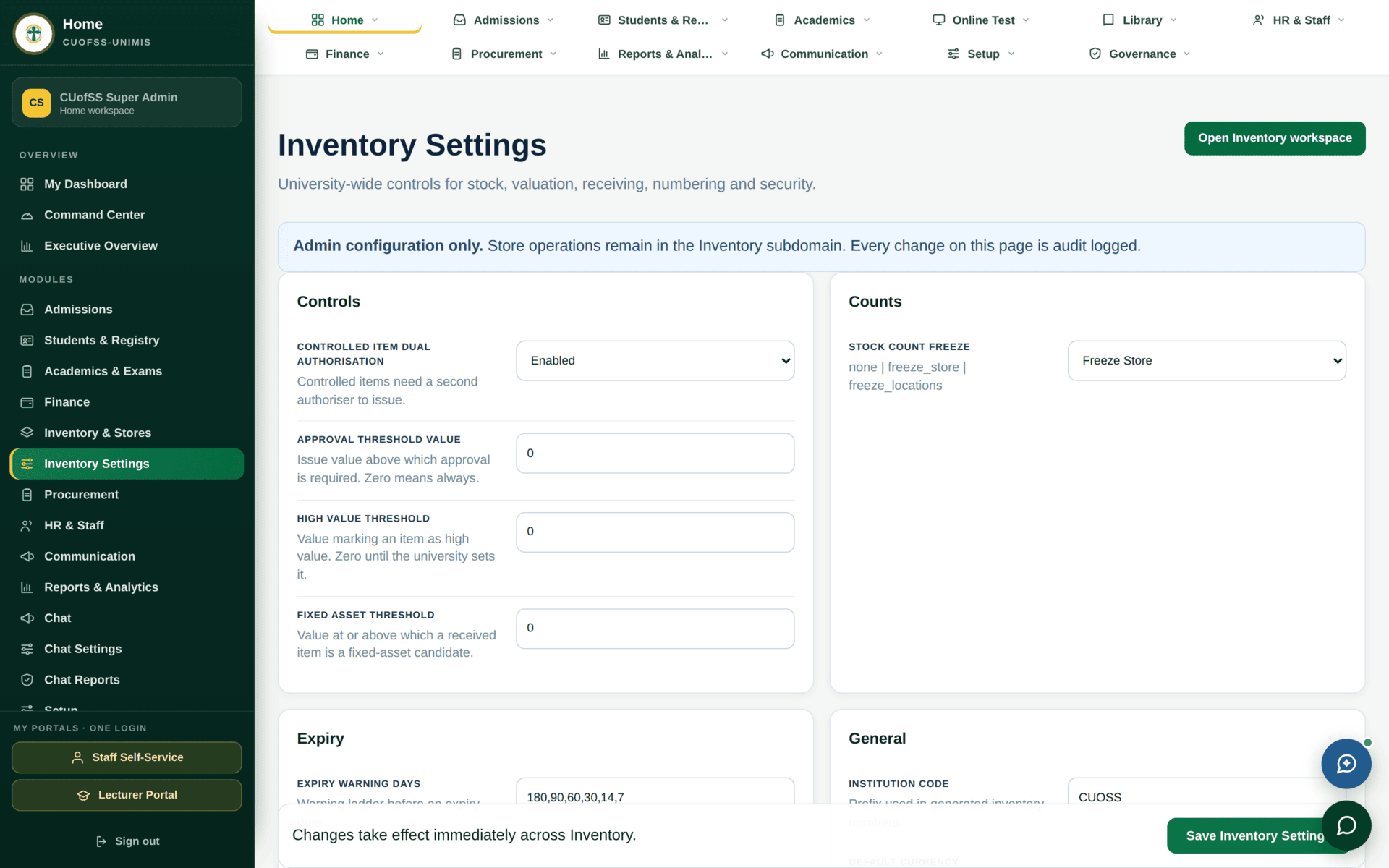
inventory.manage_settings,
separate from running the stores day to day.Period Control opens and closes inventory periods. Once a period is closed, movements cannot be posted into it — so a receipt for goods that arrived last month must either be dated into an open period or wait for a deliberate reopening. Close the period after the count, never before.
If stores will not behave
| Symptom | Cause | Fix |
|---|---|---|
| A movement refuses on its date | The inventory period is closed | Period Control |
| Stock is there but cannot be issued | It is Damaged or Quarantined, not On hand | Stock Status Summary — only On hand is issuable |
| A count does not agree and nothing is missing | Stock is in transit between stores | Transfers → Transit |
| Columns appear to be missing from a table | The table is wider than the window | Scroll the table sideways |
| An item cannot be requisitioned | It is not in the catalogue | Use the non-catalogue requisition route, or add the item |
| Goods arrived through procurement but stock did not move | Procurement receiving and inventory receipt are two records | Receipts & Inspection |
| Asset Management looks empty | Assets are a separate phase from stock | See Accounting — Asset Management is not yet in service |