HR & staff
HR holds the record of every employee from appointment to separation. It is the most tightly scoped module in the system — what you see depends on your campus, faculty and department, and the most sensitive fields need a grant made to you personally, not to your role.
Maintaining staff records, contracts, leave and the employment lifecycle.
HR ManagerHR OfficerDean and HOD (their own people)DVC-Admin & Finance
- Staff categories, employment types and designations configured
- Faculties and departments
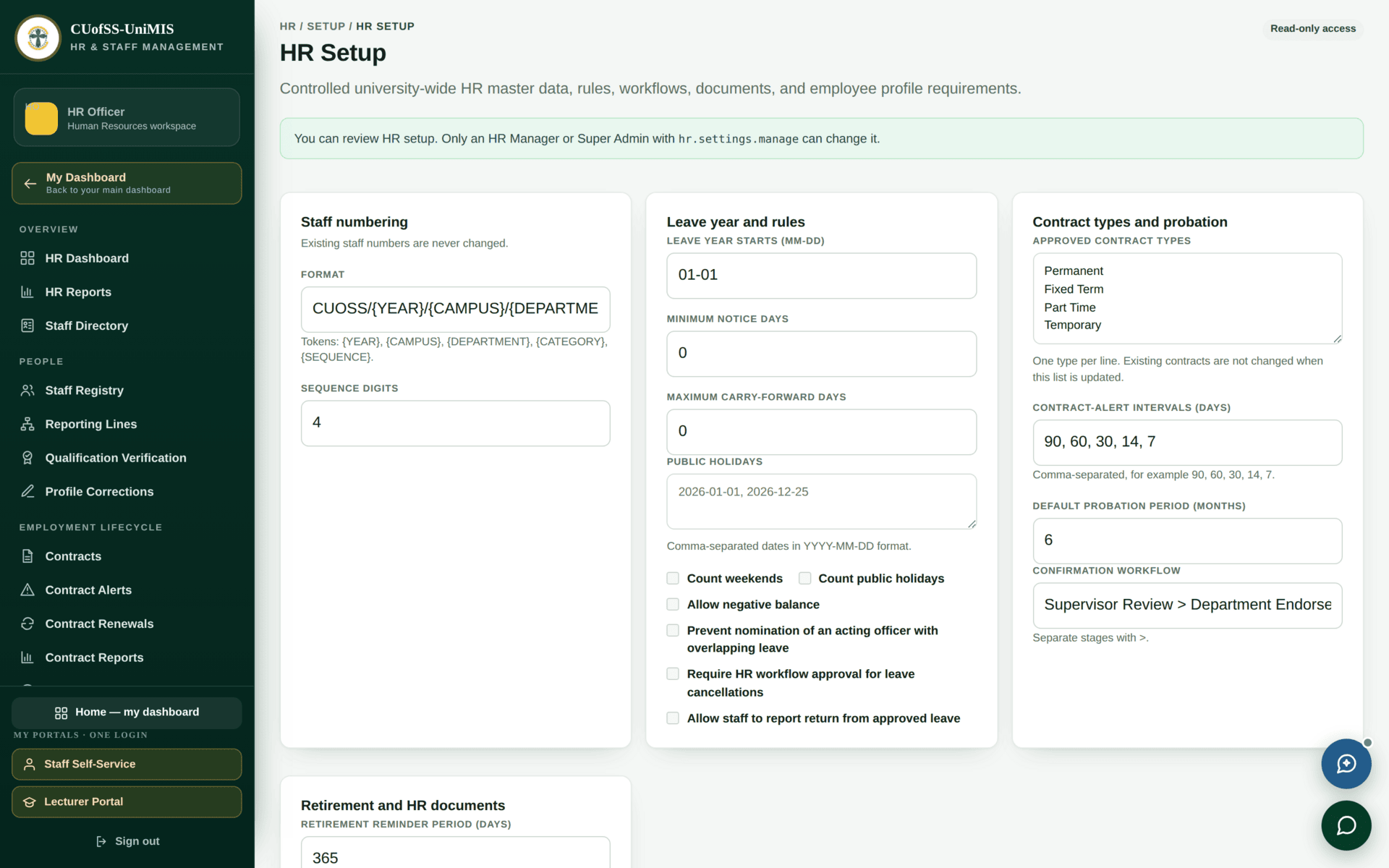
- HR settings including the staff-number format
Staff records that the lecturer portal, timetable, payroll and clearance all read.
The HR dashboard
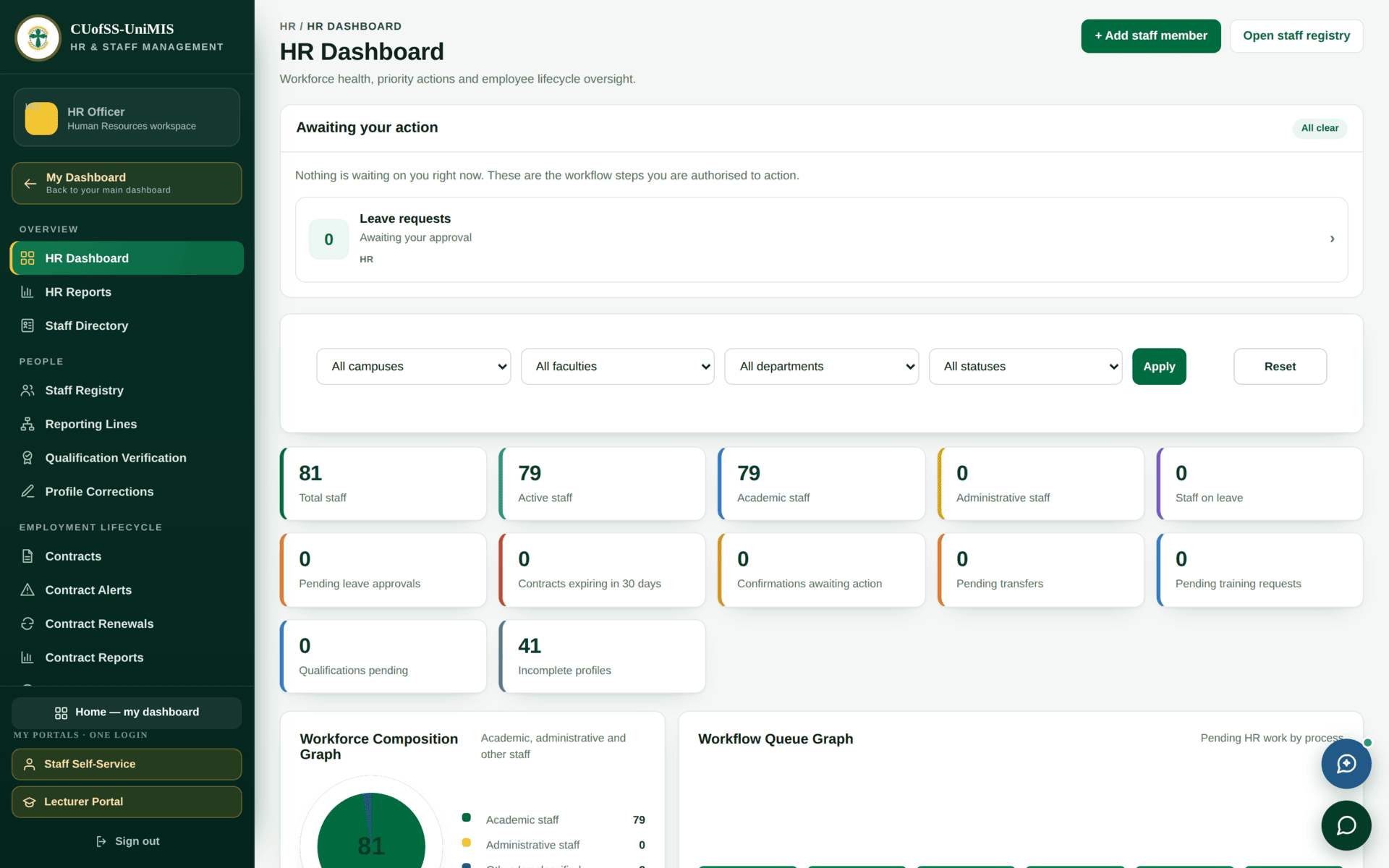
| Tile | Watch it because |
|---|---|
| Contracts expiring in 30 days | An expired contract quietly removes someone's access and their place on a timetable |
| Confirmations awaiting action | Probation confirmations have deadlines with employment-law consequences |
| Qualifications pending | Unverified qualifications on academic staff are an accreditation risk |
| Incomplete profiles | The quiet one. An incomplete profile is what stops someone reaching the lecturer portal or appearing on a report |
| Academic vs administrative staff | The split that decides who can open the lecturer portal |
Whether someone is academic or administrative staff is not a label — it is what opens the lecturer portal. At CUofSS everyone appointed as academic staff teaches, and Dean, HOD and Registrar are roles laid on top of that. A lecturer recorded in the wrong category will be refused at the teaching portal with a message about their password.
The staff registry
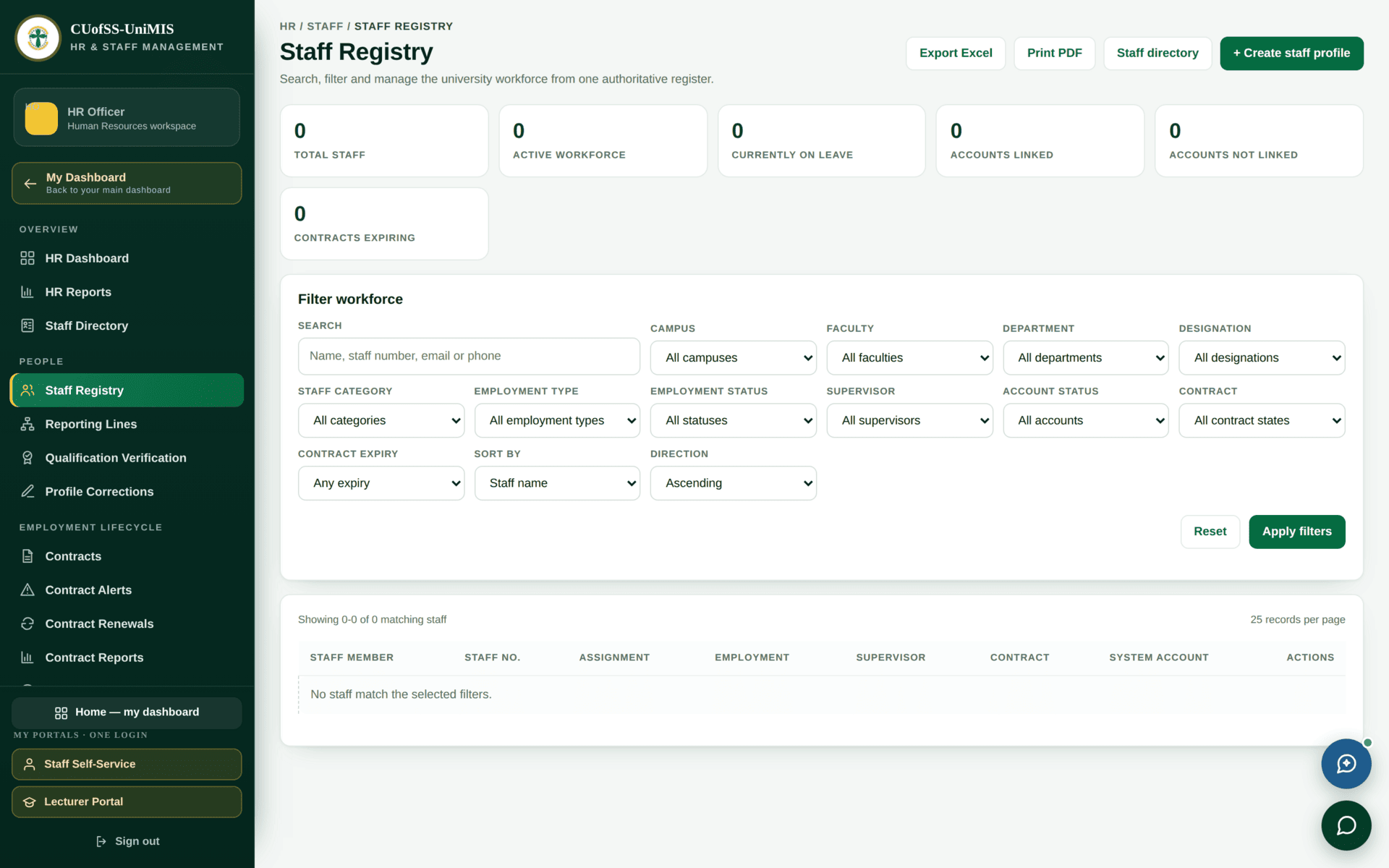
Staff numbers follow a configured format built from year, campus, department, category and a
sequence — something like
CUOSS/2026/JBA-SS-01/DAGR/ACADEMIC/0003. They are generated. A hand-made number looks
fine and then fails to match anywhere it is used.
Creating a Dean's profile requires a department even though the Dean is faculty-scoped, and the department must belong to the faculty. Set the profile's department, but leave the user's department empty so the Dean stays faculty-scoped rather than narrowing to one department. Get this wrong and the Dean holds the role but sees nothing.
The employment lifecycle
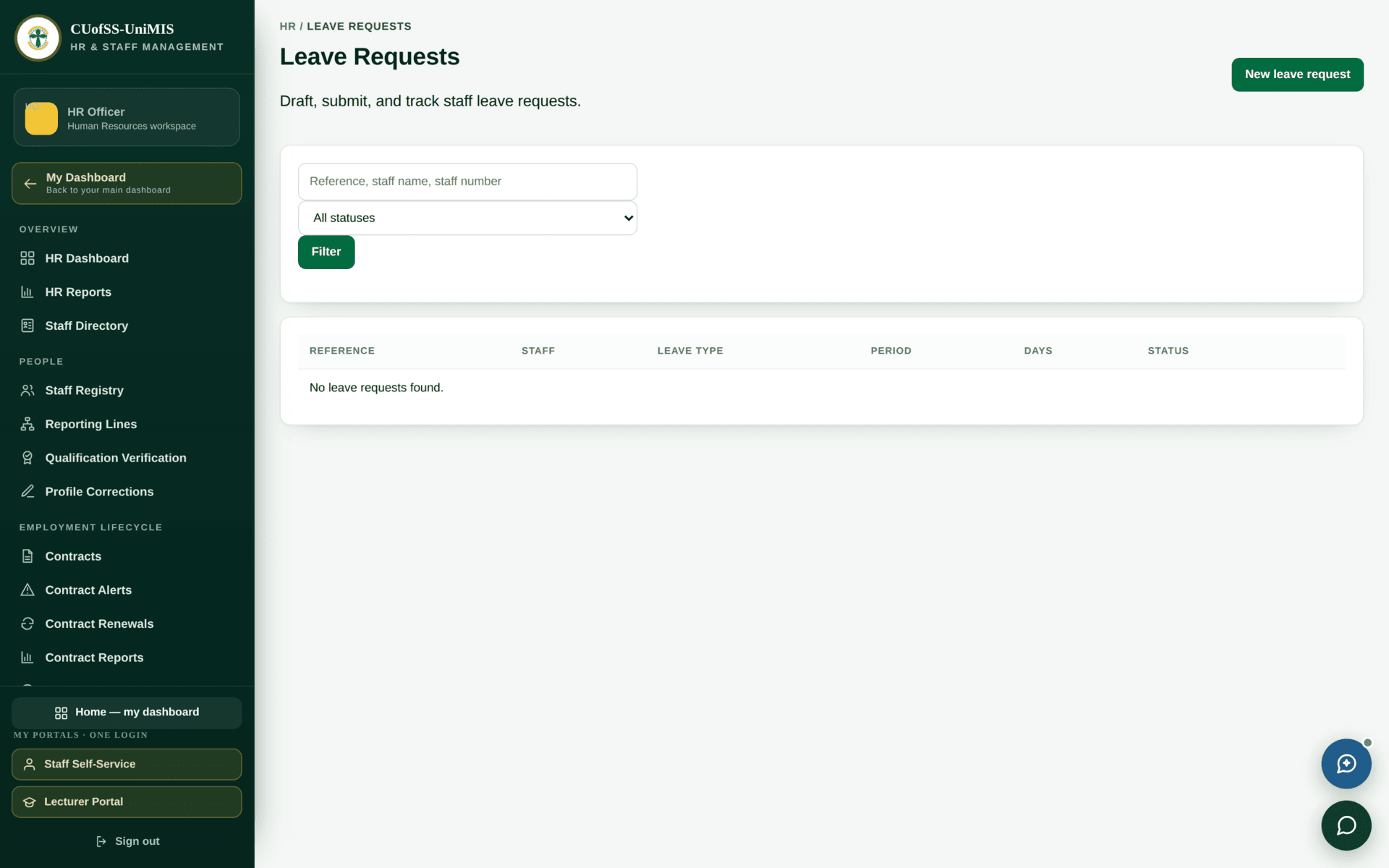
Leave requires a properly named approver in the supervisor chain; some other processes will accept any supervisor. After any change to reporting lines, re-stamp open drafts — a request created before the change may still name nobody, which looks exactly like a permission fault and is not one.
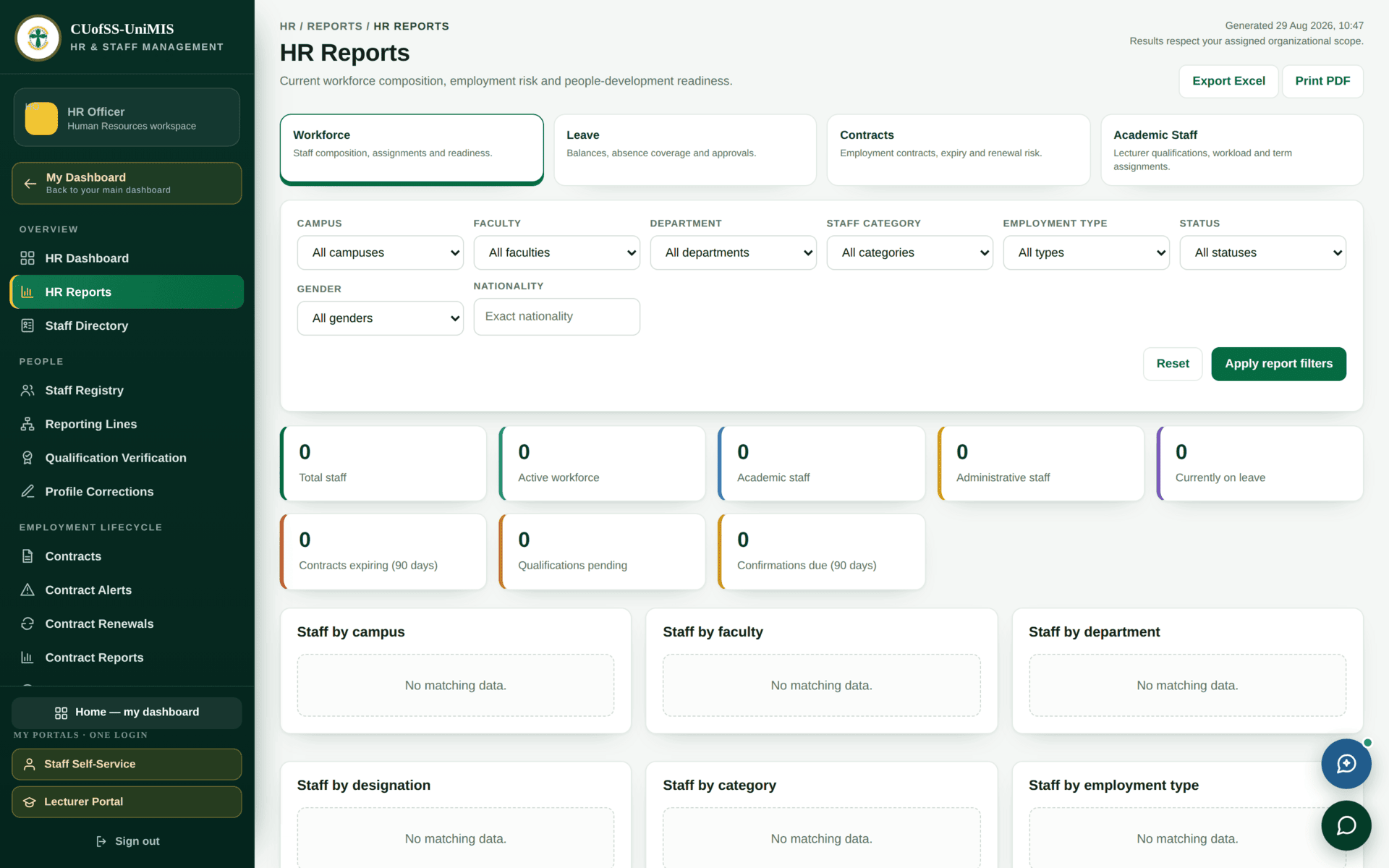
hr.view_reports.Scoping and sensitive data
HR is scoped more tightly than any other module. Two HR officers with identical roles can see different staff lists, because scope is applied per campus, faculty and department.
The most sensitive HR permissions are attached to Super Admin as a role, while everyone else needs a grant made to their individual account. That is deliberate — it makes access to salary and disciplinary information an explicit, auditable decision about a named person rather than a side effect of holding a job title.
It also means you cannot judge HR access by looking at a role. Use Access Summary and HR Governance to see who actually holds what.
Appointing a new lecturer so that everything downstream works
| 1. Profile | + Add staff member. Names, faculty, department, designation |
| 2. Category | Set staff category to Academic. This is what opens the lecturer portal — not the designation text |
| 3. Staff number | Let the system generate it |
| 4. Contract | Record the contract with its start and end dates. An expiring contract removes access, so the end date is not decorative |
| 5. Account | Link a user account and grant staff.portal.access. Confirm it is active — an inactive account is refused at every portal |
| 6. Role | Ask ICT to attach the Lecturer role — see Governance |
| 7. Courses | The HOD assigns courses. Until then the lecturer portal opens but is empty |
| 8. Verify | Have them sign in at /lecturer. If refused, check category and account status before anything else |
If HR refuses
| Symptom | Cause | Fix |
|---|---|---|
| Your staff list is shorter than a colleague's | Scope — campus, faculty or department | Expected. Confirm with Access Summary |
| You cannot see salary or disciplinary detail | Sensitive permissions are granted per user, not per role | Request it explicitly; it is meant to be a decision |
| A lecturer cannot open the teaching portal | Staff category is not academic, or the account is inactive | The staff profile, then the user account |
| A Dean sees nothing | Their user record has no faculty, or has a department that narrows them | Set faculty; leave the user's department empty |
| A leave request names no approver | It was drafted before the reporting line changed | Re-stamp open drafts after any supervisor change |
| Someone lost access overnight | Their contract expired | Contract Alerts and Contract Renewals |